Your AI assistant, inside your ERP, on a short leash.
Dika Ops speaks the Model Context Protocol. Connect the AI assistant your team already uses, and it can look up orders, stock and customers, draft quotes and raise requests. Every call runs with a scoped token, inside the same permissions and approval rules as a person.
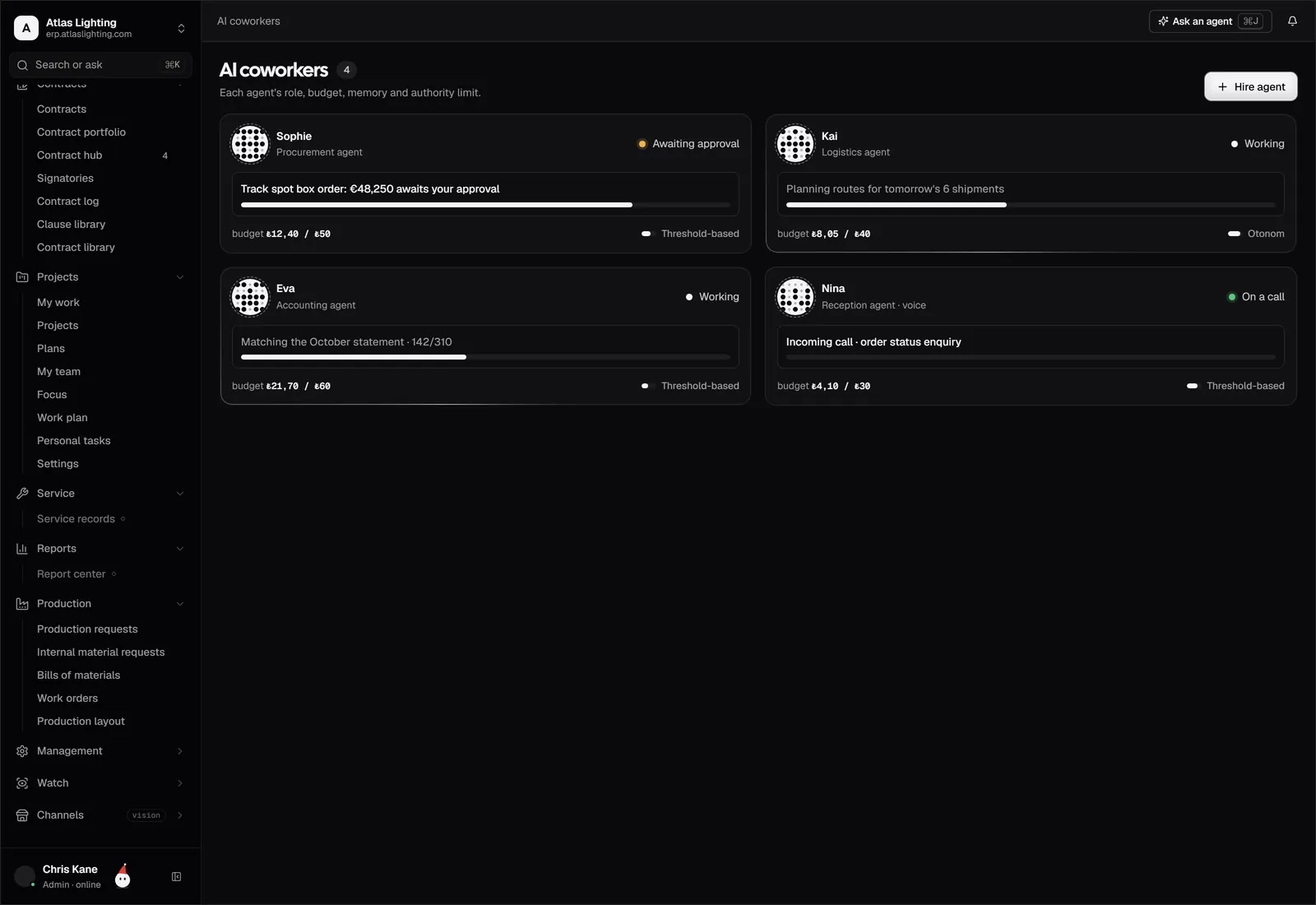
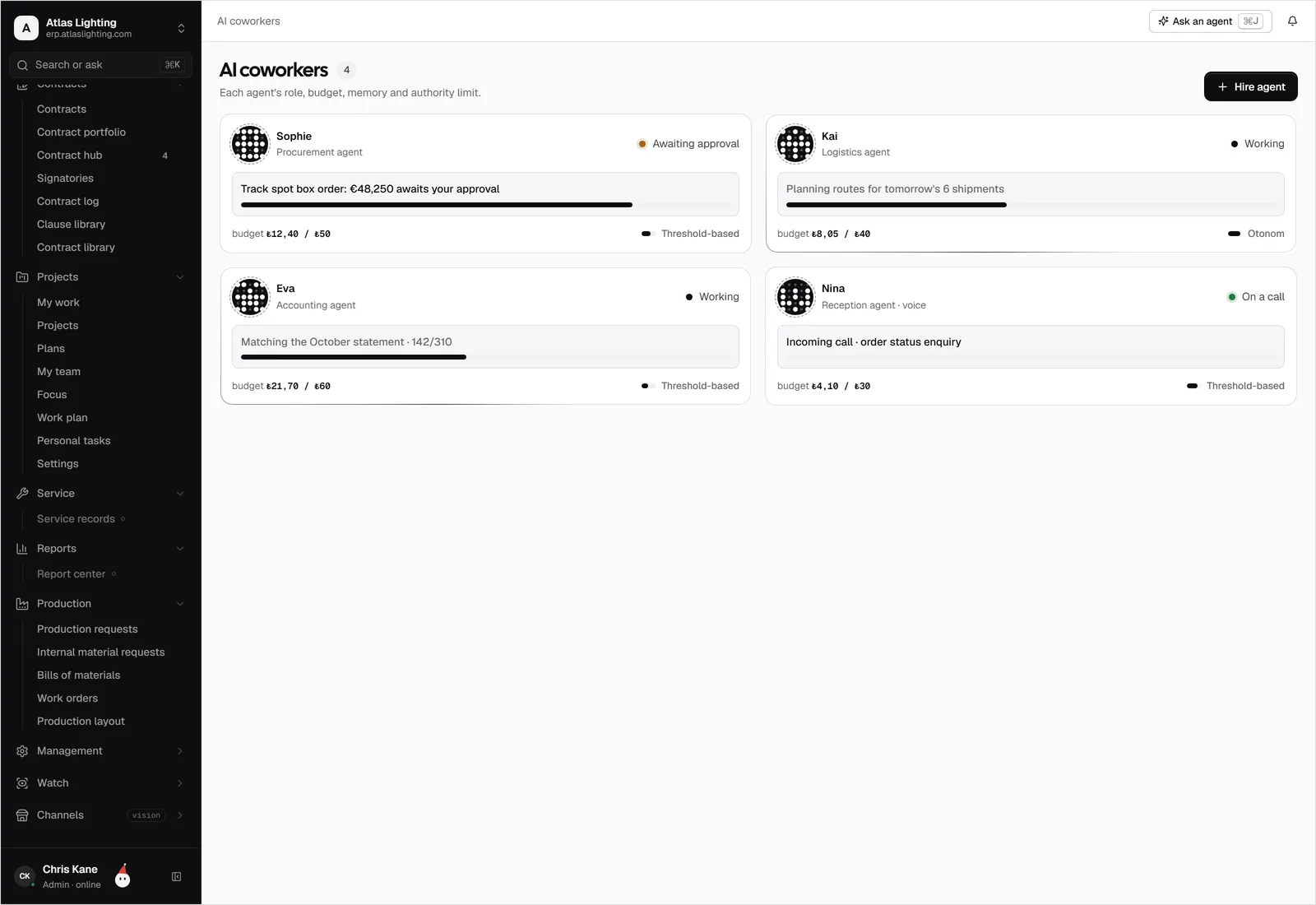
MCP server, piece by piece.
Let AI assistants work with your Dika Ops data, under your permissions.
What teams use it for.
What did this customer order last quarter, and what is still open? The assistant answers from live records.
Let the assistant prepare a quote or a purchase request, and a person signs it off.
Combine Dika Ops with the other MCP servers your team uses, with no custom code.
Connected in four steps.
- 01
Create an API token for the assistant and pick the scopes it may use.
- 02
Add the Dika Ops MCP server address and the token to your AI assistant.
- 03
Choose which tools are allowed: read only, drafts, or actions with approval.
- 04
Watch the audit log for the first days, then widen the scopes when you are comfortable.
MCP server, answered.
Which assistants work with it?
Any assistant or agent framework that supports the Model Context Protocol can connect, using a token you create.
Can the assistant post invoices or pay suppliers?
Not on its own. Money moves only after a person approves, the same rule that applies to Dika Ops AI coworkers.
Does it see everything?
No. The token carries the permissions of the user or service it belongs to, enforced in the database.
Can I switch it off?
Yes. Revoke the token or turn the MCP server off in Settings, and every connection stops at once.
Run the whole company from one place.
Dika Ops is in closed beta. We onboard a few companies at a time and set everything up with you.