Your customers' account, in their hands.
A branded portal where each customer manages their whole account with you: quotes, orders, shipments, invoices, subscriptions, contracts, support, and a named account manager. Suppliers get their own portal for tenders.
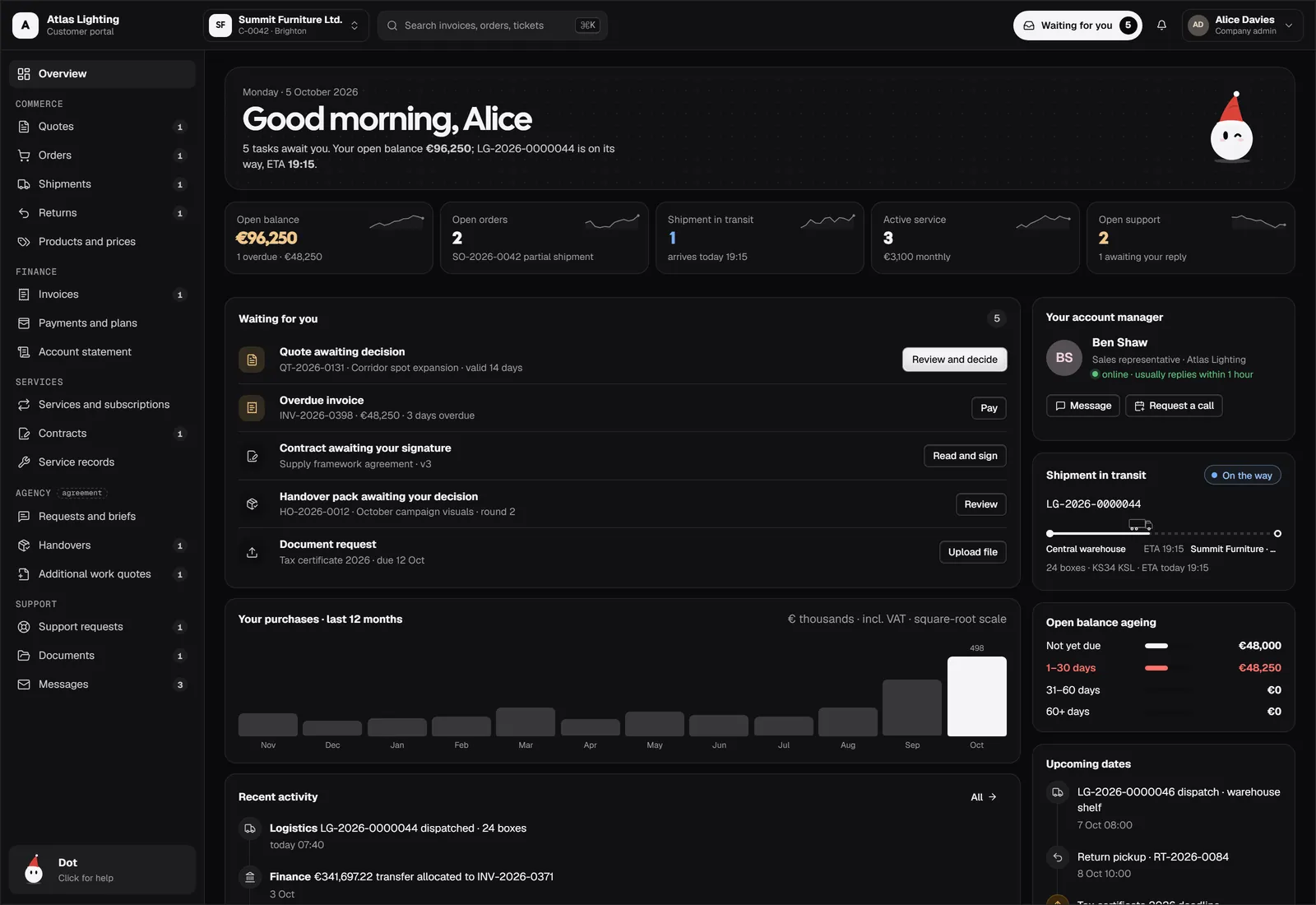
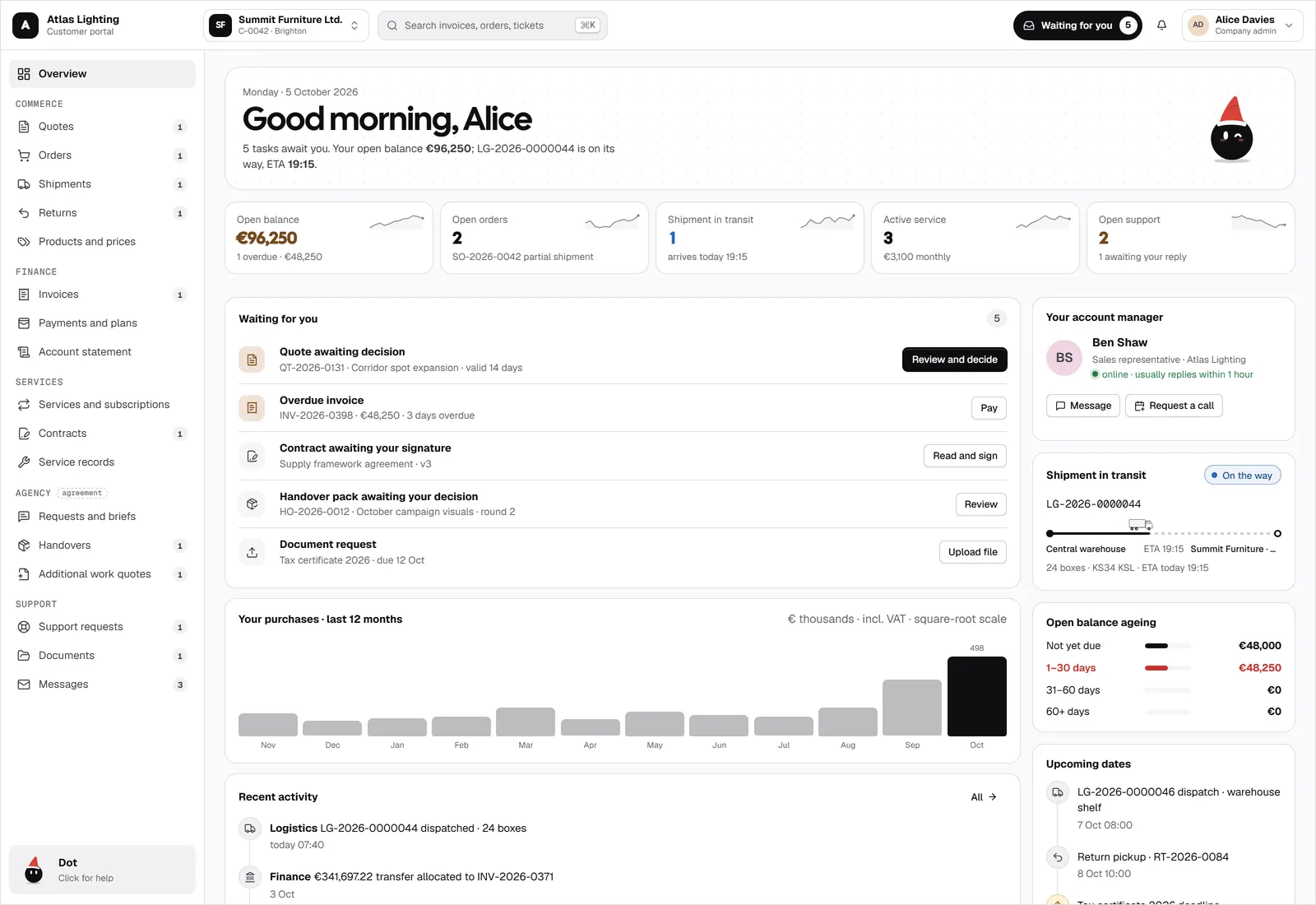
One overview, everything waiting
Customers open the portal and see what needs them: a quote to decide, an invoice to pay, a contract to sign. Their balance, orders, and shipments are right there.
- Waiting-for-you list with one-click actions
- Open balance, orders, shipments, and service at a glance
- Purchases over the last 12 months
A named account manager
Every customer sees who looks after them, when they are online, and how fast they usually reply. One click to message or book a call.
- Assigned sales representative
- Online status and reply time
- Message or request a call
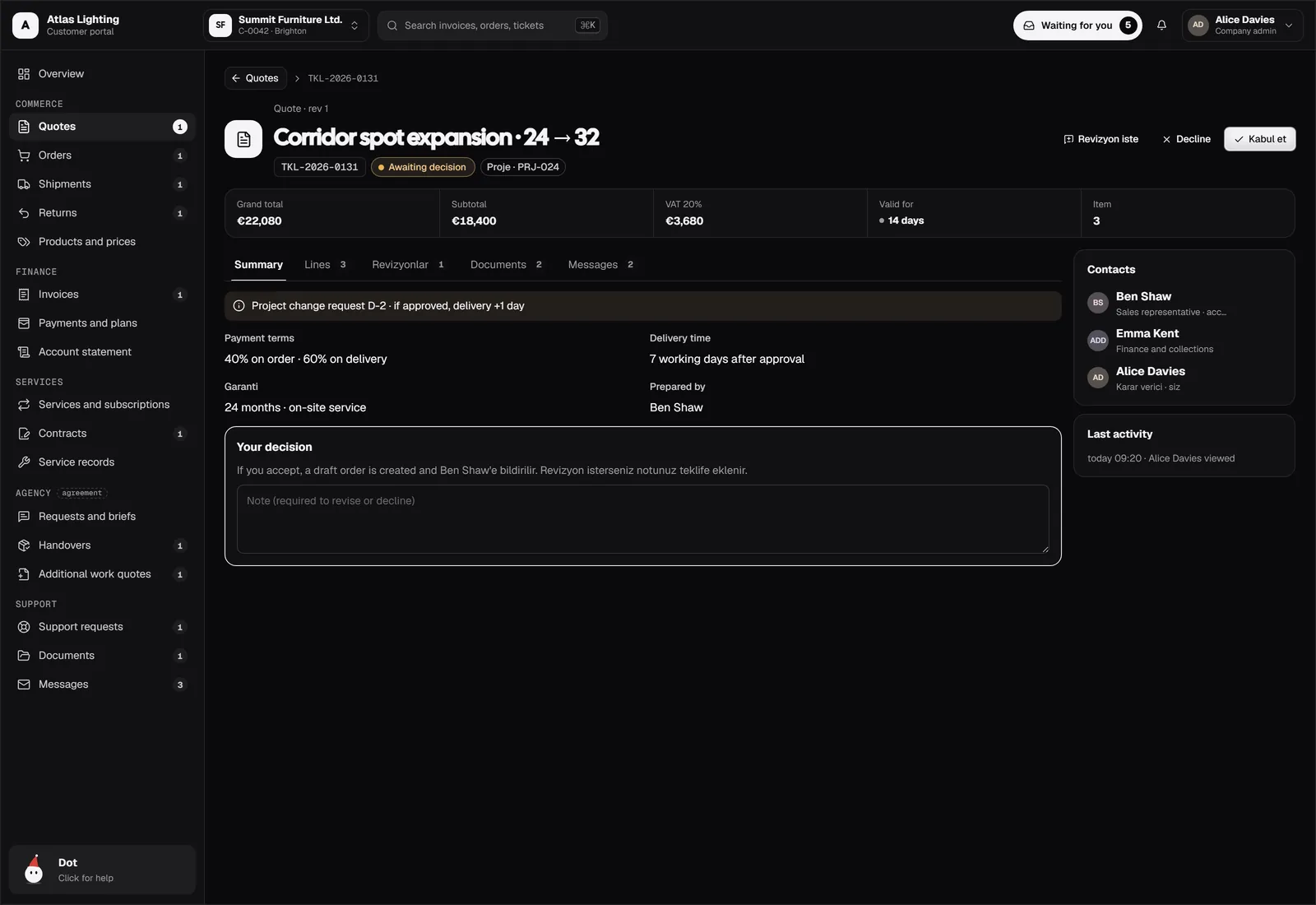
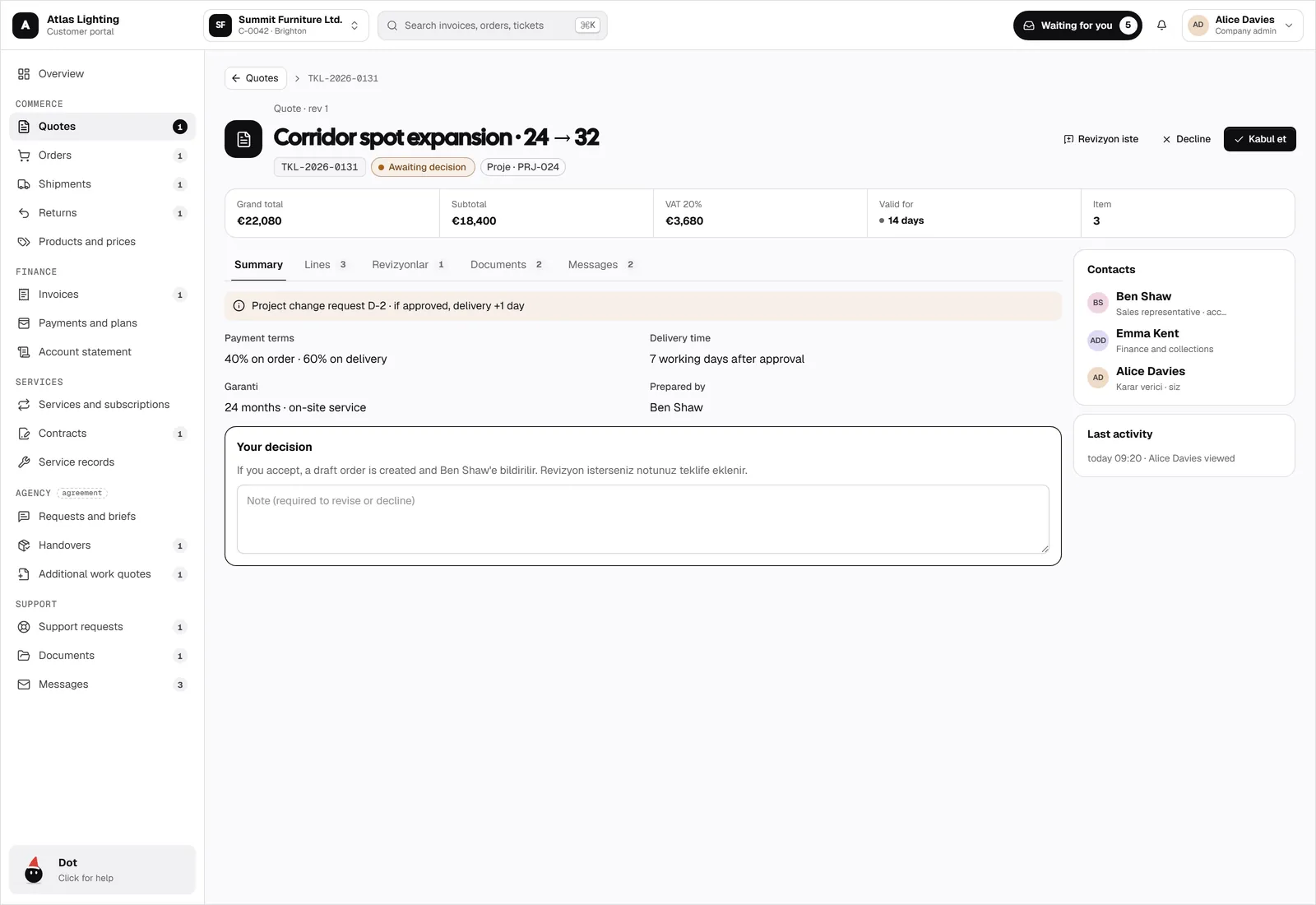
Quotes they can decide on
Customers review lines, payment terms, and delivery time, then accept, ask for a revision, or decline with a note. Accepting creates the order.
- Accept, revise, or decline with a note
- Change requests with new delivery dates
- Every view and decision on the record
Orders and shipments, live
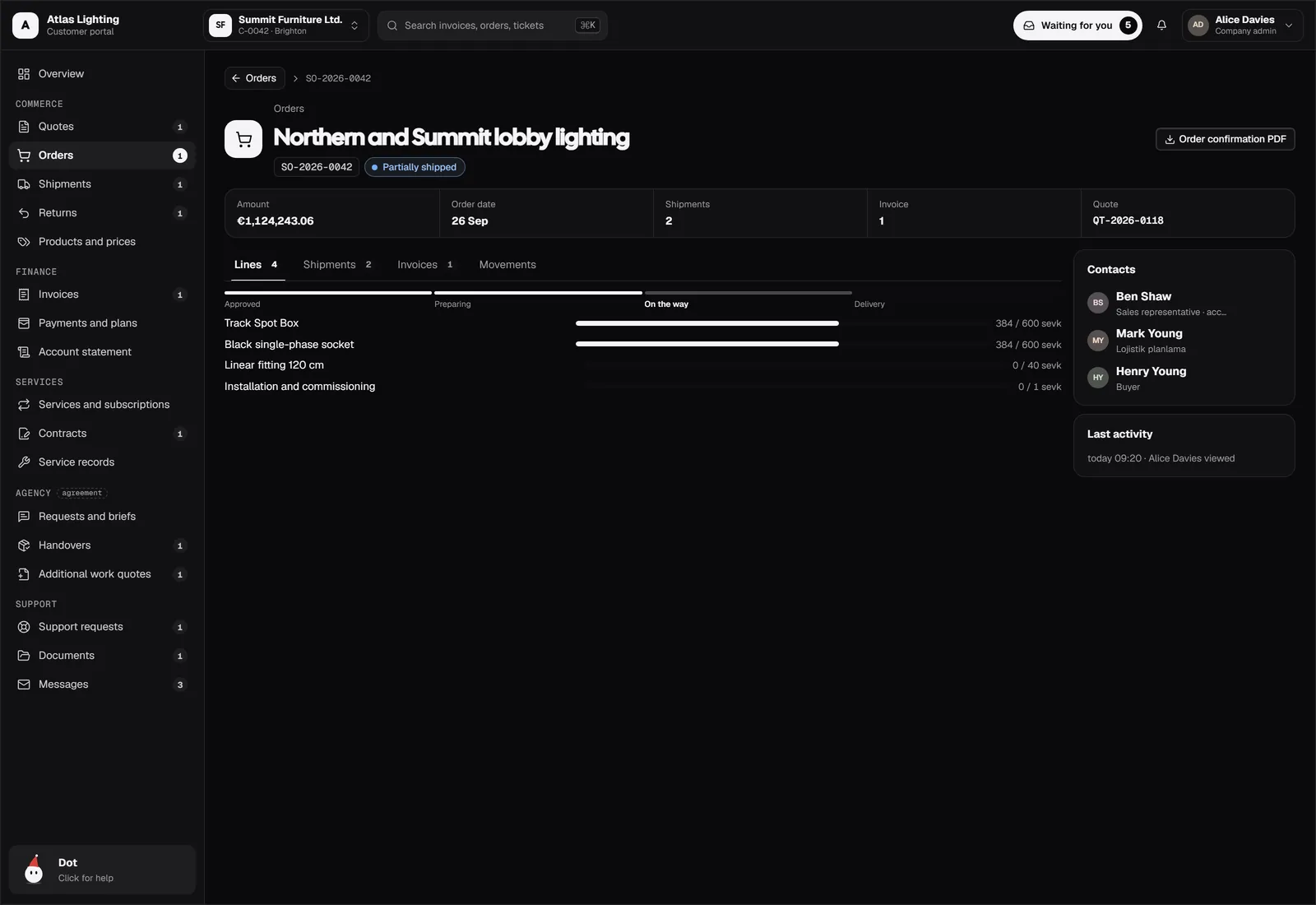
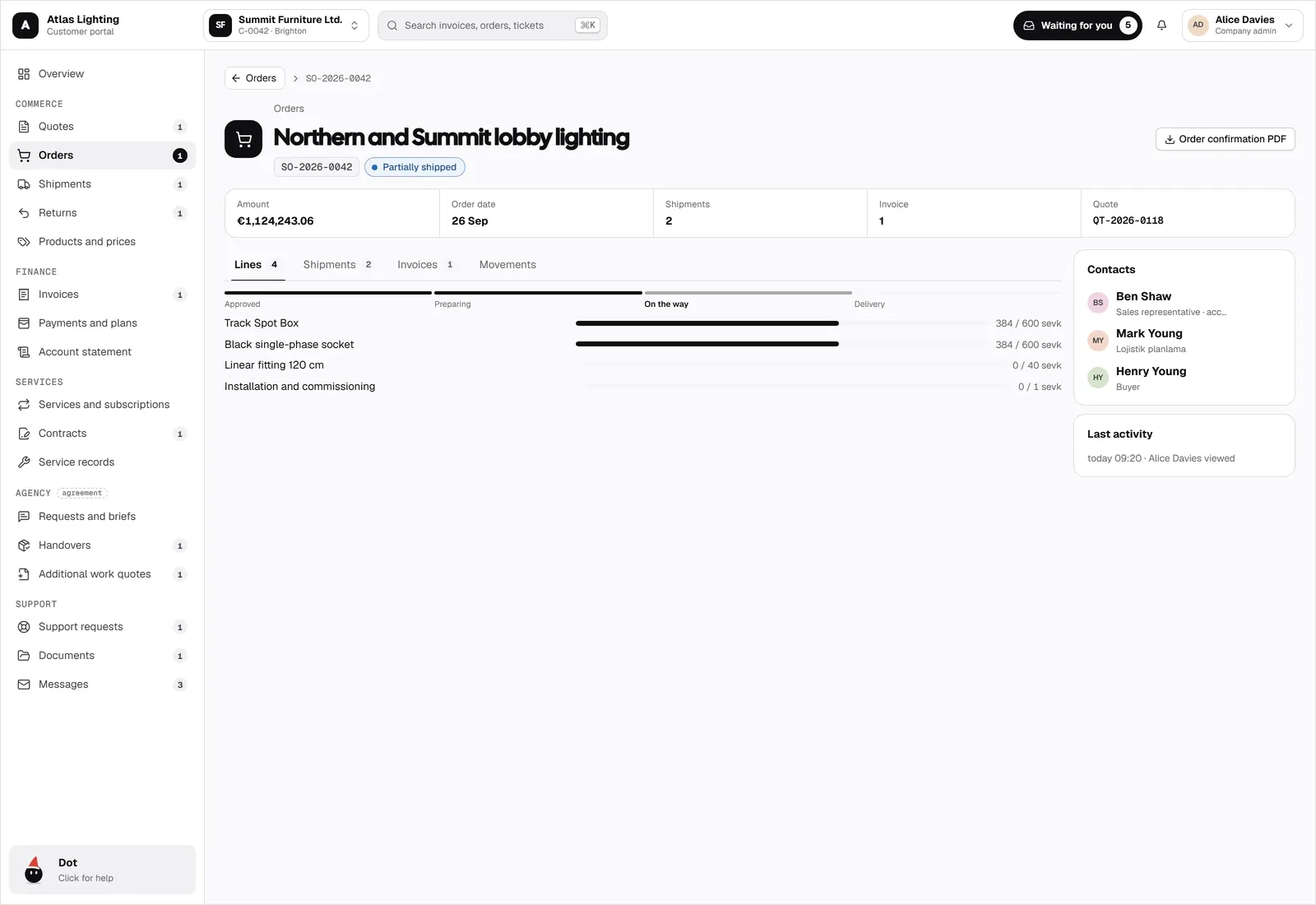
Each order shows its lines, progress, shipments, and invoices. Shipments show packages, the vehicle, and the arrival time.
- Order progress per line
- Live shipment tracking with ETA
- Delivery preferences and proof of delivery
Invoices, payments, and statements
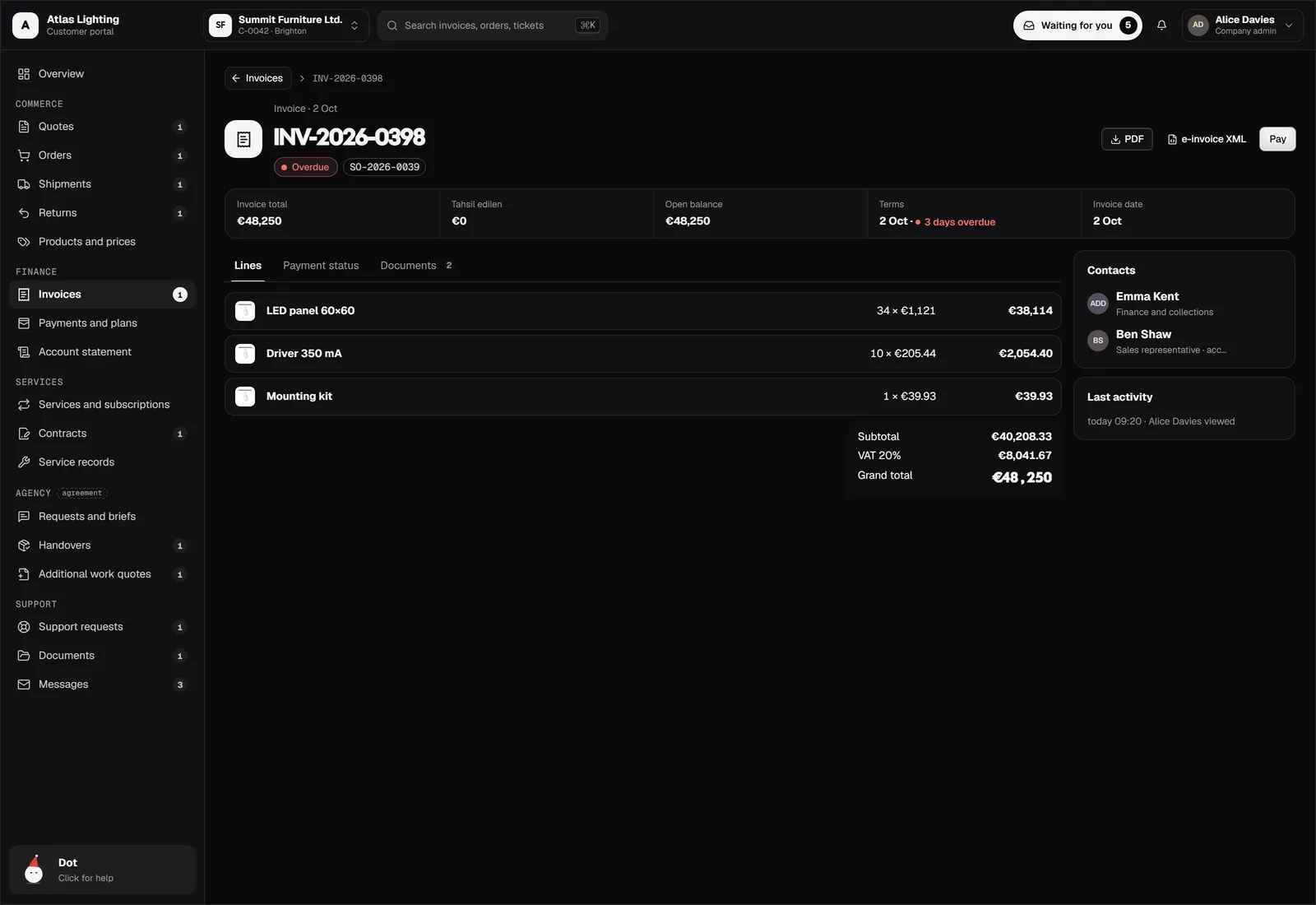
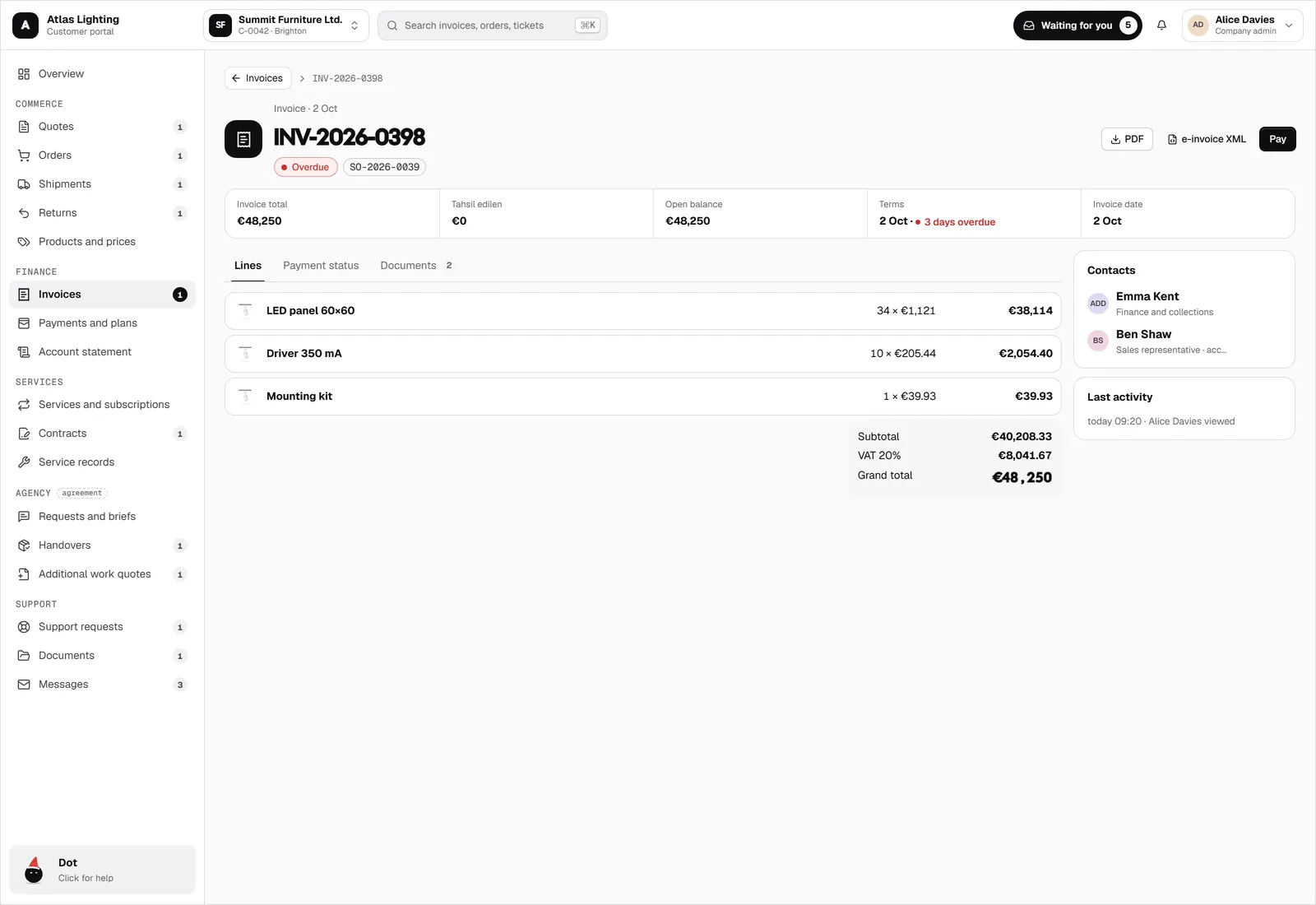
Customers download invoices, pay what is due, set up payment plans, and see their account statement without calling finance.
- Invoices with PDF and e-invoice XML
- Payment plans and collections
- Account statement and ageing
Services and subscriptions
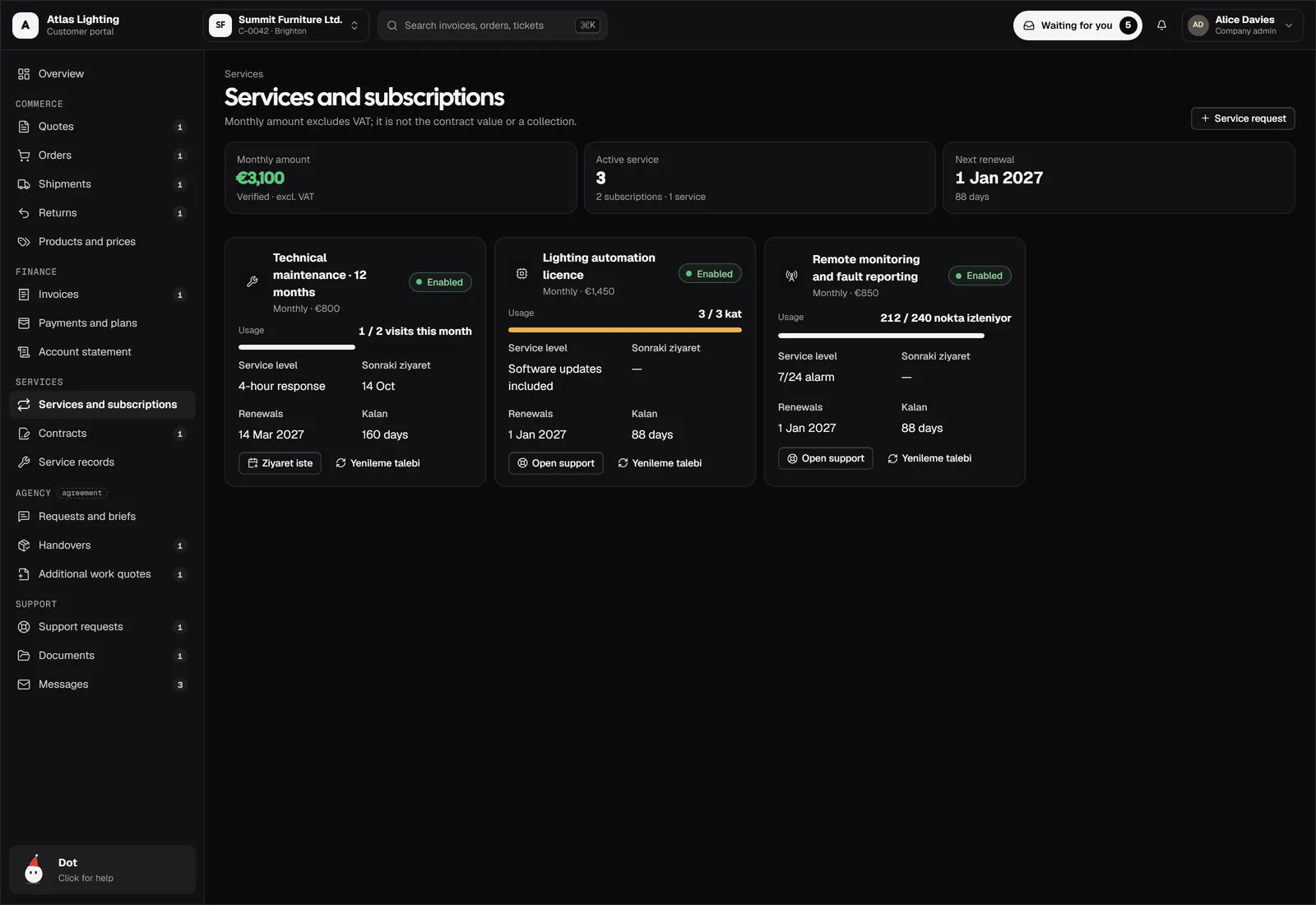
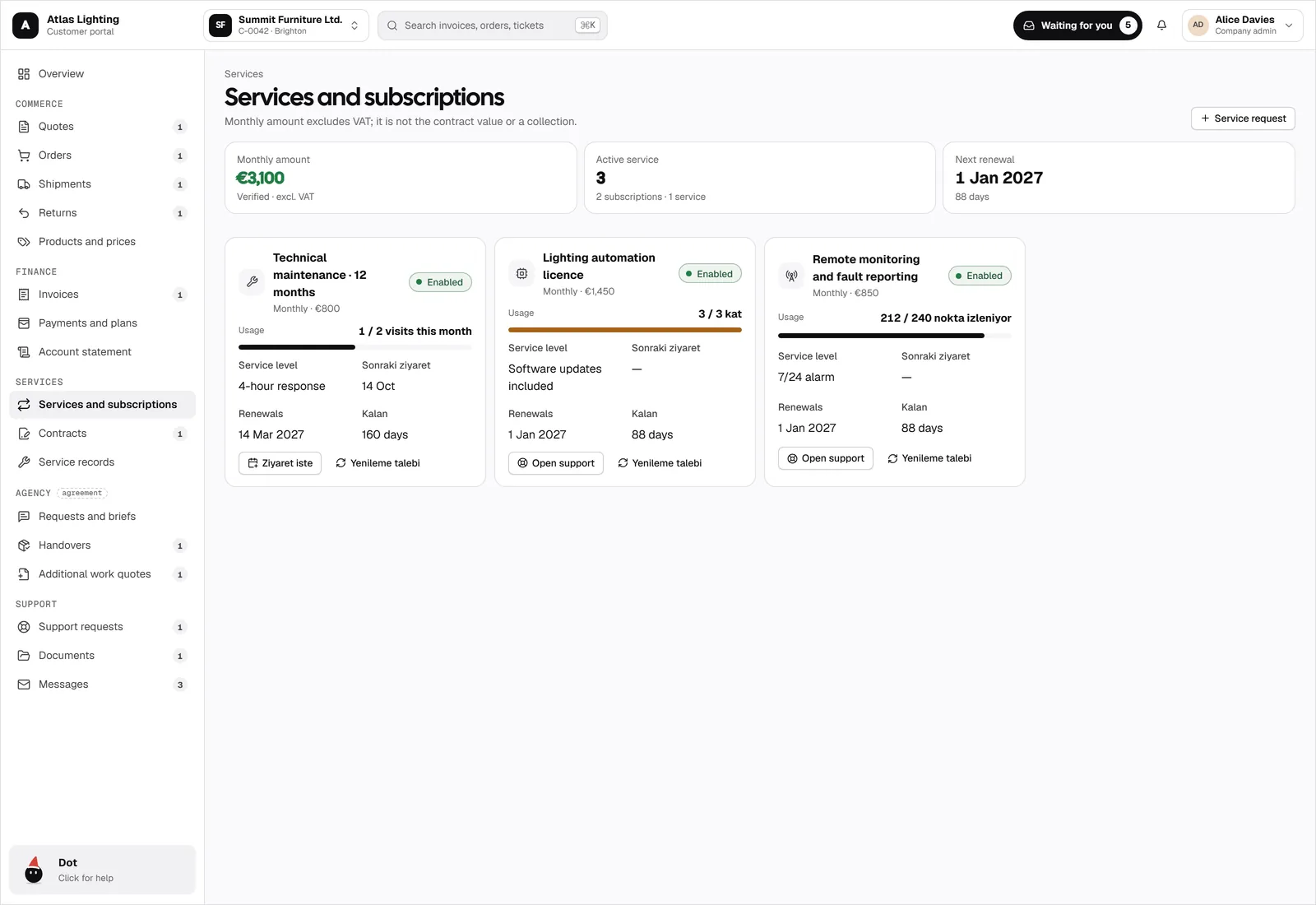
Maintenance contracts, licences, and monthly services with their usage, service levels, and renewal dates.
- Monthly services and usage
- Service levels and response times
- Renewals and service requests
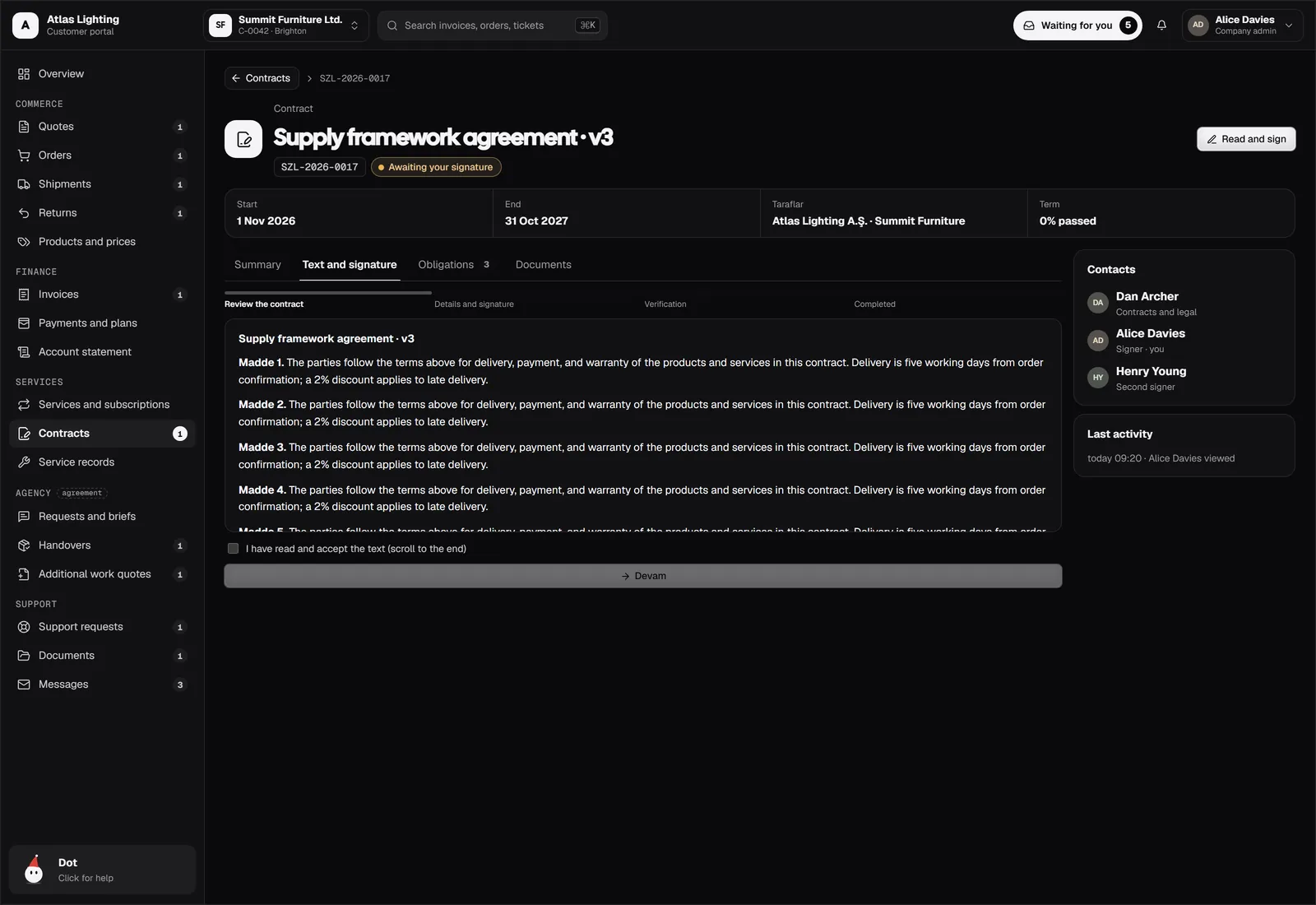
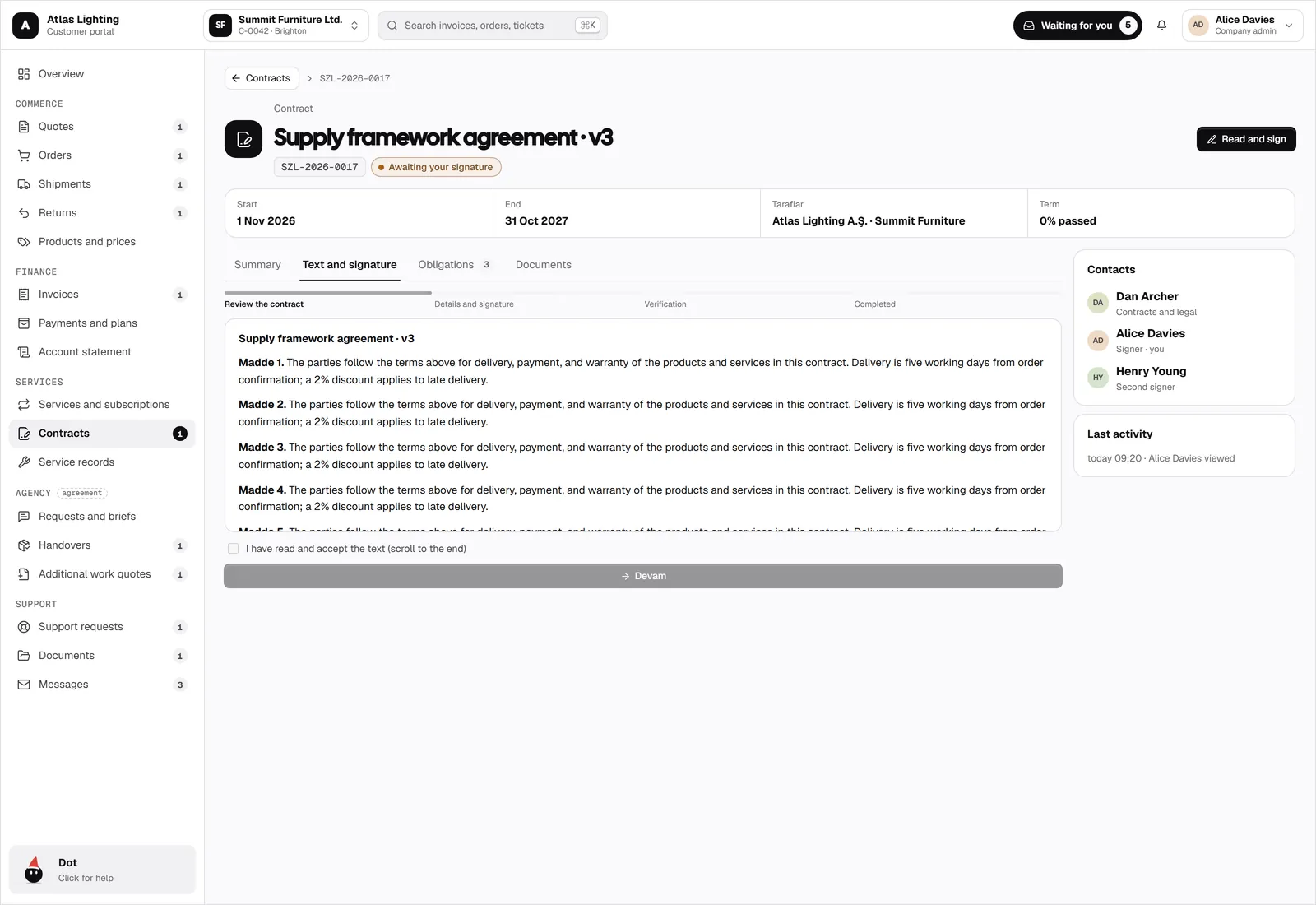
Contracts signed in the portal
Customers read the contract, fill in their details, and sign. Second signers and verification are built in.
- Read, accept, and sign
- Second signer support
- Verification and evidence trail
Support, documents, and messages
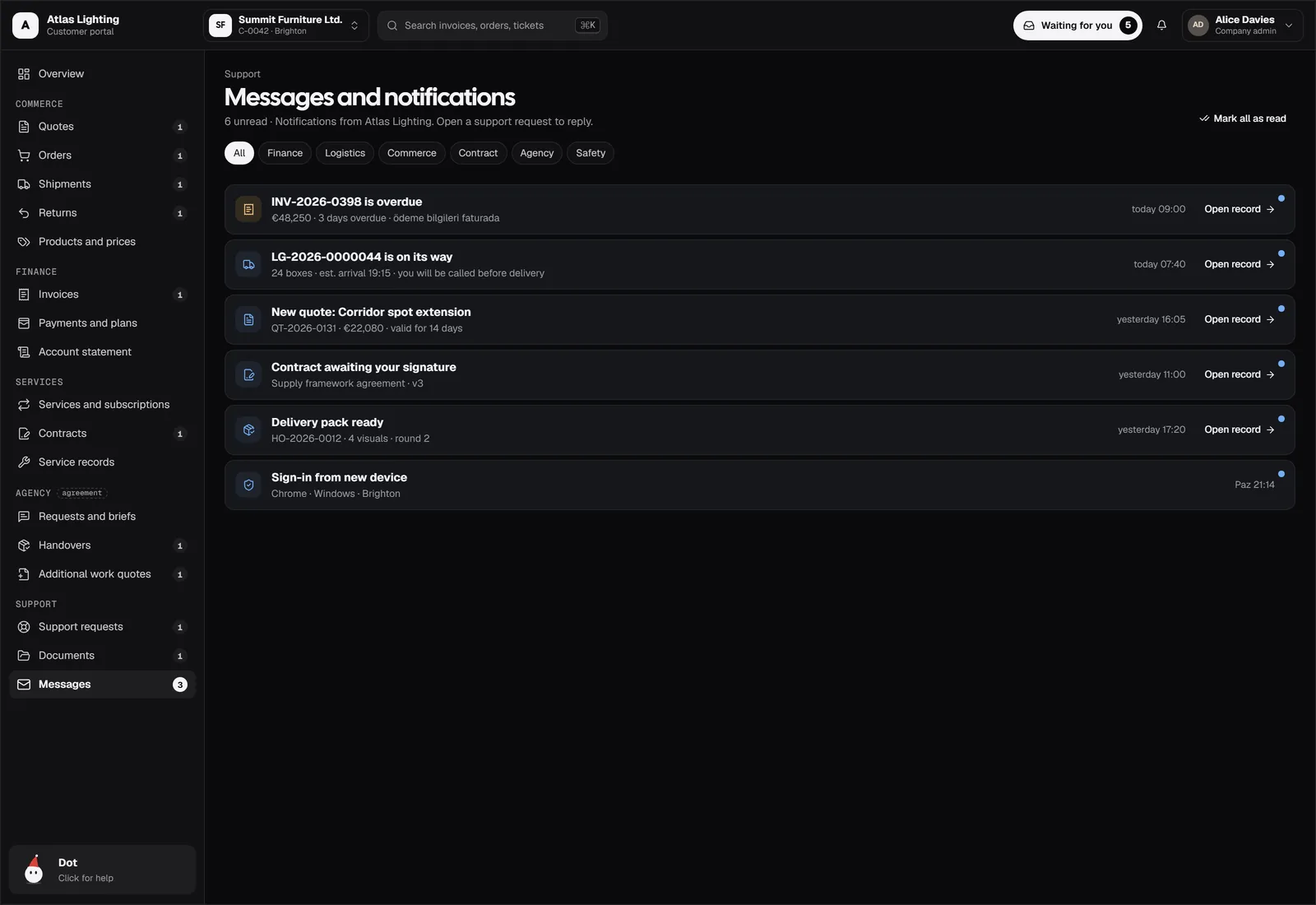
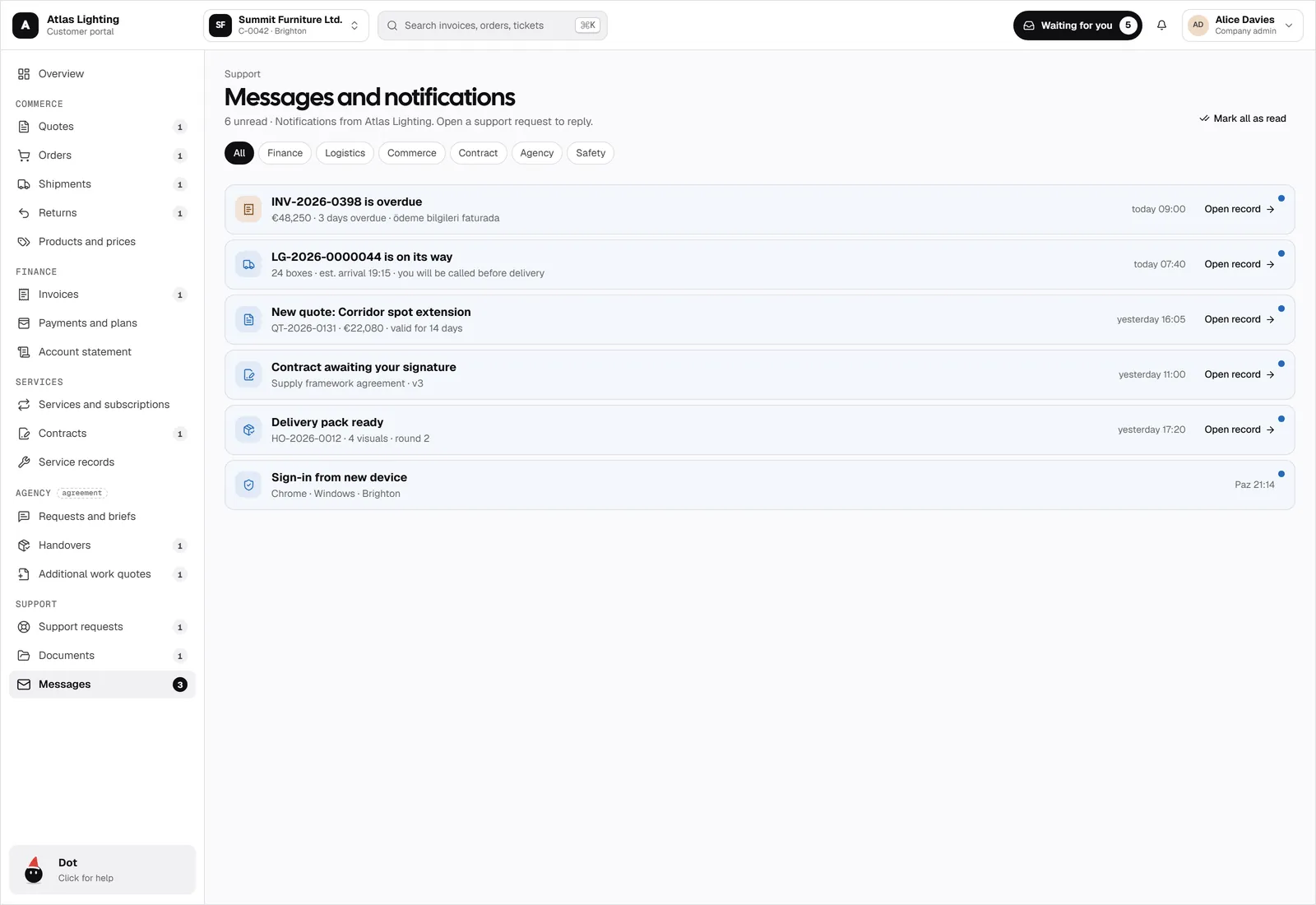
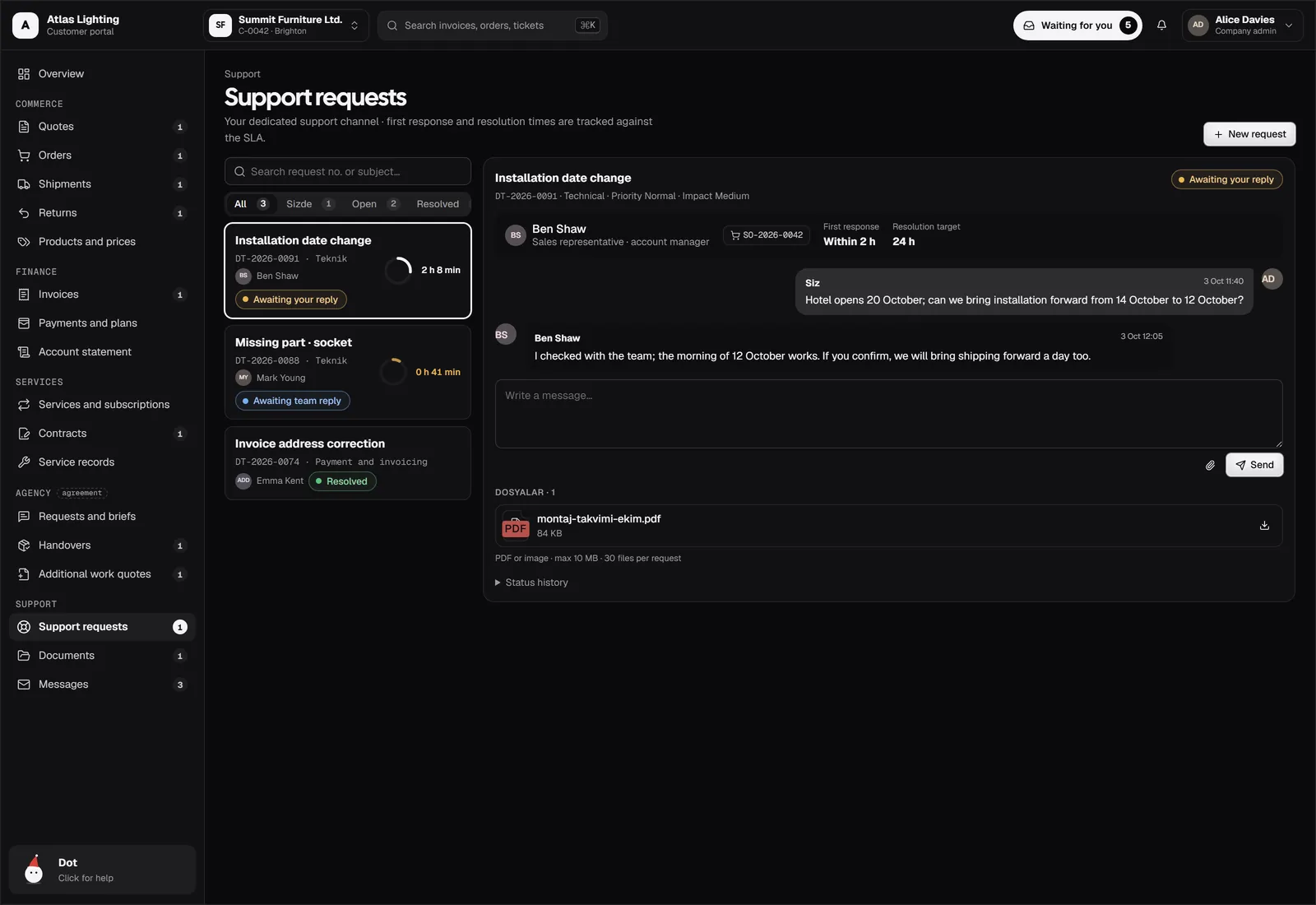
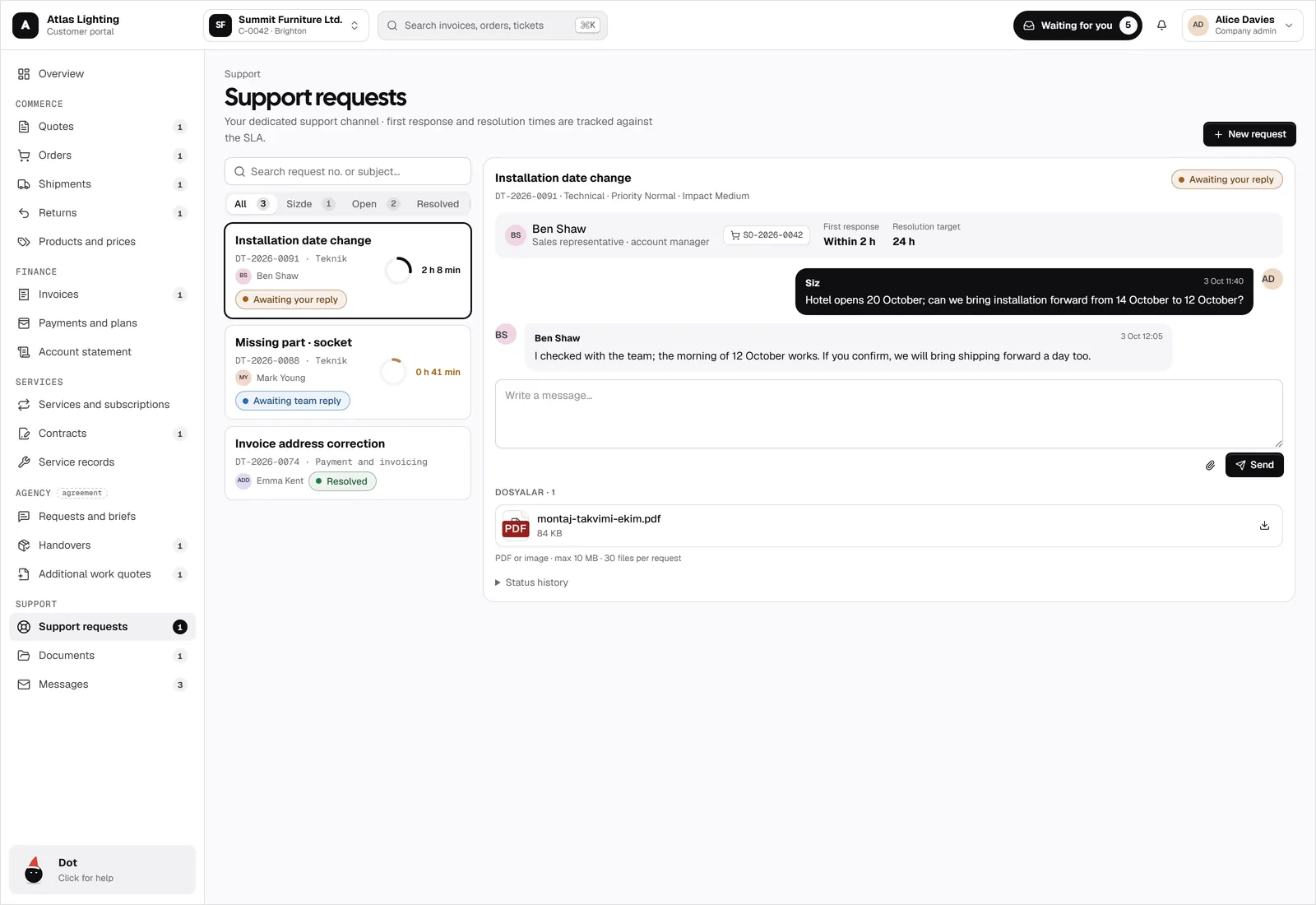
Support requests with service levels, a shared document library, and every notification in one inbox.
- Support requests with SLA
- Shared documents and requested files
- Messages and notifications
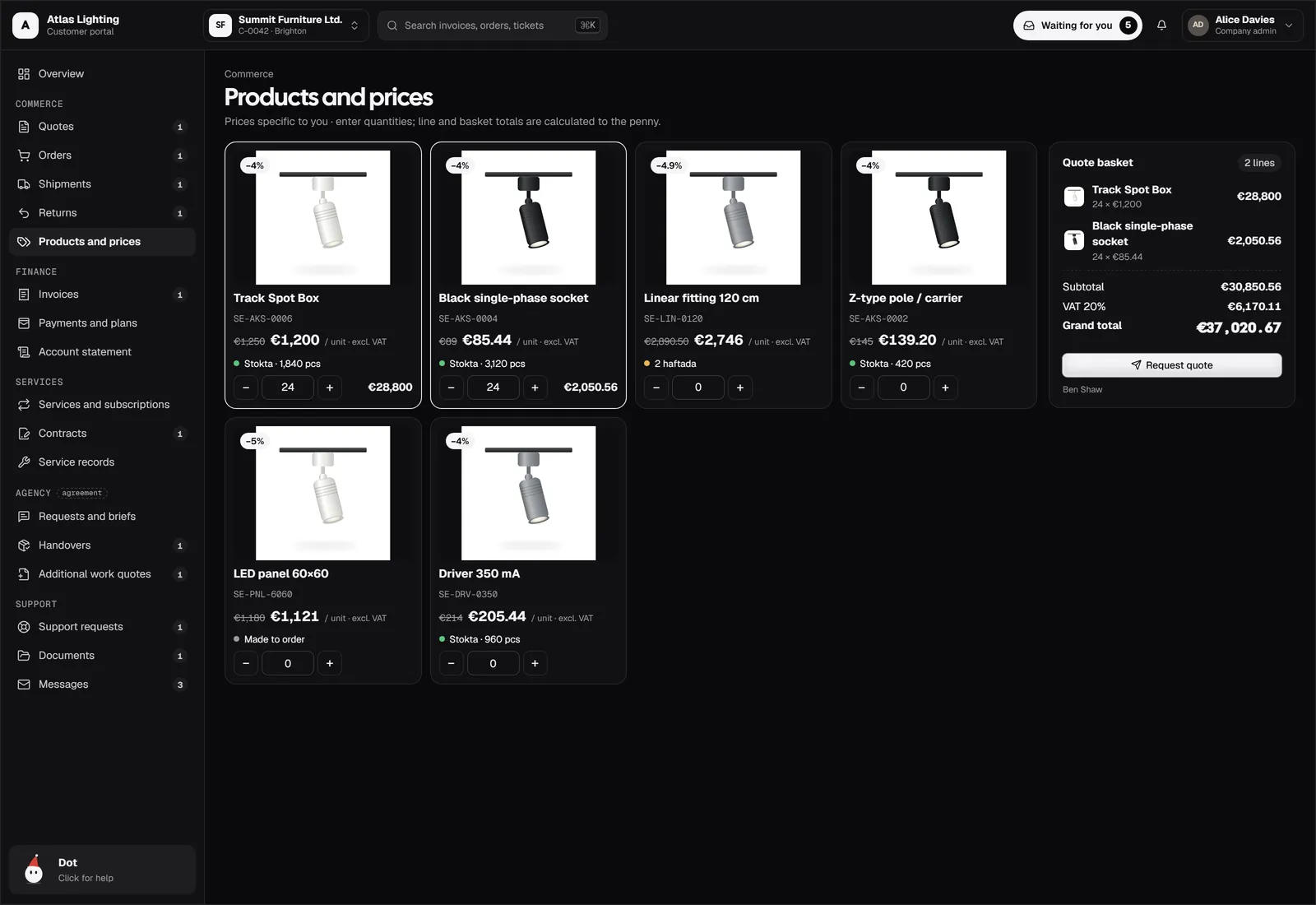
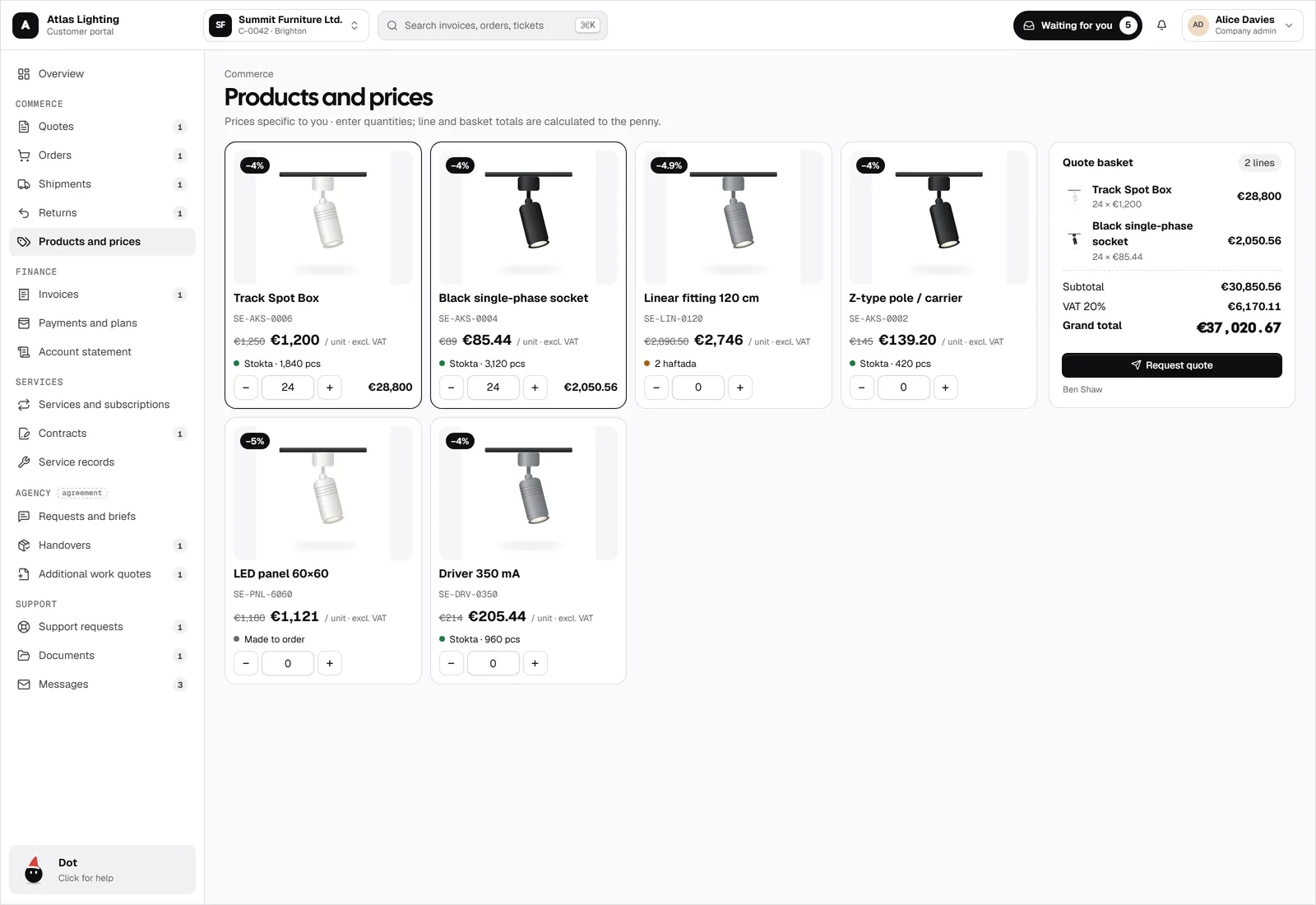
Products, prices, and quote baskets
Customers see their own prices, add products to a basket, and request a quote in seconds. Returns are requested the same way.
- Customer-specific prices
- Quote basket
- Return requests with status
Agency handovers and briefs
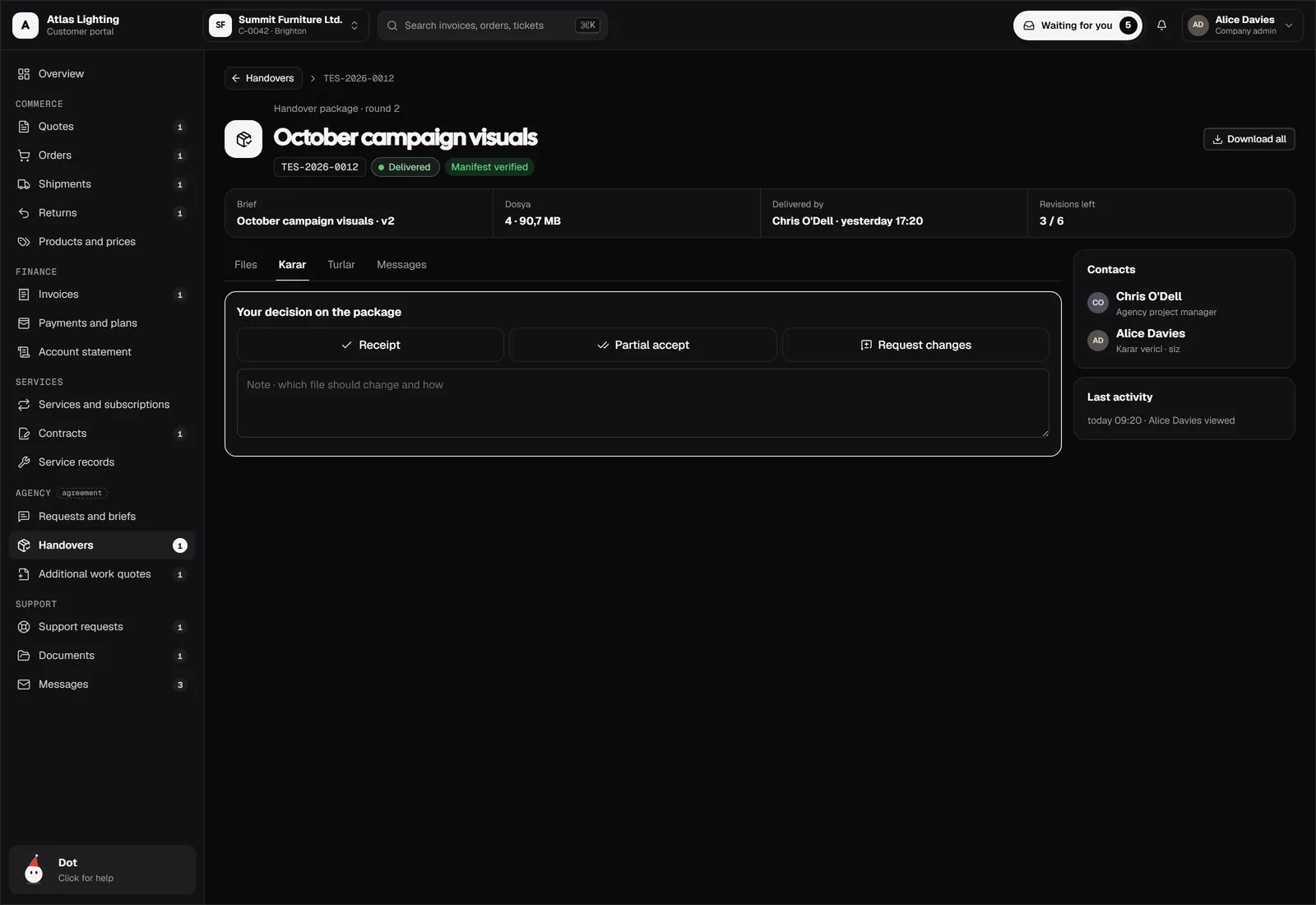
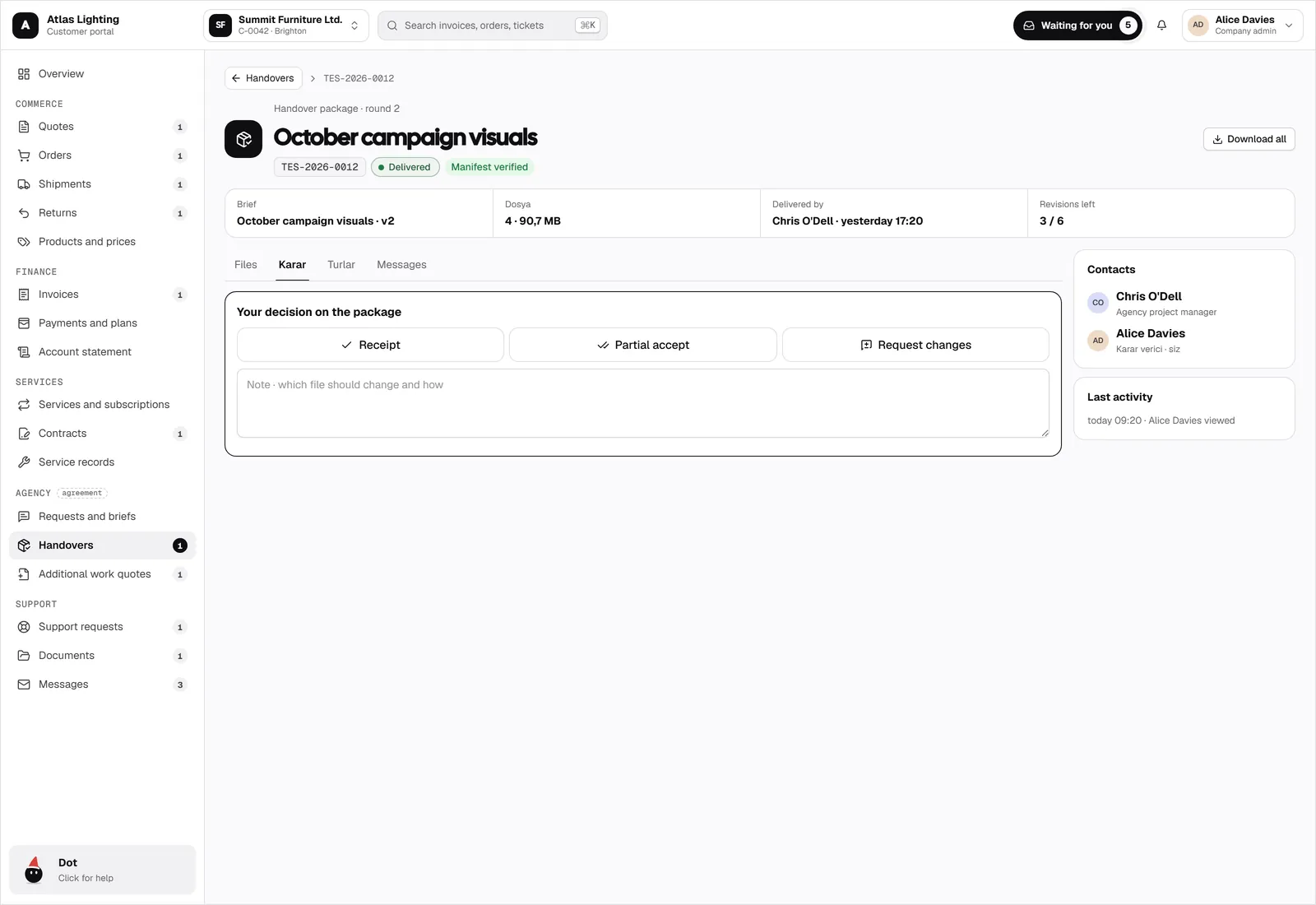
For service work, clients send briefs, review deliverables, and accept or request changes, round by round.
- Requests and briefs
- Handover review with revision rounds
- Additional work quotes
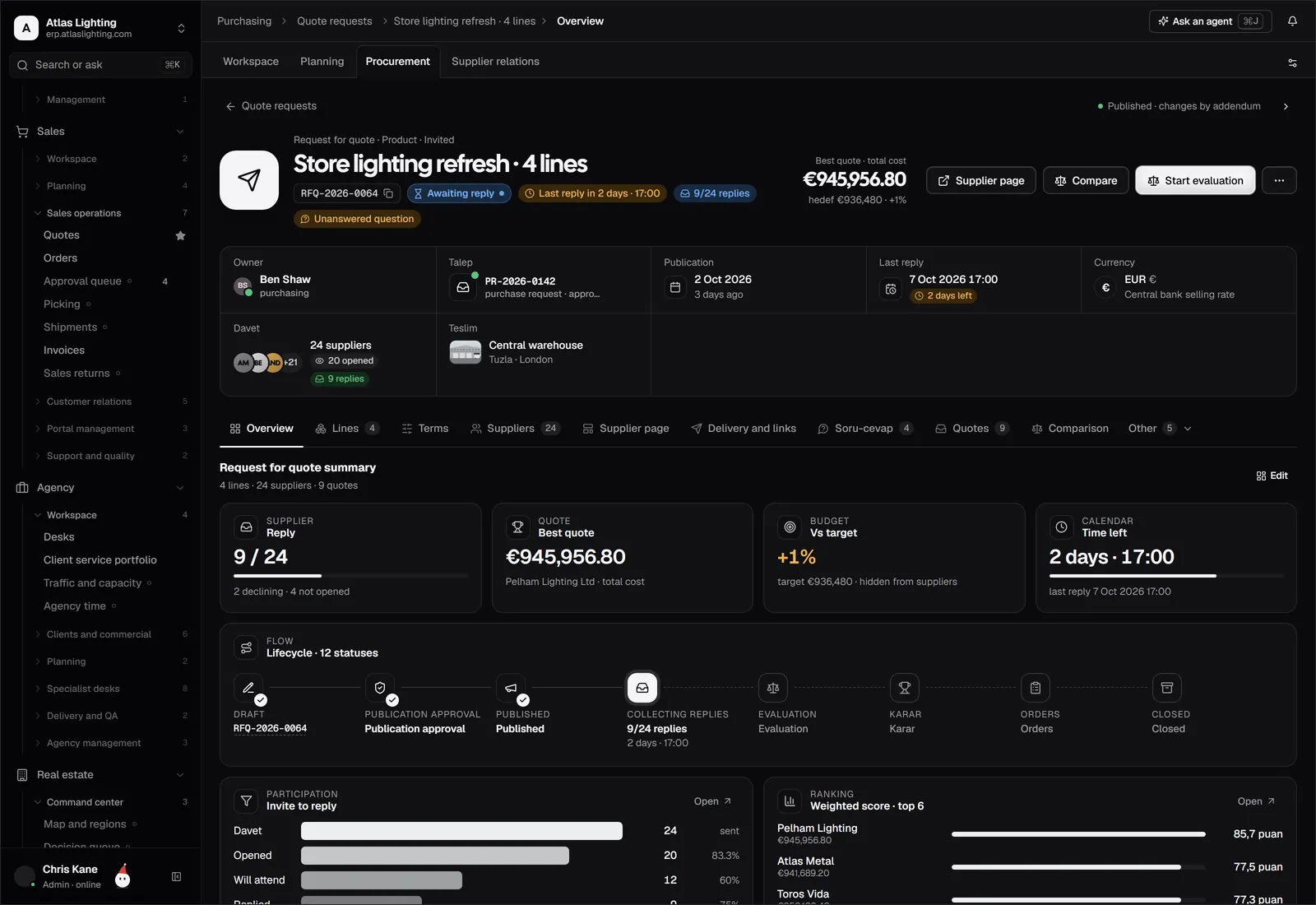
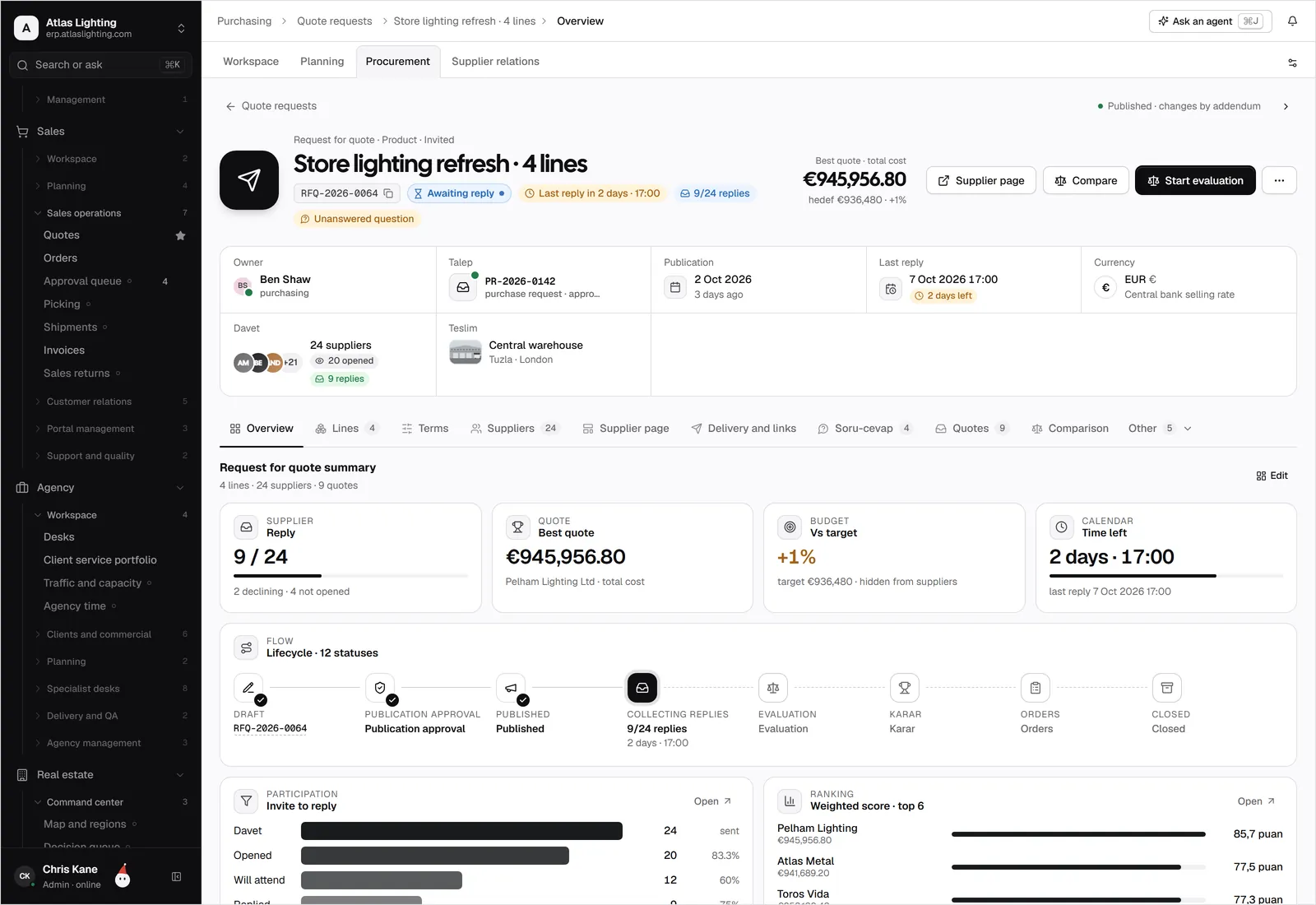
A supplier portal for tenders
Suppliers join tenders through a guided page, submit sealed bids, and follow the result.
- Supplier applications
- Guided tender participation
- Sealed bids opened together
A portal that answers back
Customers ask where their order is or why an invoice changed. The AI assistant answers from live data and hands over to the account manager when needed.
How AI coworkers workWorks with everything else.
All features
Do portal users get ERP accounts?
No. Portal users have their own separate identity and only see what is shared with them.
Can one person manage several companies?
Yes. A portal user can switch between the companies they belong to, with a role in each: admin, buyer, or read-only.
Can we brand the portal?
Yes. The portal carries your logo and colours.
Can suppliers use it too?
Yes. Suppliers have their own portal for applications and tenders.
Run customer portal the calm way.
Dika Ops is in closed beta. We onboard a few companies at a time and set everything up with you.