Approval Workflow: How to Design One That Works
How to design an approval workflow for purchases, expenses, discounts and contracts: rules, thresholds, escalation and the mistakes that slow businesses down.
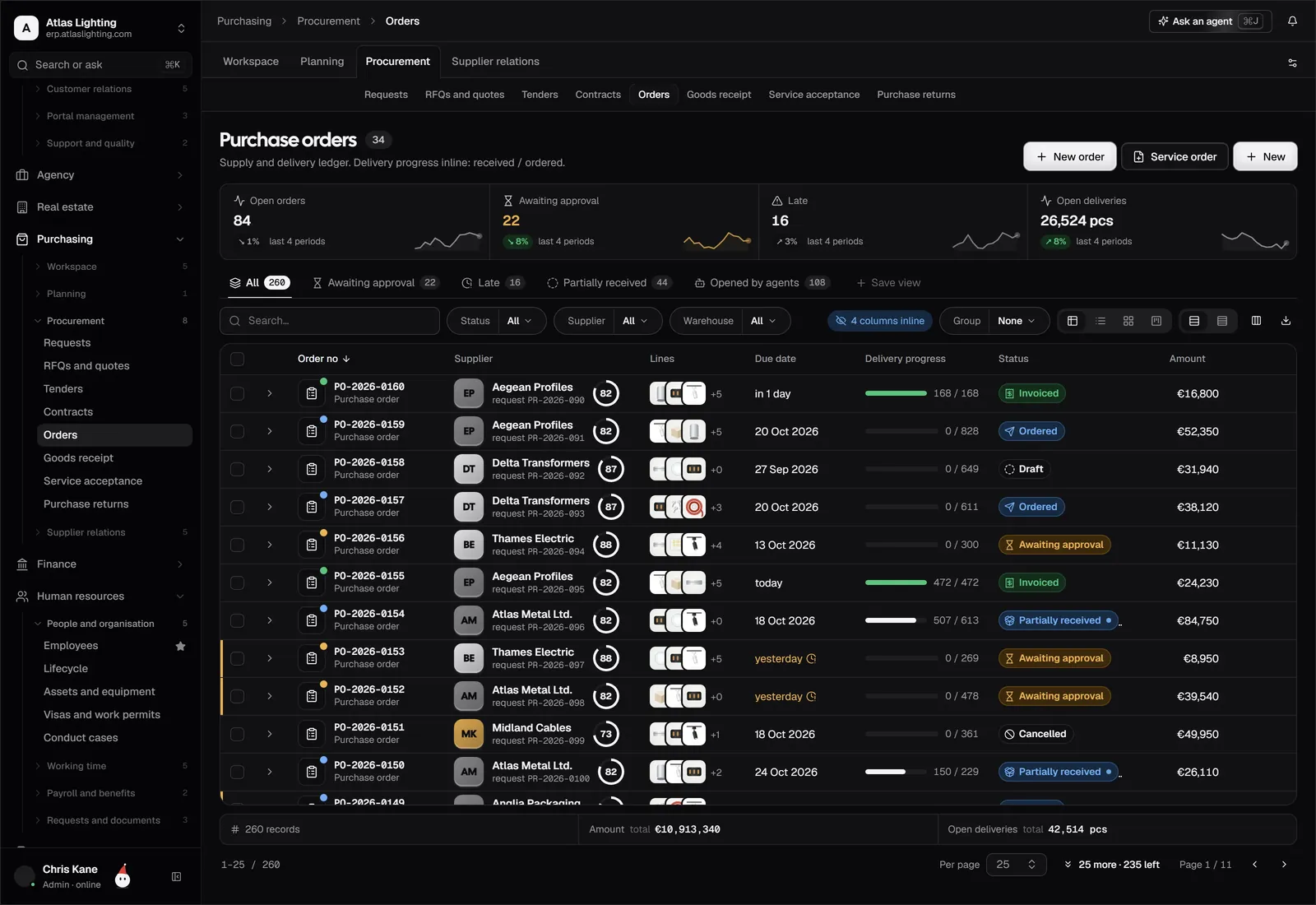
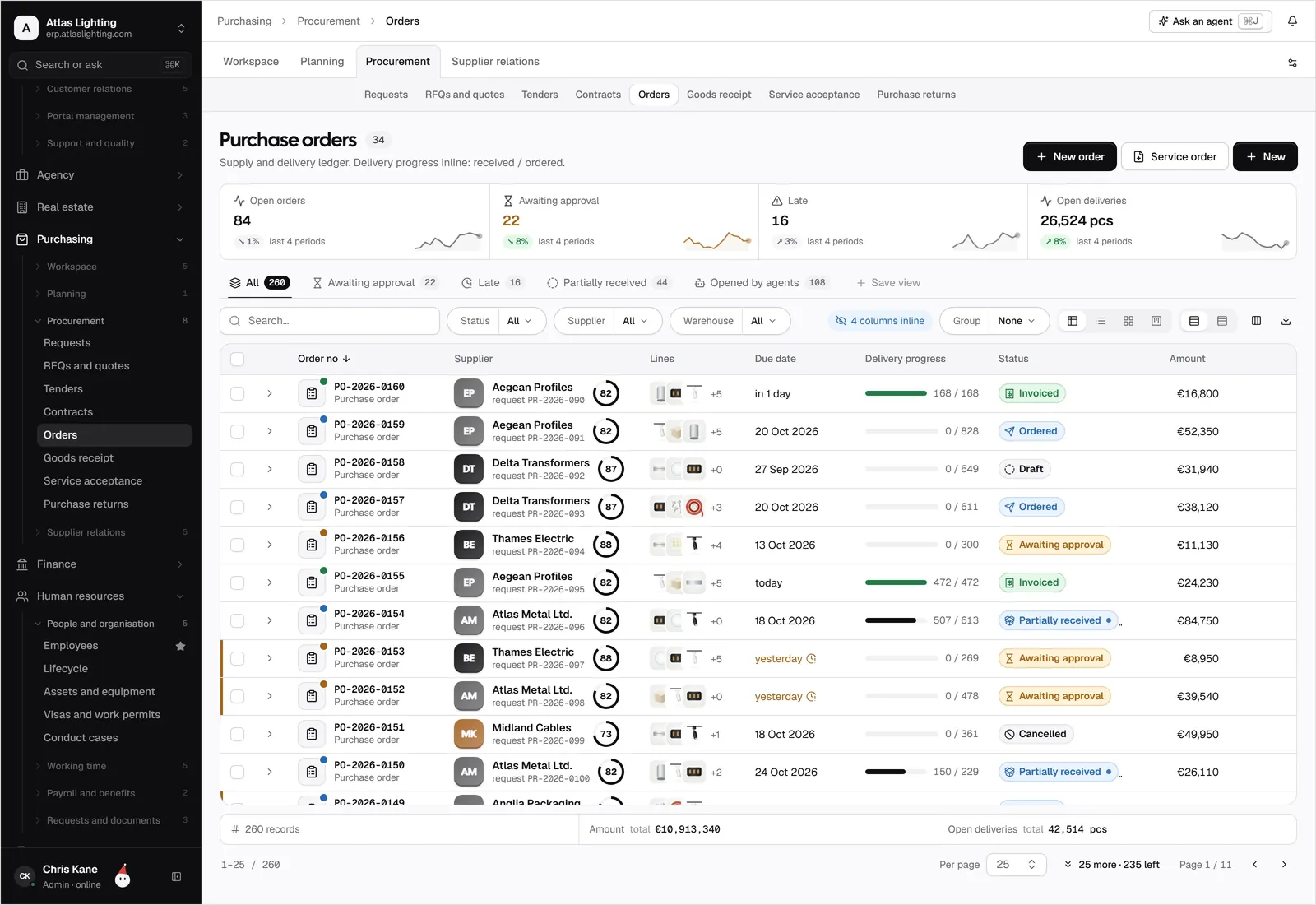
An approval workflow is a defined path that sends a request, such as a purchase order, expense or discount, to the right person for a decision before it takes effect. A good one adds control without adding delay: routine items pass quickly, unusual ones get proper scrutiny, and everything is recorded.
Most small companies start with informal approvals by message or in the corridor. That works until the business grows, the owner is on holiday, or an auditor asks who authorised a payment. This guide shows how to design an approval process that fits your size, with sample thresholds, roles and the pitfalls to avoid.
What needs approval
Not every action needs a sign-off. Concentrate on decisions that commit money, change a commercial term or are hard to reverse. Typical candidates:
- Purchase orders above a set value or to a new supplier.
- Expense claims and card spend outside policy.
- Supplier payments, especially first payments or changed bank details.
- Sales discounts beyond a salesperson’s allowance.
- Quotes and contracts with non-standard terms.
- Stock adjustments such as write-offs.
- Credit limits and credit notes.
- Leave and timesheets in the people side of the business.
If everything needs approval, approvers rubber-stamp. Keep the list short so that each approval means something.
The building blocks
Every approval workflow, from a one-line rule to a complex chain, combines the same elements.
| Element | Question it answers | Example |
|---|---|---|
| Trigger | What starts it? | A purchase order is submitted |
| Condition | When is approval needed? | Total over £1,000 |
| Approver | Who decides? | Department head |
| Fallback | Who covers absence? | Finance lead |
| Deadline | How long before escalation? | 2 working days |
| Record | What is logged? | Who, when, decision, comment |
Write these down for each document type before you configure anything. Gaps in the table are usually where bottlenecks come from later.
Setting approval limits
Limits tie the approver to the size of the risk. A simple ladder for purchase orders might look like this (the values are illustrative; set your own):
- Up to £500: budget holder approves, or no approval for pre-agreed suppliers and items.
- £500 to £5,000: department head.
- £5,000 to £25,000: finance lead plus department head.
- Over £25,000: owner or managing director.
Some principles help you choose numbers:
- Base limits on what an error would cost, not on seniority alone.
- Treat repeat spend with approved suppliers more lightly than one-off buys.
- Review limits annually so they track inflation and growth.
Principles for a workflow people will actually use
Separate the requester from the approver
The person who raises a request should never be the person who approves it. This segregation of duties is the most important single control and costs nothing to implement. The same logic applies to payments: the person who sets up a supplier should not be the one who releases the payment.
Route by data, not by memory
Let the document’s own values decide the route: amount, supplier, cost centre, discount percentage. If routing depends on someone remembering the rules, it will fail on the busiest day.
Make approving easy
Approvers should see everything they need on one screen: what is being requested, the budget remaining, the supplier history and any attachments. Let them approve from a phone. Every extra click increases the time requests sit waiting.
Plan for absence
Name a delegate for each approver and set automatic escalation after a deadline. Without it, a holiday freezes your purchasing.
Keep a clear audit trail
Record who approved, when, what they saw and any comment. If a document is edited after approval, send it back for re-approval, otherwise the approval no longer reflects reality.
A worked example: purchase approval
Here is a flow for a purchasing request that balances speed and control:
- A team member creates a requisition with the item, quantity and supplier.
- The system checks the budget and supplier status.
- If the total is under the team’s limit and the supplier is approved, it converts straight to a purchase order.
- Otherwise it routes to the budget holder, then to finance if over the next threshold.
- Once approved, the purchase order goes to the supplier; the goods receipt is later matched to the order and invoice.
Step three is where most of the time is saved: routine, low-risk spend flows through without a human, and attention goes to the exceptions.
Common mistakes
- One approver for everything. The owner becomes the bottleneck, and approvals are delayed or waved through.
- Approvals by email. They get lost, cannot be reported on and leave no clean audit trail.
- No deadlines. A request waiting a week has often already been worked around.
- Overly deep chains. Four sign-offs for a £600 spend teaches people to split orders to stay under limits.
- Ignoring changes after approval. A quantity or price edit should reset the status.
Where AI fits in
Approvers spend much of their time on the same checks: does this match the budget, is the price in line with previous orders, is the supplier known? An AI coworker can prepare that context and flag anything unusual, but the decision stays with a person. In Dika Ops, AI coworkers work within strict permissions and ask a person to approve anything important, so automation shortens the path to a decision without removing the human from it.
FAQ
What is the difference between an approval workflow and an approval process?
The process is the policy: who may approve what. The workflow is how that policy is carried out step by step in your systems. In practice the terms are often used interchangeably.
How do I stop approvals slowing the business down?
Set sensible limits so routine items need no approval, route automatically by value, allow mobile approval, and escalate after a deadline.
Should small businesses have formal approval limits?
Yes, even with a small team. A short written ladder protects you from errors and fraud and makes onboarding easier. Keep it light so it stays in use.
Can the owner approve everything?
You can in the early days, but it does not scale and creates a single point of failure. Delegate within limits and keep the owner for large or unusual items.
Bring control without the delay
Dika Ops builds approvals into purchasing, sales and finance, with limits, delegation and a full audit trail. It is in closed beta; join the waitlist to hear when places open.