B2B Customer Portal: Features and Benefits
What a B2B customer portal is, the features wholesalers and dealers need, how to roll one out and what to expect, with a checklist and FAQ.
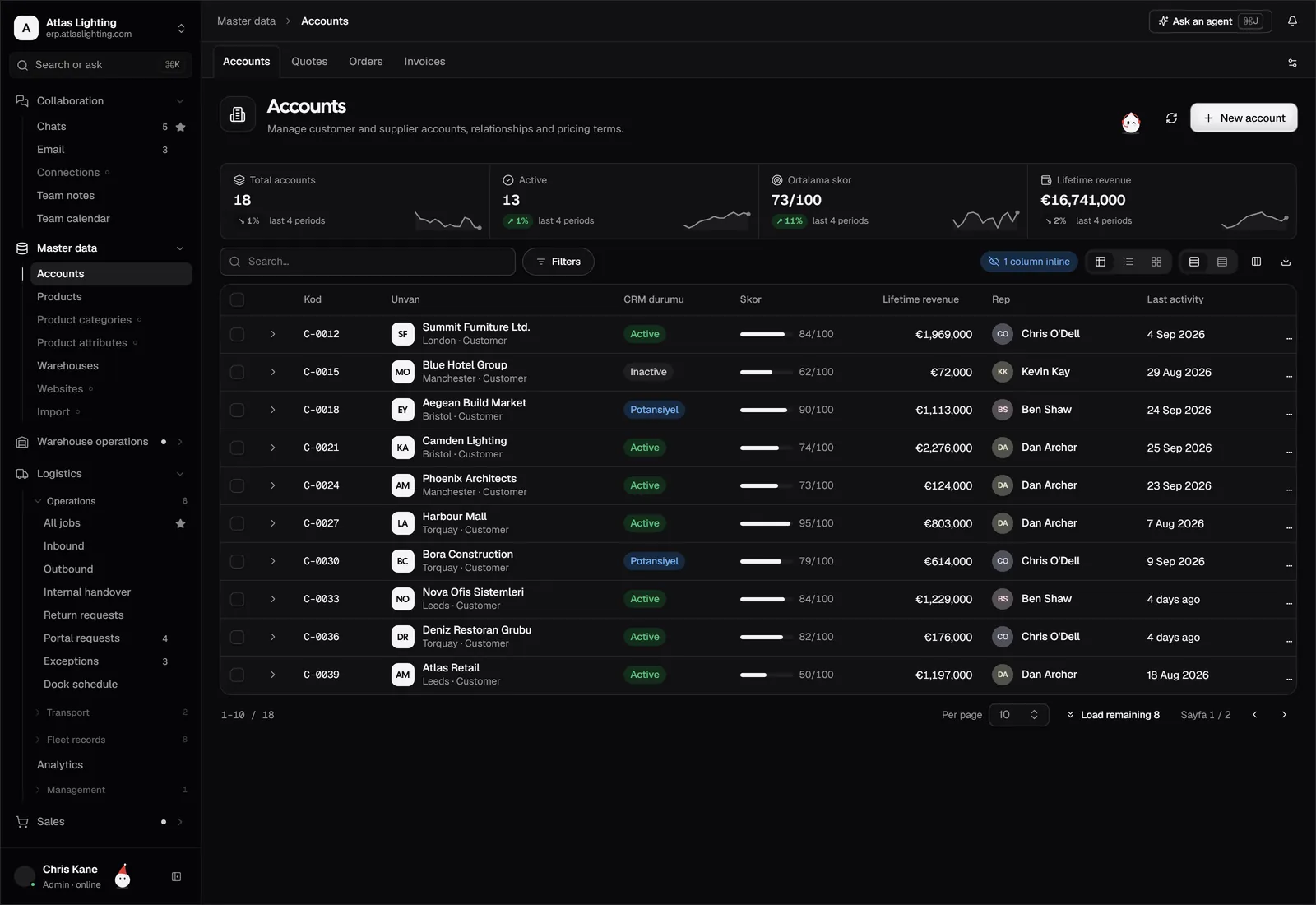
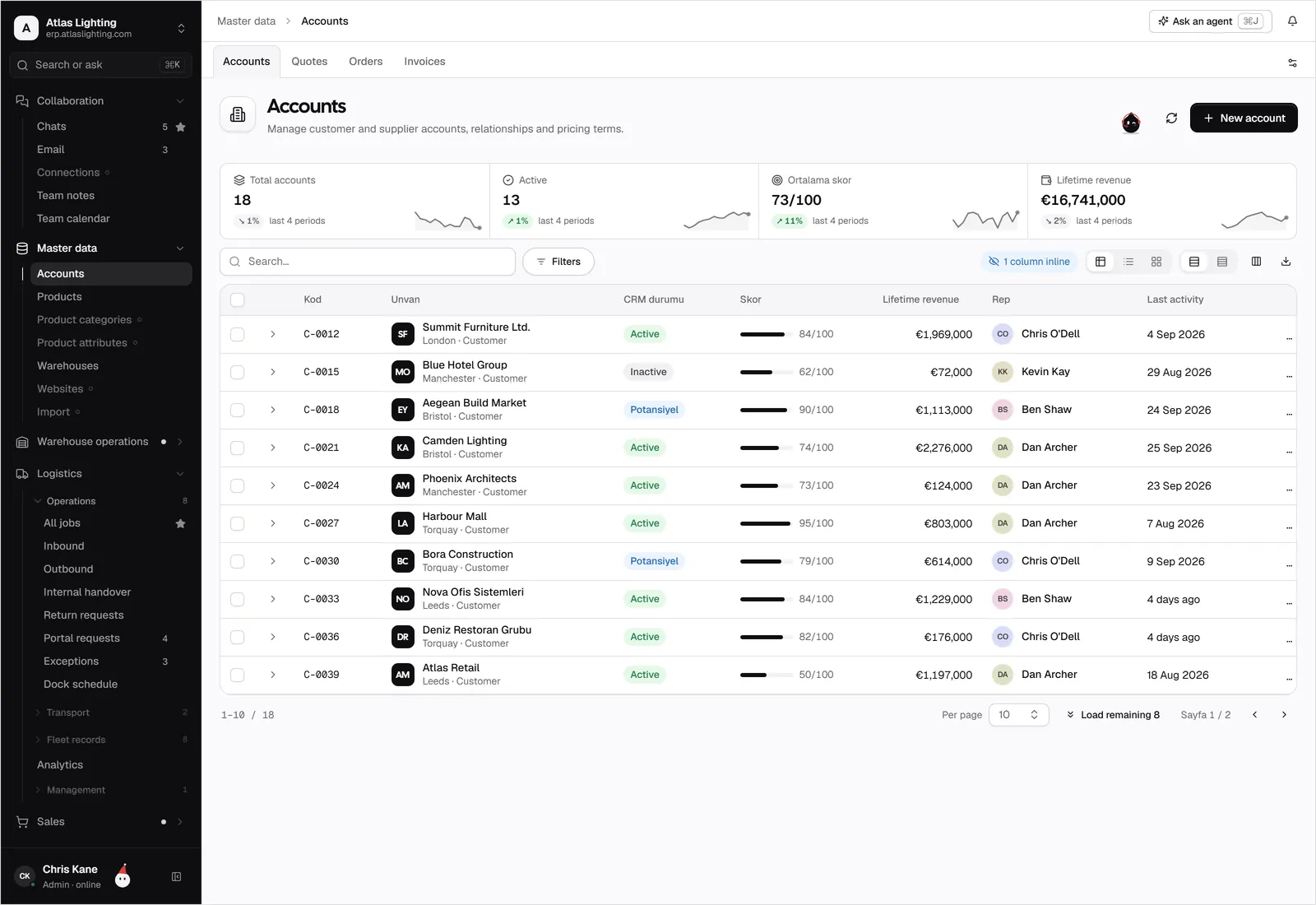
A B2B customer portal is a secure website where your trade customers, dealers or distributors log in to place orders, check stock and prices, track deliveries and download invoices without phoning or emailing your team. Done well, it takes routine questions off your sales desk and makes you easier to buy from.
For wholesalers, distributors and manufacturers selling through dealers, the portal is often the difference between a team that spends its day re-keying orders and one that spends it selling. This guide covers what a portal does, the features that matter, how to launch one and what to be careful about.
Why B2B buyers want a portal
Business customers reorder the same items, on agreed prices, often outside your office hours. Their typical frustrations are familiar:
- Waiting for a callback to learn whether something is in stock.
- Not knowing where an order is.
- Chasing a copy of last month’s invoice.
- Re-sending a purchase order by email and wondering whether it arrived.
Each of those is a question your portal can answer instantly. For your side, every order placed in the portal arrives complete and structured, which cuts keying errors and speeds up processing.
What a B2B customer portal does
Portals vary, but most useful ones cover the same ground.
| Area | What the customer can do | What you gain |
|---|---|---|
| Ordering | Browse the catalogue, reorder past orders, upload a basket | Fewer keying errors, faster entry |
| Pricing | See their own agreed prices and discounts | Consistent terms, fewer disputes |
| Availability | Check stock and expected restock dates | Fewer “is it in stock?” calls |
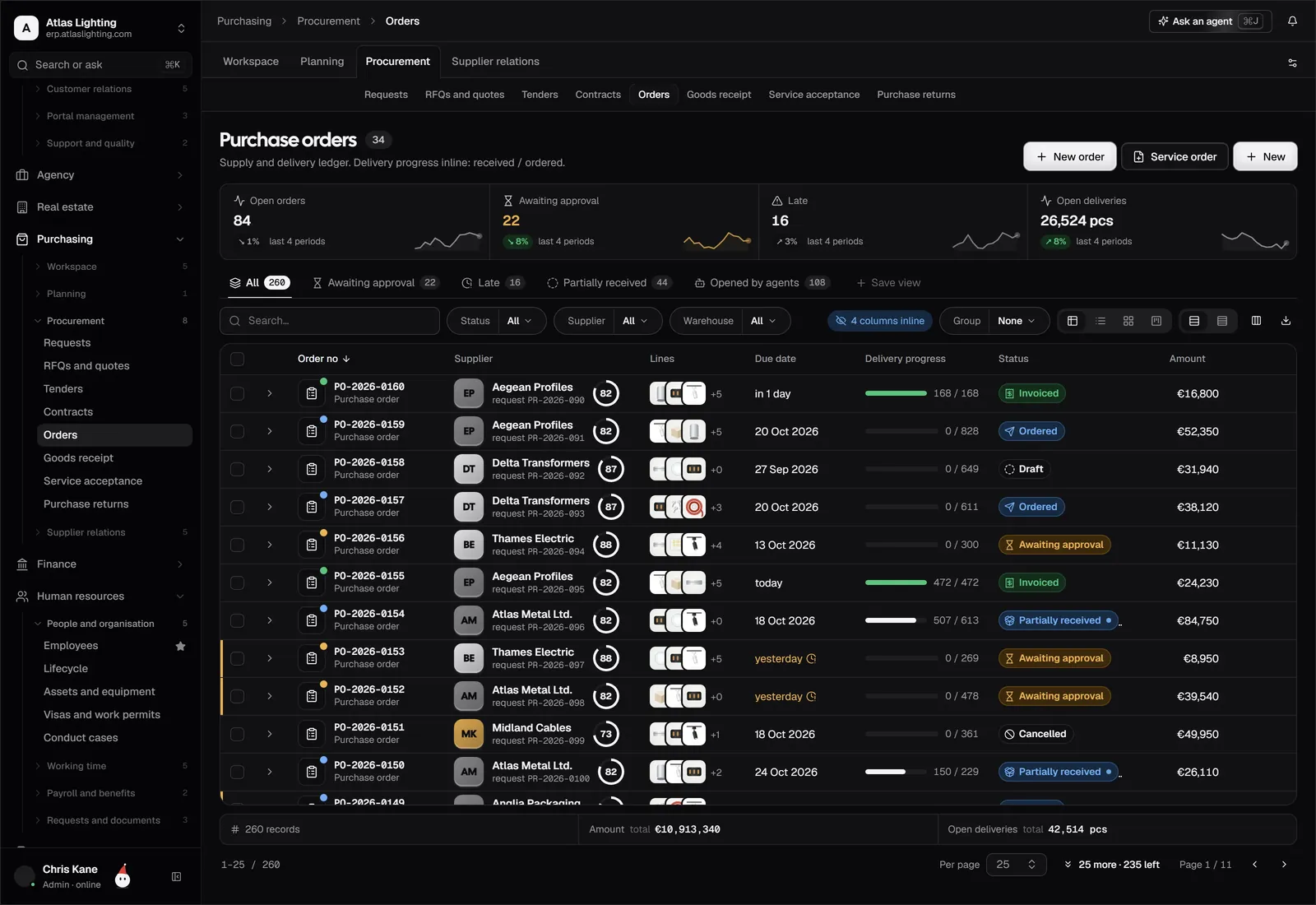
| Order tracking | See status, shipment and delivery updates | Fewer “where is my order?” calls |
| Documents | Download invoices, statements, delivery notes | Less manual document sending |
| Account | Update contacts and delivery addresses | Cleaner customer data |
Features that matter most
Customer-specific pricing
Trade customers rarely pay list price. A portal should show each logged-in customer their own price lists, volume breaks and contract rates, and never another customer’s. This is the feature that most separates a B2B portal from a retail website.
Reorder and quick order
Your best customers know their codes. Give them a quick-order form where they can type or paste item codes and quantities, plus one-click reorder from past orders. These are usually used more than the browsing catalogue.
Live stock and delivery information
Show available quantity, or at least a simple in-stock indicator, linked to your real inventory. A portal showing stale numbers does more harm than none.
Order approval on the customer side
Larger customers may need their own buyers to approve baskets before they are sent. Support multiple users per customer account with different permissions, such as place order, view only or view invoices.
Account and credit visibility
Let customers see open invoices, balance and payment status. Where you apply credit limits, make the rules clear and handle orders over the limit through a defined review rather than a silent rejection.
Sensible security
Customer data is commercially sensitive. Expect individual logins, role-based access, and a strict rule that each customer sees only their own records. Ask any provider how this separation works.
How it connects to the rest of the business
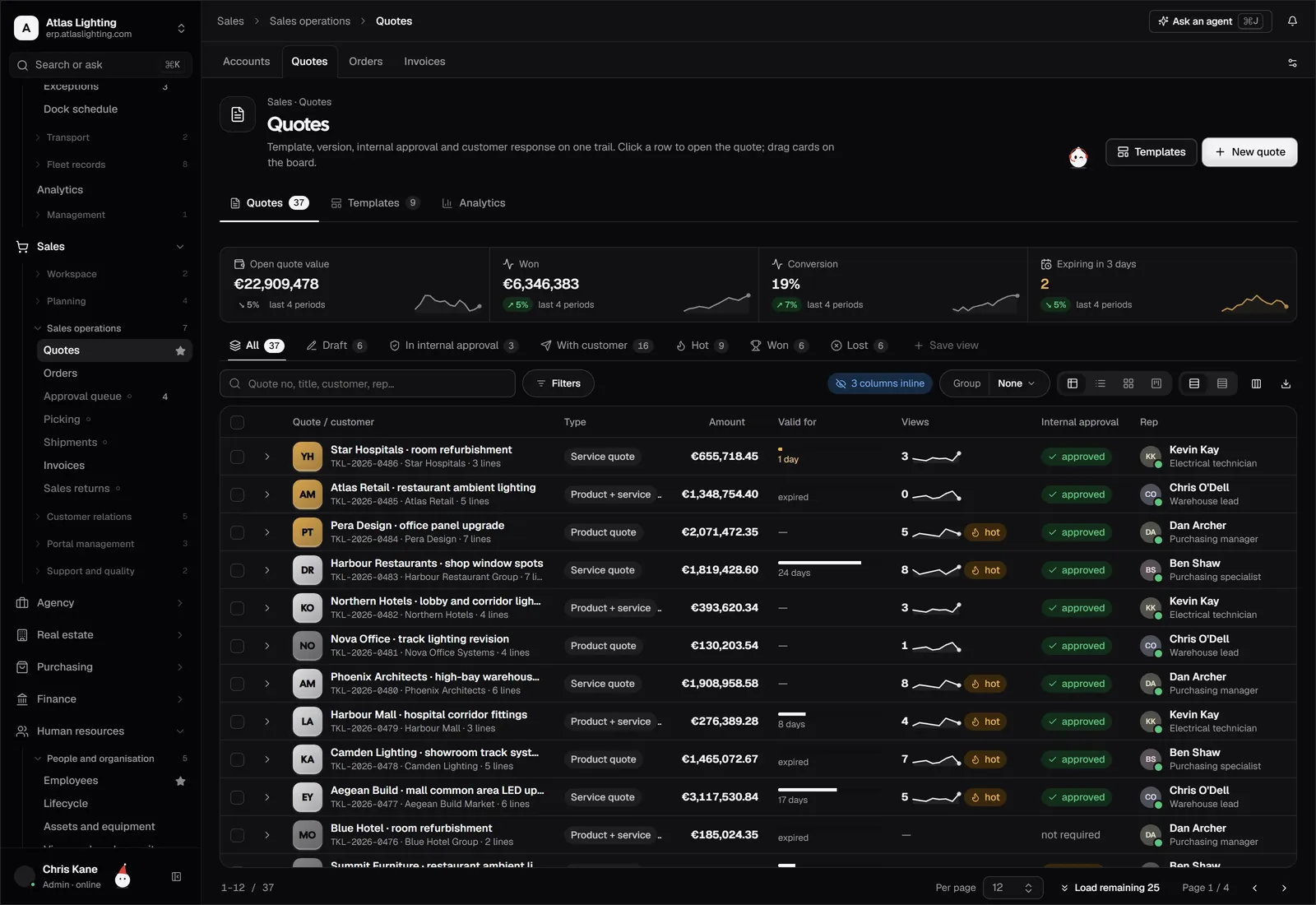
A portal that sits apart from your core systems creates double work: orders arrive in one place and must be copied into another. The most reliable setup uses a single set of records. An order placed in the portal becomes a sales order in your sales system, draws on the same stock and price data, and flows through to picking, delivery and invoicing without re-entry. That is the idea behind Dika Ops portals: customers get a self-service view of the same records your team works from, within the permissions you set.
Rolling one out
You can launch a portal without a big-bang project.
- Define the goal. Pick one or two measurable aims, such as reducing order-status calls or moving repeat orders online.
- Clean your data. Accurate customer accounts, price lists, product codes and stock levels are the foundation. Fix them first.
- Start with a pilot group. Invite five to ten friendly customers, gather feedback and fix the rough edges.
- Keep phone and email open. Do not force a switch. Show the benefit and let usage grow.
- Train your own team. Staff should know what customers see, so they can help when something looks odd.
- Review monthly. Look at which features are used, which questions still reach the sales desk and what to add next.
Mistakes to avoid
- Launching on messy data. Wrong prices or stock figures destroy trust quickly.
- Hiding the contact route. Customers need an easy way to reach a person when something is complicated.
- Over-building at first. Ordering, pricing, tracking and invoices cover most of the value.
- Ignoring mobile. Buyers and site staff often reorder from a phone.
- No ownership. Someone should own the portal’s content, rules and customer onboarding.
Is a portal right for you?
A portal tends to pay off when you have repeat customers, a catalogue with many lines, negotiated prices or frequent status enquiries. If you sell a few high-value custom projects a year, a good quote process and clear communication may matter more. When in doubt, count how many calls and emails per week are routine questions; if it is a lot, the case is clear.
FAQ
What is the difference between a B2B portal and an online shop?
An online shop is open to the public with list prices and card payment. A B2B portal is login-only, shows customer-specific prices and terms, and often supports credit accounts, reorders and document access.
Can a dealer portal show different prices to different customers?
Yes, that is a core feature. Each customer sees their own price list, discounts and terms, based on the account they log in with.
Do customers have to pay online through the portal?
No. Many B2B portals place orders on account and let customers settle invoices by their usual method. Online payment can be added where it suits you.
How long does it take to launch a portal?
It depends mostly on your data readiness, not the portal itself. If your customers, prices and products are clean, a pilot can be live much sooner than if you are still tidying them.
Give your customers a front door
Dika Ops is an AI-native ERP with customer portals connected to sales, stock, delivery and invoicing, so customers can serve themselves from the same records your team uses. It is in closed beta; join the waitlist to be invited.