Contract Management Software: What You Need to Know
Contract management software explained: what it does, the features that matter, how to run the contract lifecycle and how to choose a tool for a small business.
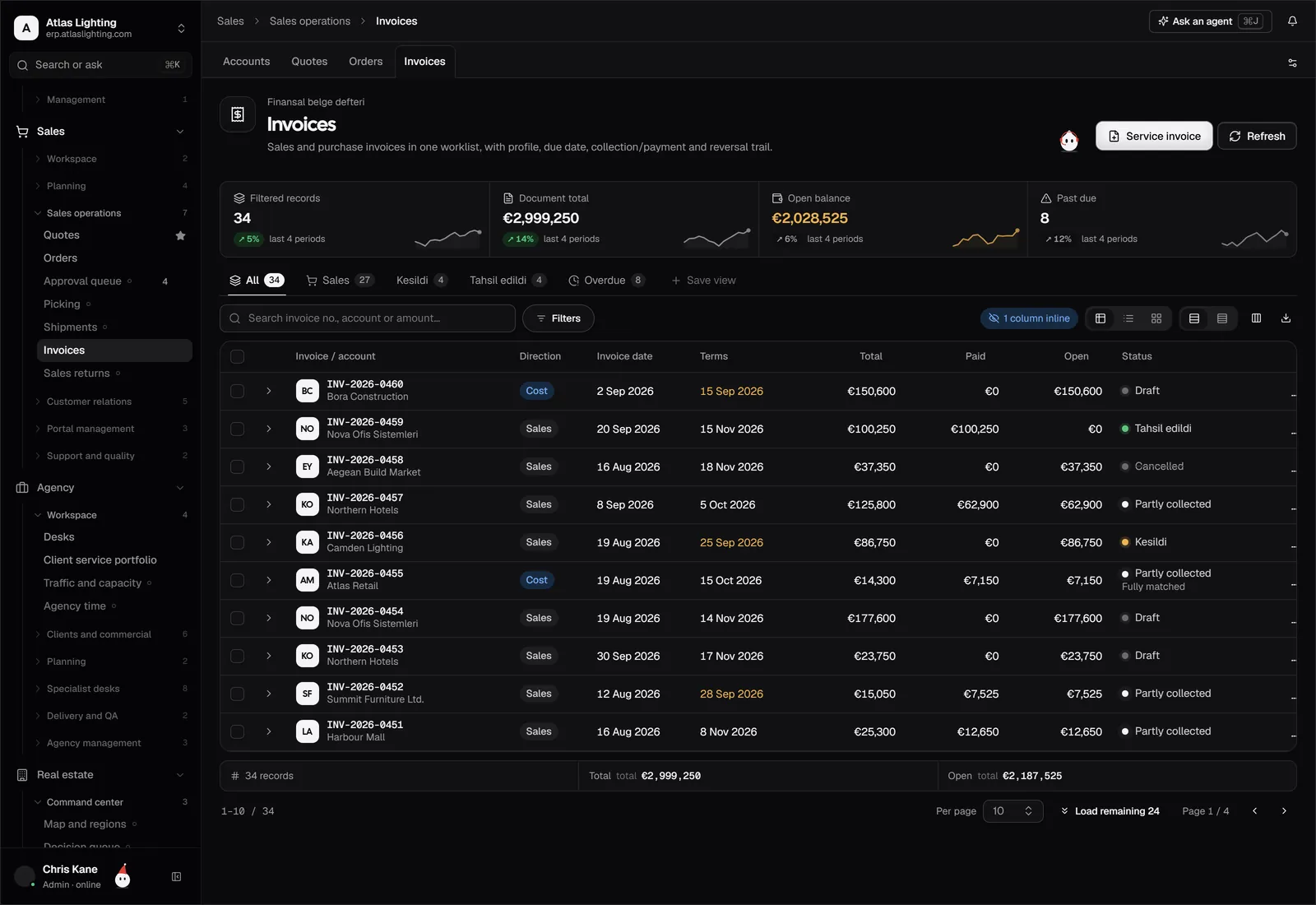
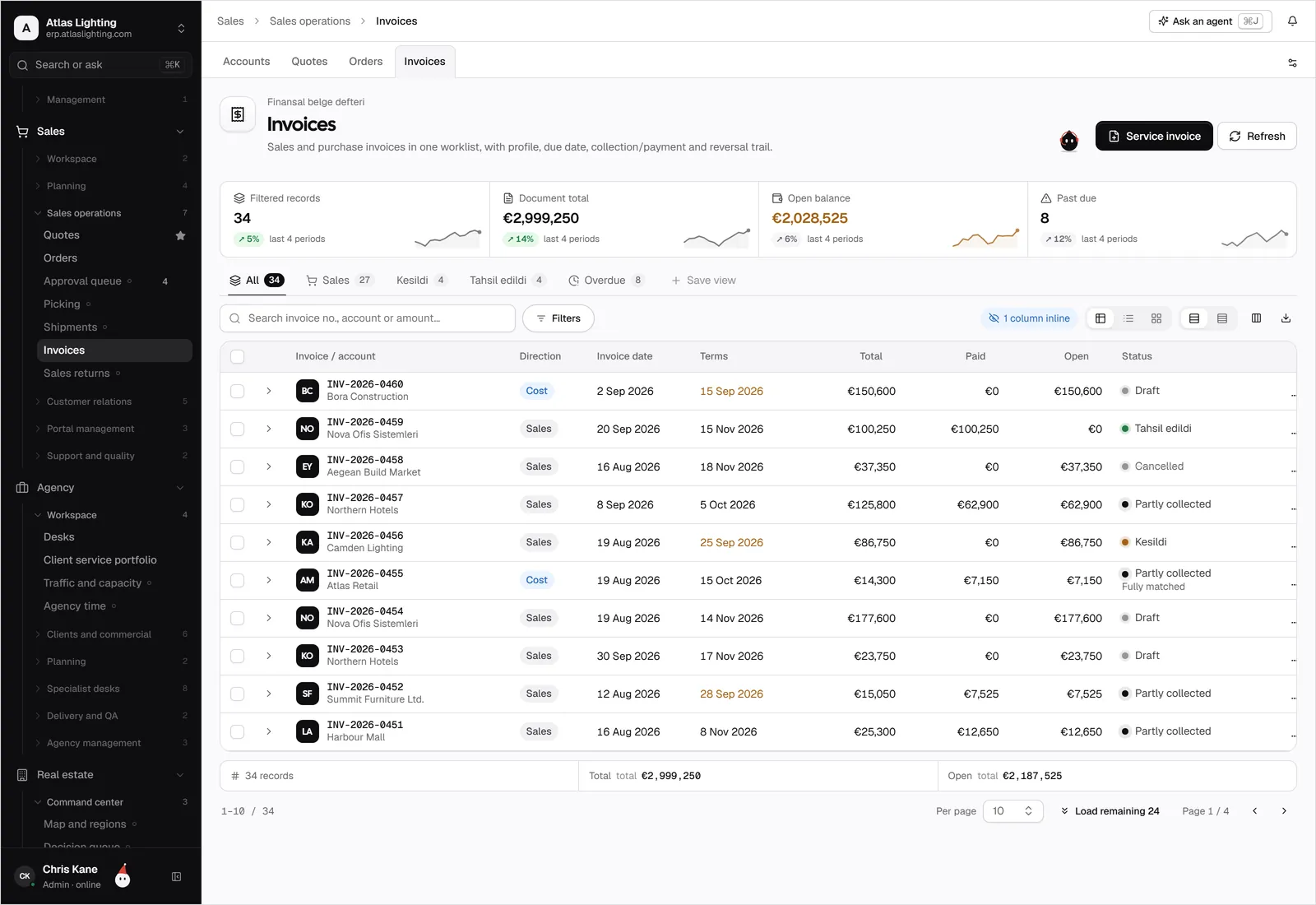
Contract management software stores your agreements in one searchable place, tracks key dates such as renewals and expiries, routes drafts for approval and links each contract to the customers, suppliers and orders it governs. For a small business, the main payoff is simple: no more missed renewal windows, lost signed copies or surprise price terms.
If your contracts currently live in email attachments, shared folders and one person’s memory, this guide shows what a better setup looks like, which features matter and how to choose without overbuying.
What goes wrong without a system
Most contract problems are not legal puzzles. They are administrative failures:
- Auto-renewals nobody noticed. A supplier agreement rolls over for another year because the notice period passed unseen.
- Version confusion. Three “final” drafts circulate, and nobody is sure which one was signed.
- Terms that do not reach the people who need them. Sales promises a price that the customer agreement does not allow, or purchasing orders at a rate that ignores a negotiated discount.
- Slow approvals. A draft sits in someone’s inbox while the customer waits.
- No audit trail. You cannot show who changed what, or when.
The contract lifecycle
It helps to think of every contract as moving through the same stages. Software supports each one.
| Stage | What happens | What good tooling gives you |
|---|---|---|
| Request | Someone needs a new agreement | A standard request form |
| Draft | Terms are written from a template | Approved templates and clause library |
| Review | Internal and legal checks | Comments, version history |
| Approve | Right people sign off | Approval routing by value or type |
| Sign | Parties execute | Signed copy stored with the record |
| Obligations | Delivery, pricing, service levels | Linked orders, price lists, reminders |
| Renew or end | Renewal, renegotiation or termination | Alerts ahead of notice dates |
You do not need heavyweight tooling for every stage. Many small businesses get most of the value from three things: a central repository, date alerts and approval routing.
Features that matter for a small business
A central, searchable repository
Every contract, amendment and attachment in one place, with fields you can filter on: counterparty, type, owner, start and end dates, value and status. Full-text search is useful when someone asks “which agreements mention exclusivity?”.
Key date tracking and alerts
Record the start date, end date, notice period and renewal terms, and have the system alert the owner well before the deadline. This single feature prevents more losses than any other.
Templates and standard clauses
Start from approved templates for NDAs, supplier terms, customer agreements and service contracts. Standard wording speeds up drafting and keeps deviations visible.
Approval workflows
Route a draft to the right approver based on type or value, and record the decision. A contract above a set value might need finance as well as the department head; a standard template with no changes might need none.
Links to operational records
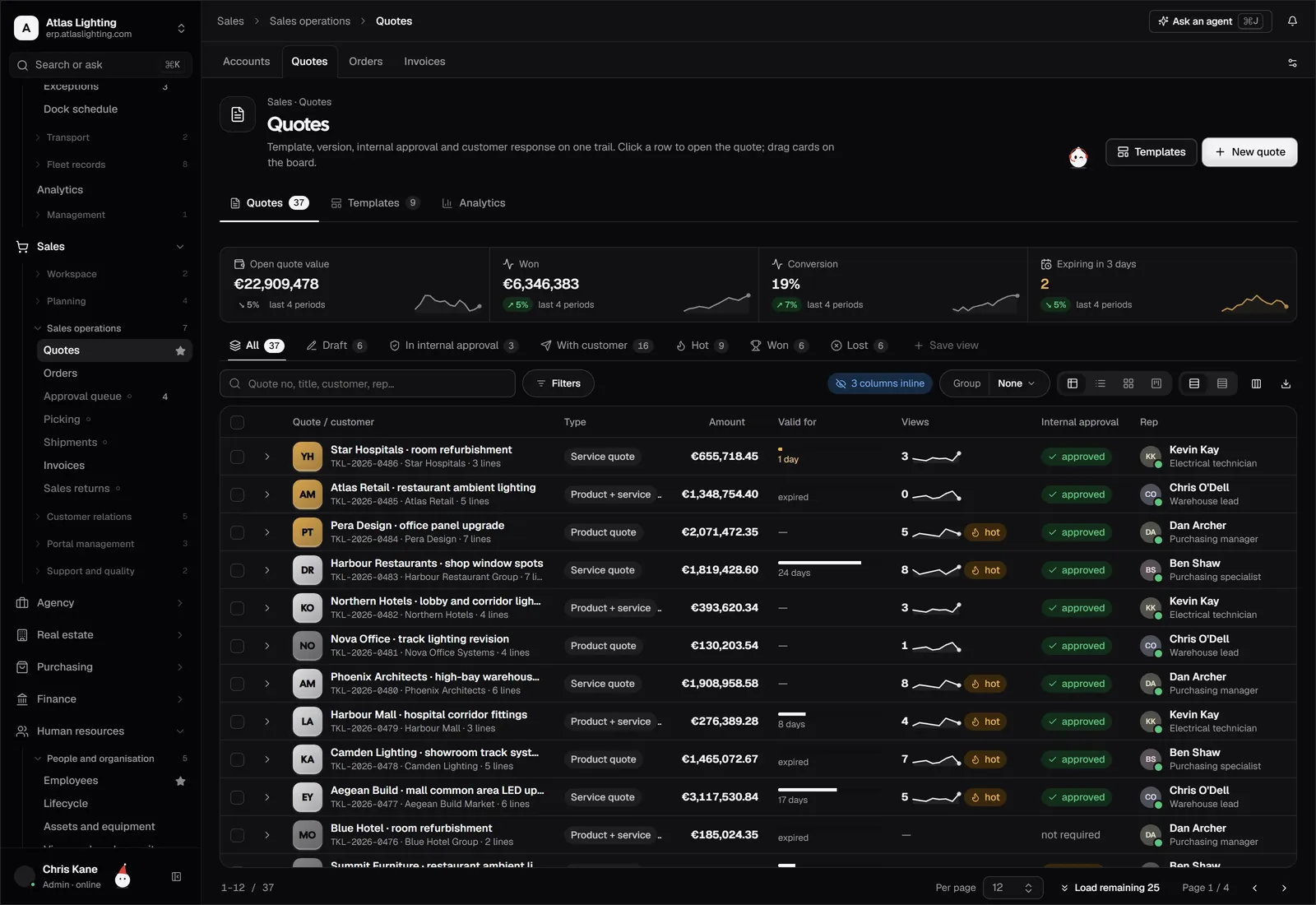
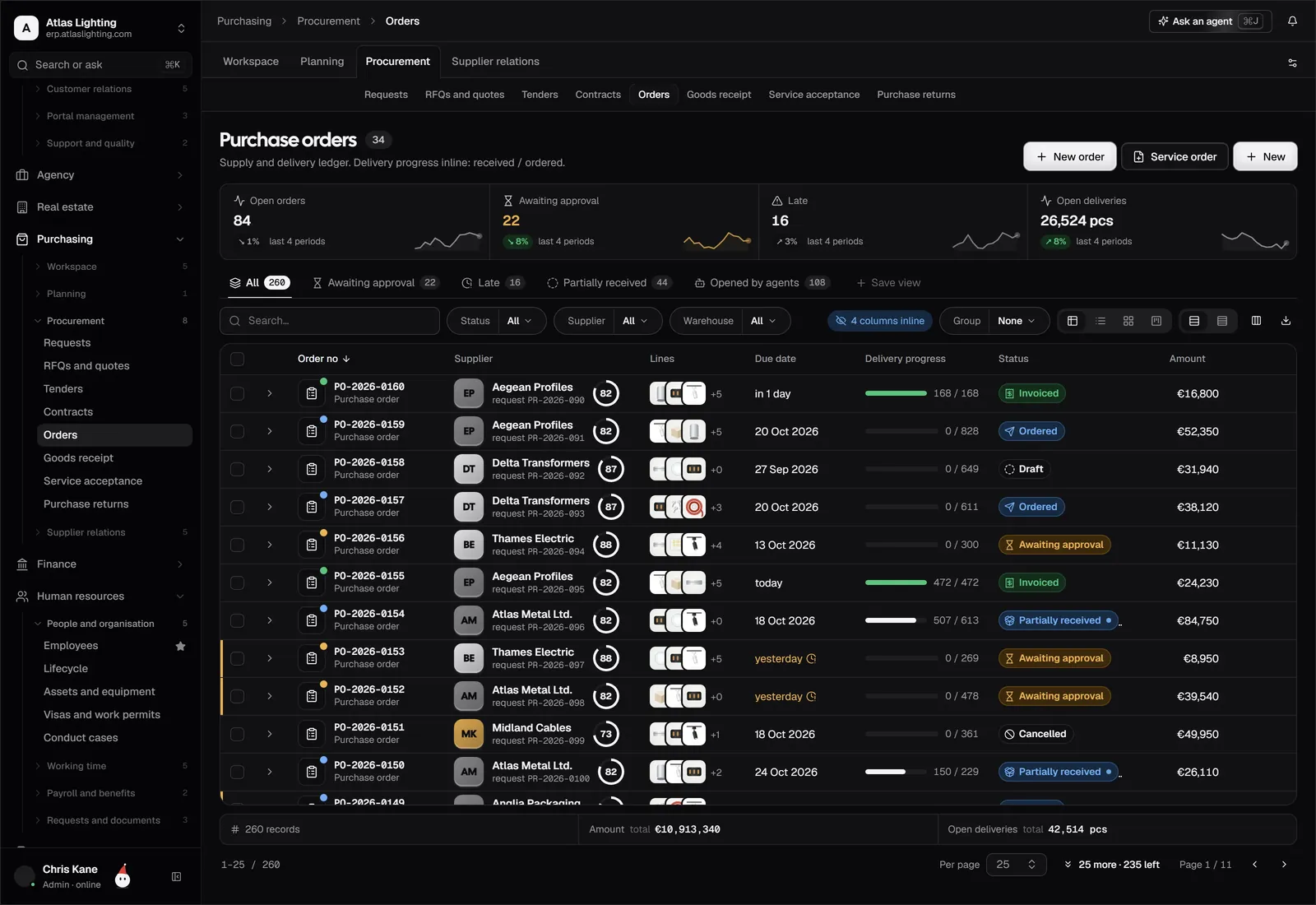
This is where integration pays off. A contract is not just a document: it sets prices, payment terms, volumes and delivery commitments. When it is connected to customers, suppliers, quotes and orders, those terms can inform the work. See contracts for how this fits into the wider system.
Permissions and audit history
Some contracts are sensitive. Control who can view, edit and approve, and keep a log of changes.
Choosing contract management software
Work through these questions before looking at products:
- How many contracts, and of what kinds? Twenty supplier agreements need less than two thousand customer contracts.
- Who needs access? Sales, purchasing, finance and management usually all do, with different permissions.
- Do you need e-signature? If yes, check how signed copies return to the record.
- Is it connected to your core records? A standalone tool means re-keying counterparties and values.
- Can you get your existing contracts in? Ask how bulk import and metadata capture work.
- What happens to your data? Check where it is hosted, how it is backed up and how you can export it.
Avoid choosing on the length of the feature list. A simpler tool that your team actually uses beats a complex one that stays half-configured.
Getting started in four steps
- Collect. Gather every active contract into one folder, including amendments.
- Capture the essentials. For each, record counterparty, type, owner, start, end, notice period, renewal terms and value.
- Set alerts. Alert the owner at, say, 90 and 30 days before each notice deadline, with a backup contact.
- Standardise. Pick your three most common contract types and make templates for them.
Even a basic version of this removes the biggest risks within a few weeks.
Where AI helps (and where it should not decide)
Reading long agreements for dates, parties and unusual terms is time-consuming. An AI coworker can summarise a contract, pull out key dates and flag clauses that differ from your template, saving your team from combing through pages. What it should not do is sign off on risk. In Dika Ops, AI coworkers work within strict permissions and ask a person to approve anything important, which is the right pattern for contracts too. For anything with real legal weight, have a qualified lawyer review it.
FAQ
What is the difference between contract management and contract lifecycle management?
Contract management is the broad practice of handling agreements. Contract lifecycle management (CLM) describes handling them end to end, from request and drafting through approval, signature, obligations and renewal. The terms overlap heavily in practice.
Do small businesses need contract management software?
If you have more than a handful of contracts with renewal dates or price terms, yes, a basic system will probably pay for itself in avoided surprises. A well-organised folder with a date tracker can work at a very small scale.
What should I track for each contract?
Counterparty, type, owner, start and end dates, notice period, renewal terms, value, payment terms and where the signed copy is stored.
Is e-signature the same as contract management?
No. E-signature covers the signing step. Contract management covers the whole lifecycle, including what happens before and after the signature.
Keep agreements connected to the work
Dika Ops keeps contracts alongside customers, suppliers, orders and approvals, so terms and dates are visible where decisions are made. It is in closed beta; join the waitlist to be considered for early access.