ERP for Small Manufacturers: How to Choose
Choosing an ERP for a small manufacturer? Learn which features matter, which questions to ask vendors and how to avoid an expensive, overbuilt system.
If you run a small manufacturer, the right ERP is the one that links quotes, purchasing, stock, production and invoicing in a single system, and that your team will actually use. It should be priced and sized for your business, not for a factory with 5,000 staff. This guide explains what to look for, what to ignore and how to run a sensible selection process.
Why small manufacturers outgrow spreadsheets and accounting packages
Most small manufacturers start with an accounting package plus a handful of spreadsheets. That works until the business has to answer questions that cross departments:
- Can we promise this order for the end of the month, given what is in stock and what is already on the shop floor?
- What does this product really cost once materials, labour and scrap are included?
- Which supplier is late, and which jobs does that put at risk?
Accounting software knows about money. A spreadsheet knows about whatever someone typed into it last Tuesday. Neither knows how a quote becomes a work order, which consumes stock, which triggers a purchase, which ends in an invoice. That chain is what an ERP is for.
The features that matter most
Not every module deserves equal attention. For a small manufacturer, these carry most of the value.
Bills of materials and work orders
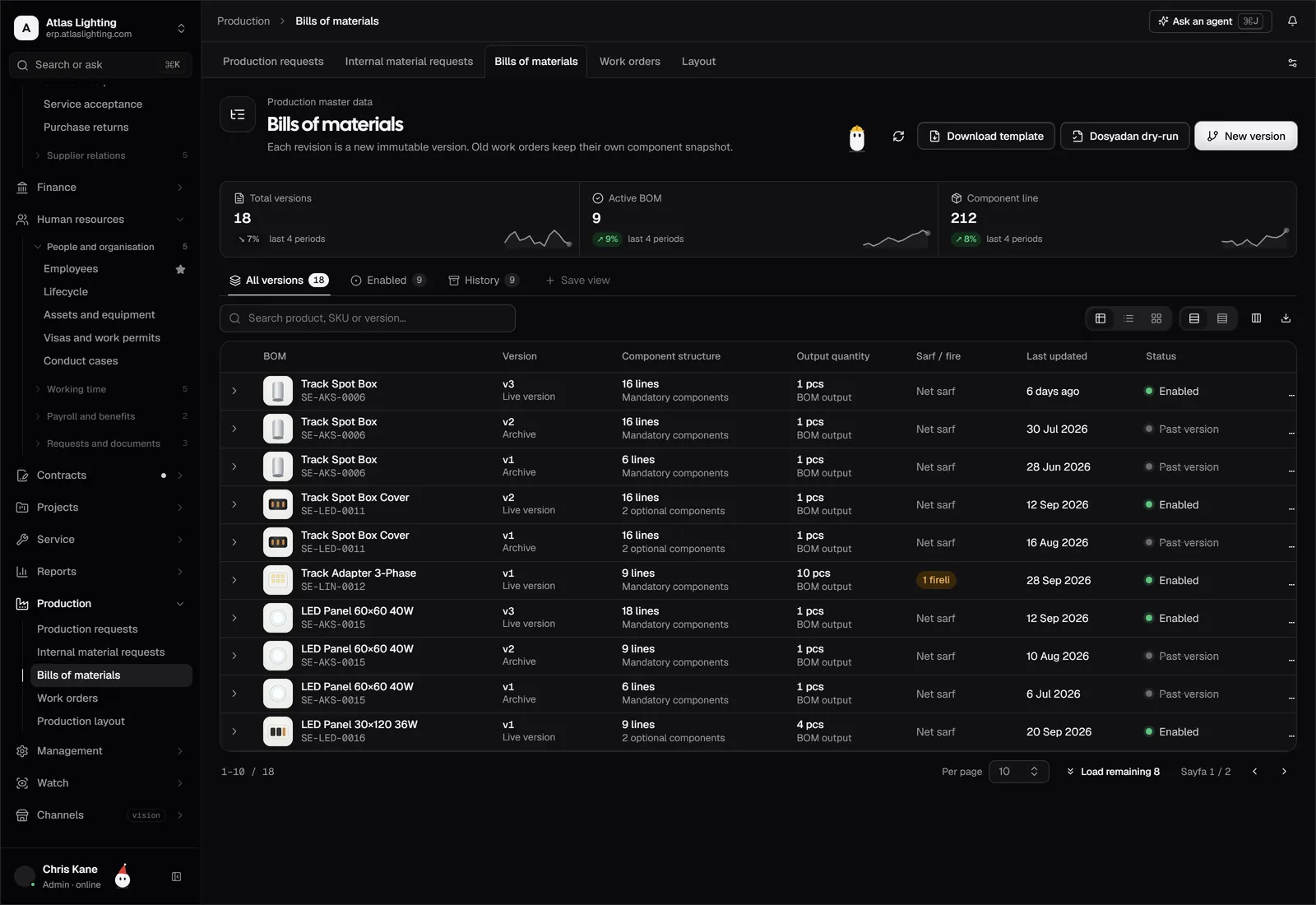
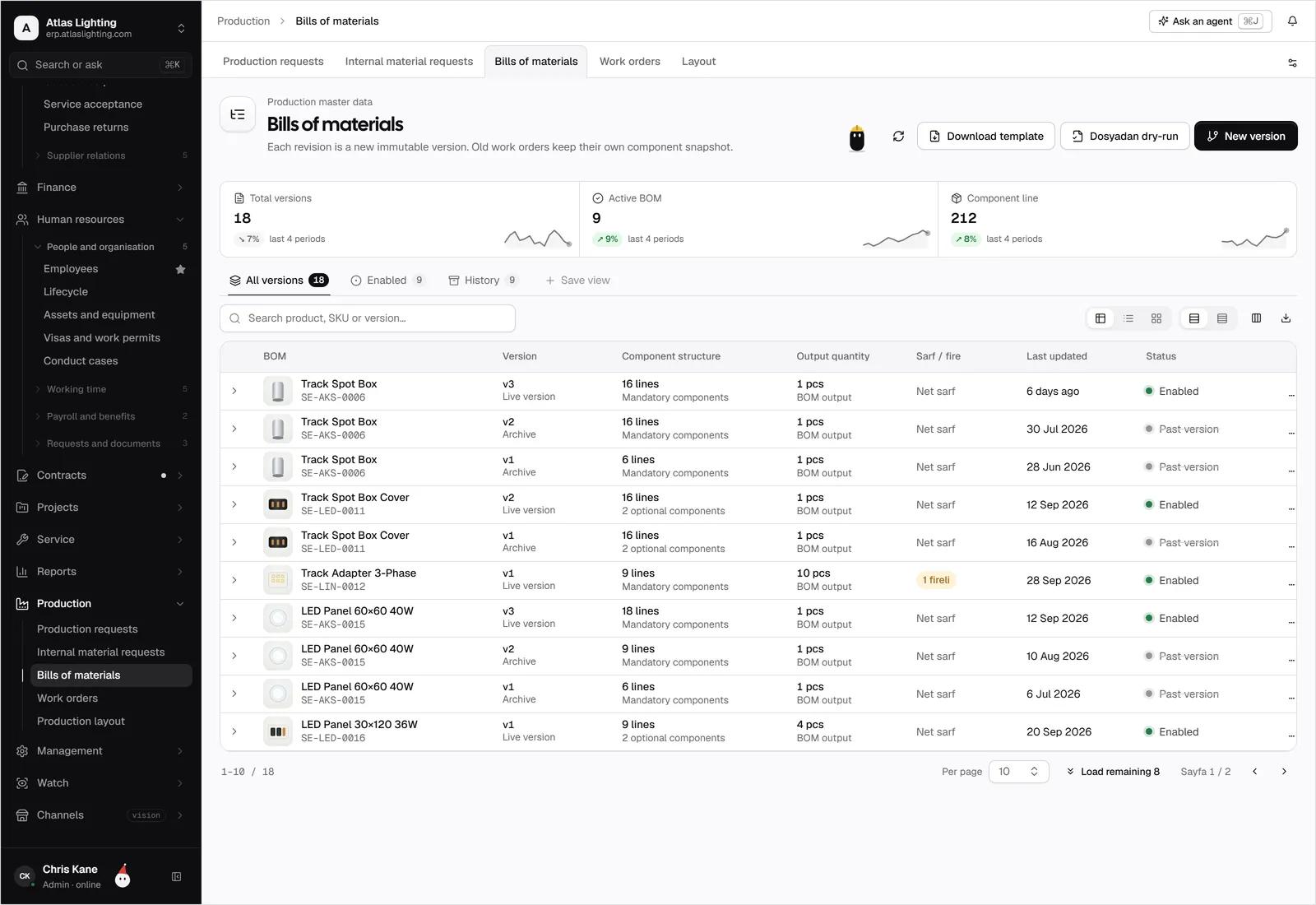
The bill of materials (BOM) lists every component and quantity needed to build a product. A good system lets you manage multi-level BOMs, record substitutes and issue work orders that reserve materials automatically. Check how it handles scrap and yield, because that is where real margin disappears.
Inventory and warehouse control
You need accurate stock by location, lot or batch where relevant, and reservations against open orders. Look for stock counts that can be done on a phone or scanner, and reorder points that reflect lead times rather than a fixed number somebody guessed.
Purchasing and supplier comparison
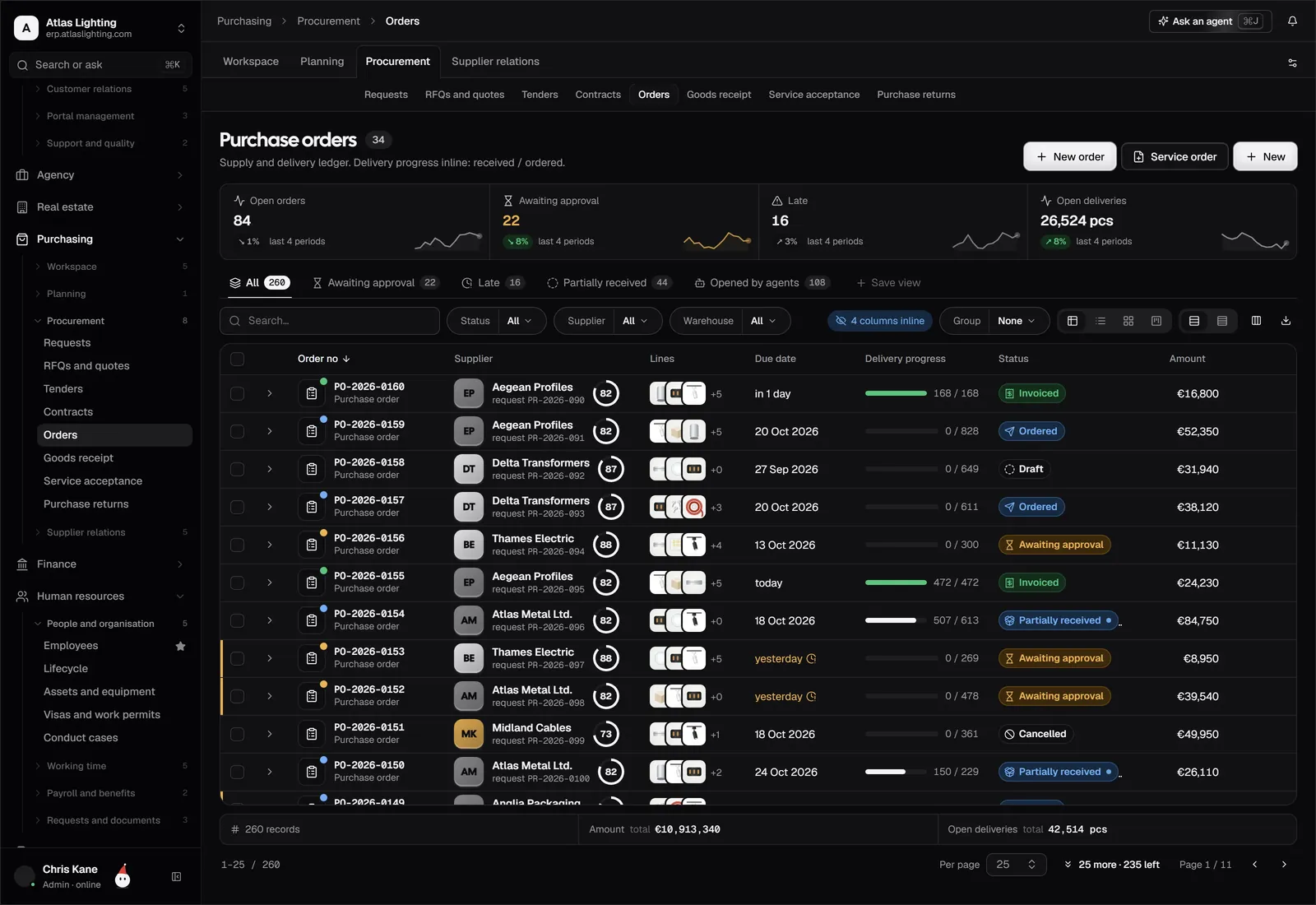
Shortages stop production. The system should turn a shortfall into a purchase request, let you compare supplier quotes side by side and show what is on order and when it is due.
Costing and finance
If costs are not tied to actual material usage and labour, your margins are guesses. Look for product costing, invoicing, receivables and a general ledger that all share the same data, so nothing needs re-keying.
Sales and customer-facing tools
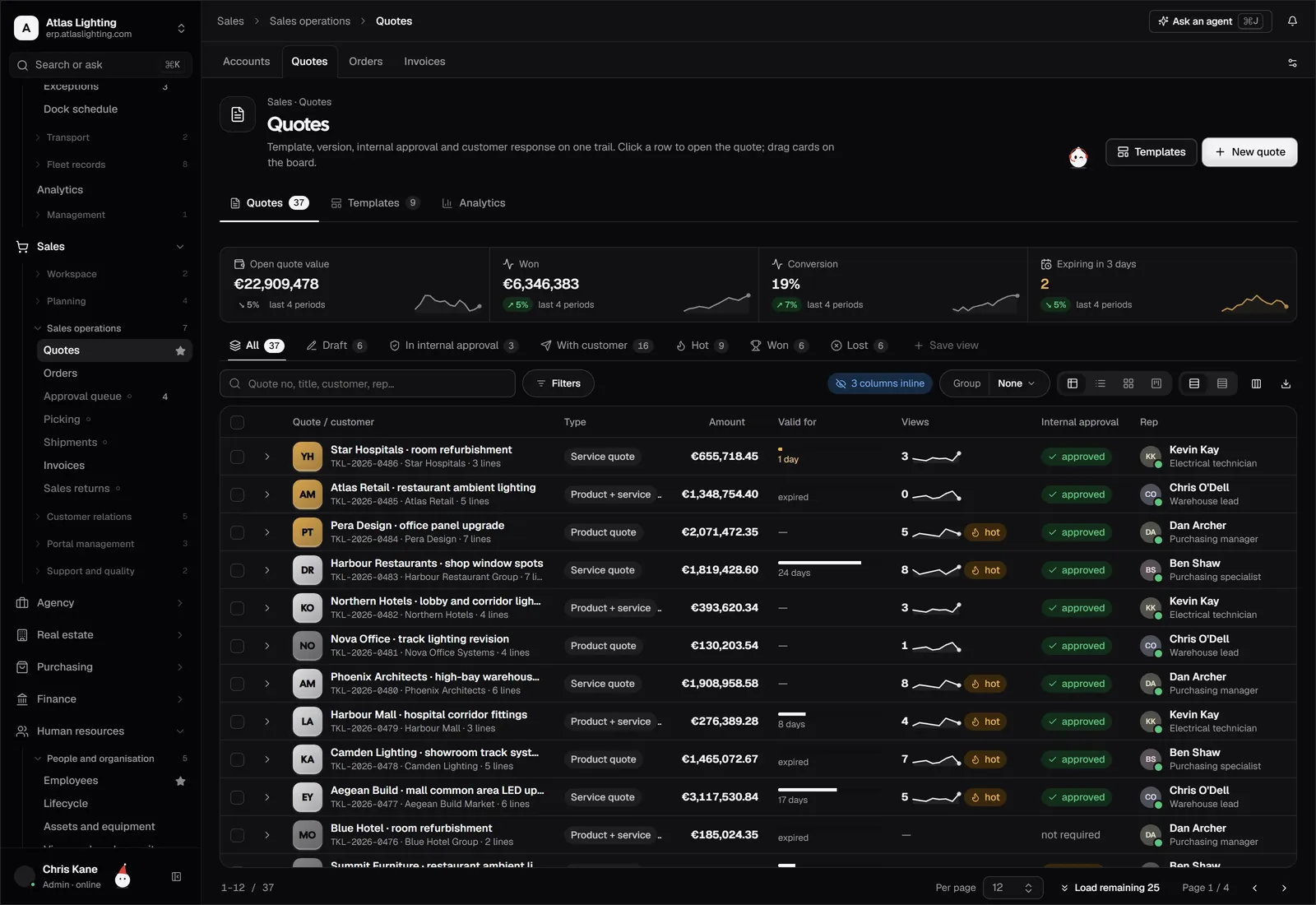
Quotes, sales orders and a customer portal reduce the back-and-forth by email. They also mean the person quoting can see real stock and capacity.
A quick comparison of your options
| Option | Strength | Weakness |
|---|---|---|
| Spreadsheets plus accounting software | Cheap and familiar | Manual, error-prone, no shared view |
| Traditional enterprise ERP | Very deep functionality | Long, costly implementations and heavy customisation |
| Modern all-in-one ERP | One database, faster setup | Fewer niche features; check fit carefully |
| Separate best-of-breed tools | Strong in each area | Integration work and duplicate data |
For many businesses with 10 to 200 staff, a modern all-in-one system is the practical middle ground. The risk with enterprise systems is paying for complexity you never use. The risk with a patchwork of tools is that you become the integration layer yourself.
Questions to ask every vendor
- Can you show my process, not a generic demo? Bring a real quote, a real BOM and a real purchase shortage.
- How long does setup take, and who does the work? Ask for a realistic plan, including data import.
- How do permissions work? A production planner should not see payroll.
- What happens to my data if I leave? You should be able to export it in a standard format.
- How is the system priced as I add users or modules?
- How does it use AI, and who stays in control? Be wary of anything that acts without approval.
How to run the selection process
Start by writing down your three biggest pain points in plain language. “We never know what is in stock” is more useful than “improve inventory visibility”. Then list the processes the system must handle from the first week, and separate them from the nice-to-haves.
Next, shortlist two or three systems and give each the same test scenario. Include an awkward case, such as a rush order that needs a substitute material. Involve the people who will use the system daily: the storekeeper, the buyer and whoever raises invoices. If they cannot follow the demo, they will not follow the system in production either.
Finally, plan a staged rollout. Many small manufacturers do well starting with products, inventory and purchasing, then adding production and finance once the stock data is trusted. Clean data on day one matters more than switching on every module.
Where AI fits in
AI is useful in an ERP when it handles routine work and leaves decisions to people. Examples include drafting purchase requests from low stock, matching supplier invoices to orders or answering a customer’s “where is my order?” question. The important design point is permissions: an AI assistant should only see what its role requires, and should ask a person to approve anything significant, such as sending an order or posting a payment.
FAQ
How much does an ERP cost for a small manufacturer?
Prices vary widely by vendor, user count and modules, so there is no honest single figure. Ask each vendor for a written quote covering licences, setup and support, and compare the total over three years rather than the monthly headline price.
How long does implementation take?
It depends on data quality and scope. A focused rollout of inventory, purchasing and sales can be much quicker than a full multi-site deployment. Be sceptical of any promise that ignores data clean-up.
Do I need a separate MRP system?
Not usually. Material requirements planning is a standard part of manufacturing modules in an ERP, so planning, purchasing and stock share one set of numbers.
Can we keep our current accounting software?
Sometimes, but running two systems means reconciling them. If you can, choose an ERP with built-in accounting to avoid double entry.
Next steps
Dika Ops is an AI-native ERP for small and mid-size companies that make, move and sell things, covering manufacturing, inventory and purchasing in one system, with AI coworkers that work within strict permissions. It is currently in closed beta, and you can join the waitlist to be considered for early access.