Invoicing Software for Small Business: A Buyer's Guide
Choosing invoicing software for your small business? See the features that matter, how to get paid faster, and when to move to an integrated ERP.
The best invoicing software for a small business is the one that creates accurate invoices from your orders, sends them quickly, tracks who has paid and chases the rest. Features and price matter less than whether it fits how you actually sell.
This guide covers what to look for, how invoicing connects to getting paid, and when a standalone invoicing tool stops being enough.
What invoicing software should do
At minimum, good invoicing software lets you:
- Create professional invoices from reusable customer and product records.
- Send them by email, or as a PDF, with a clear payment reference.
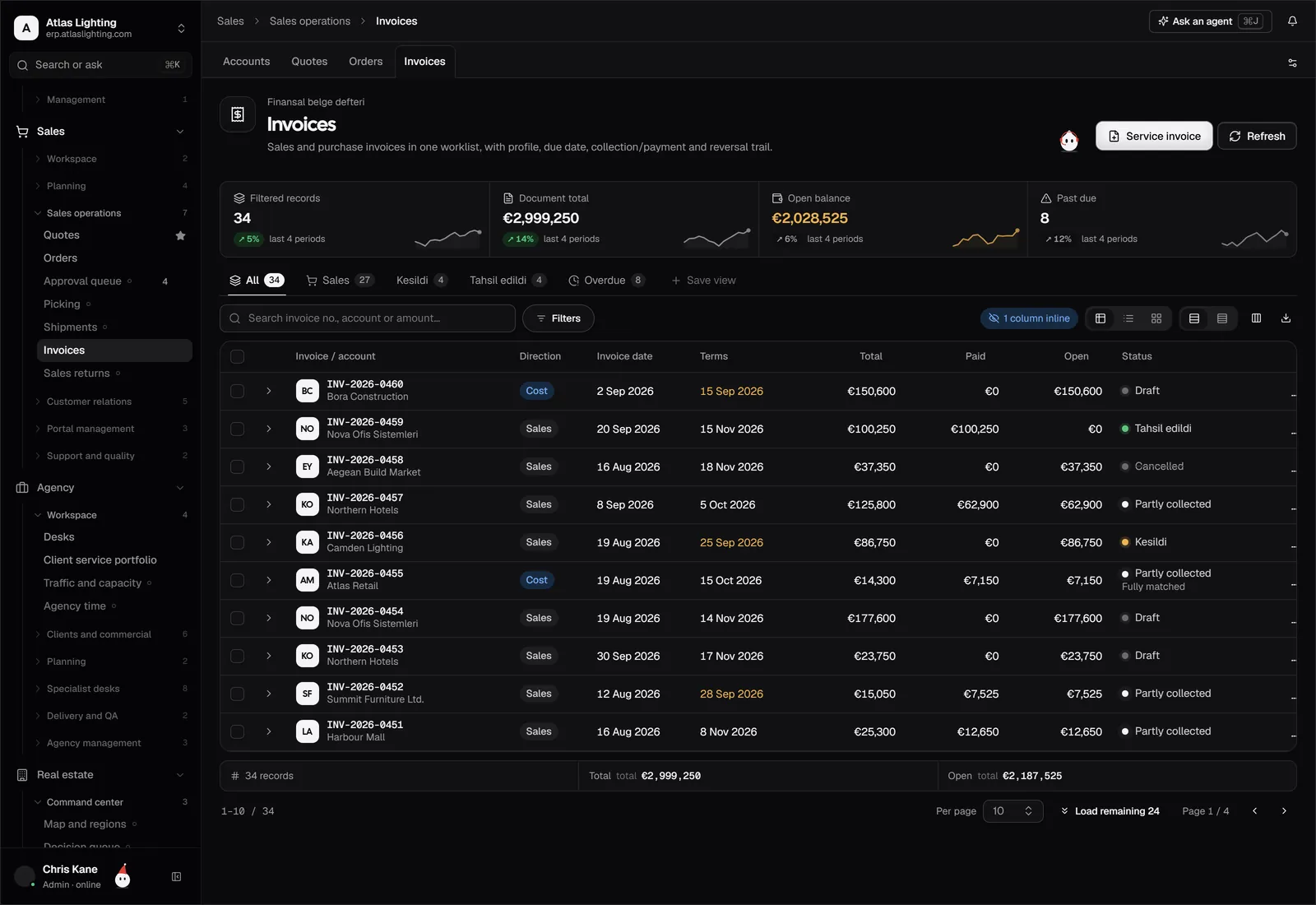
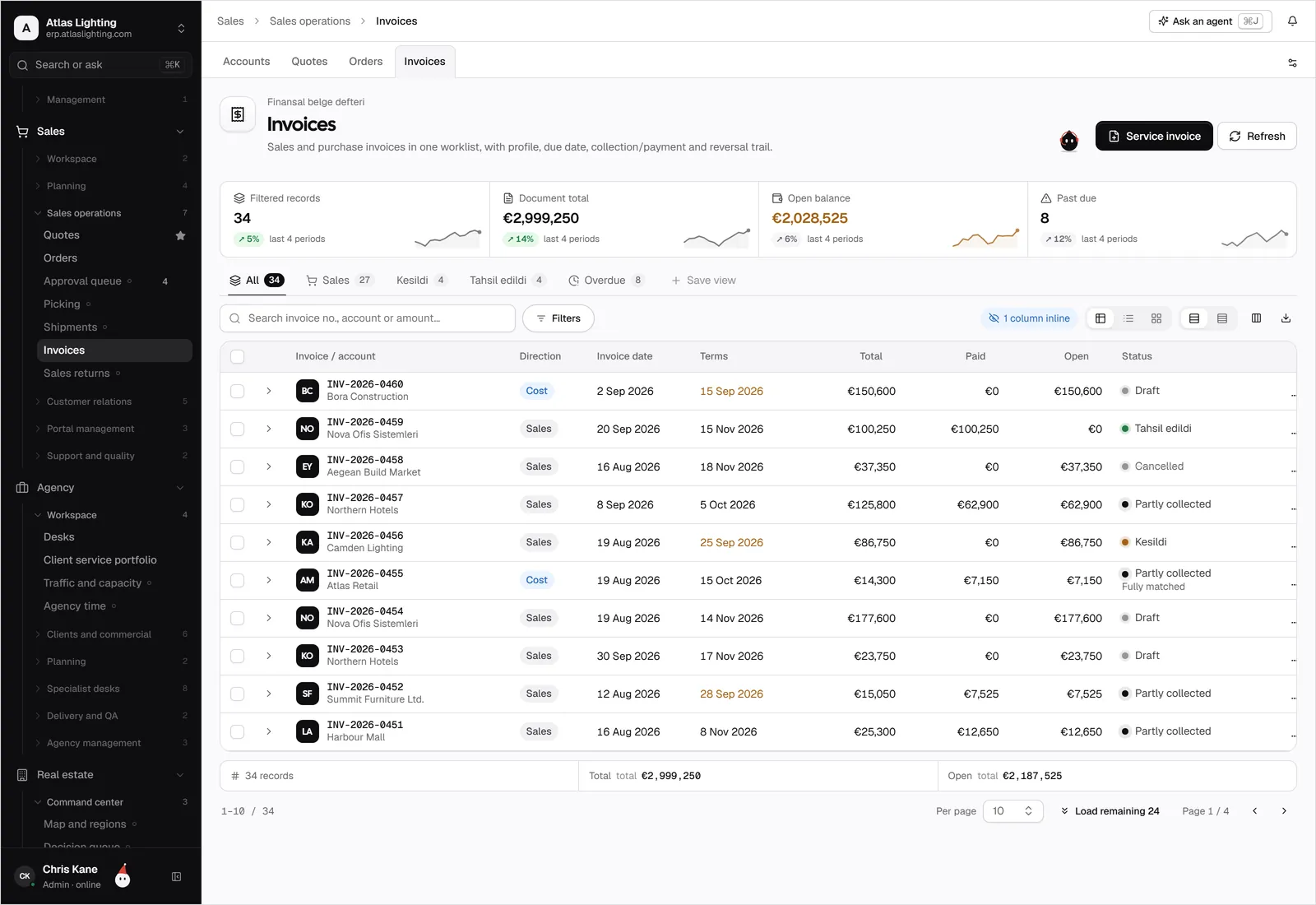
- Track status: draft, sent, viewed, part-paid, paid, overdue.
- Record payments and match them to invoices.
- Produce credit notes for returns and corrections.
- Show you who owes what, and for how long.
If a tool cannot do these cleanly, nothing else on its feature list will rescue it.
Features that make a real difference
Recurring invoices
If you bill the same amount monthly, such as a retainer or a service contract, automation removes a chore and prevents missed invoices.
Multiple currencies and tax rates
If you sell across borders, you need invoices in the customer’s currency and the right tax treatment. Confirm how the software handles this and check the specifics with your accountant, since rules differ between countries.
Payment links and online payment
Letting customers pay by card or bank transfer from the invoice itself shortens the gap between sending and receiving money. Check the payment provider’s fees before committing.
Reminders
Automatic, polite reminders before and after the due date are one of the most effective ways to reduce late payment. Look for configurable schedules.
Quotes and orders feeding invoices
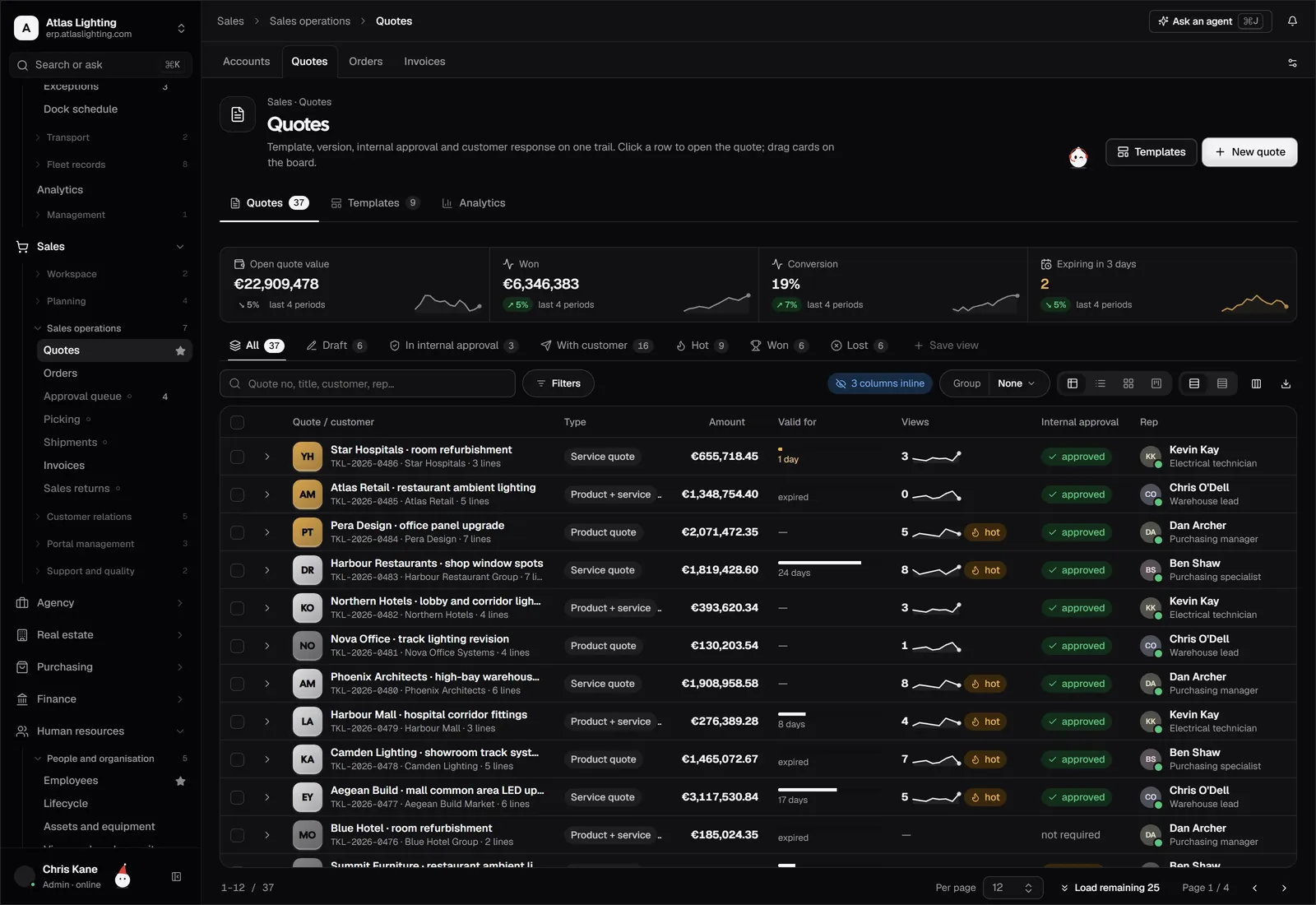
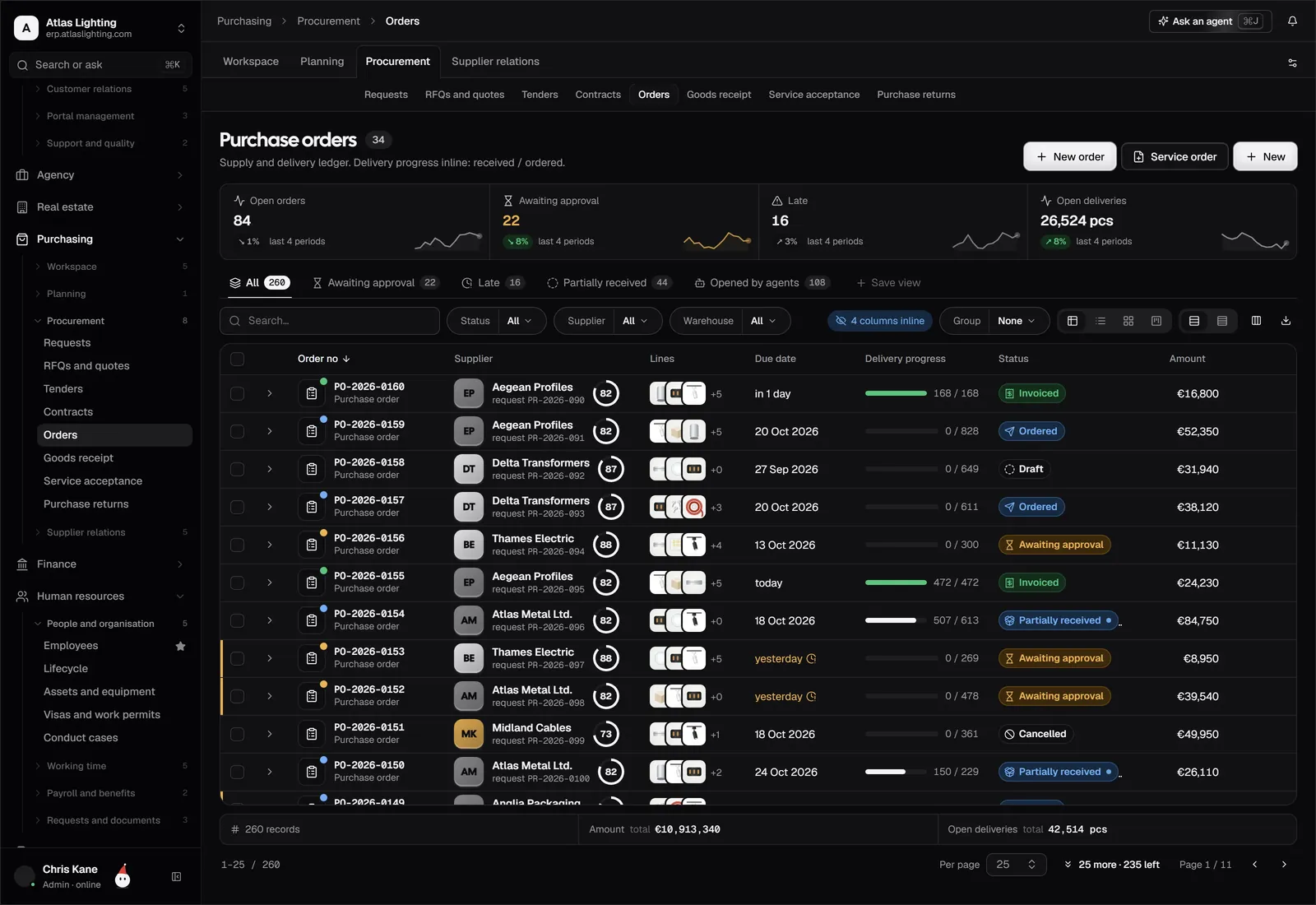
Retyping an agreed quote into an invoice invites errors. The better setups turn an approved quote or a delivered order into an invoice in a click.
Reporting
You should be able to see overdue invoices, average days to pay and revenue by customer without exporting to a spreadsheet.
A quick comparison of approaches
| Approach | Good for | Watch out for |
|---|---|---|
| Word or spreadsheet templates | Very low volume | Errors, no tracking, no reminders |
| Standalone invoicing app | Freelancers, service businesses | Separate from stock and orders |
| Accounting package | Businesses with simple needs | Limited order and stock handling |
| ERP with invoicing built in | Companies that make, move or sell goods | More to set up, more to learn |
How to get paid faster
Software helps, but habits matter as much.
- State terms clearly. Due date, accepted payment methods and late-payment terms should be visible on every invoice.
- Invoice immediately. Delay in sending is delay in being paid. Invoice on delivery or completion, not at month end.
- Make paying easy. Include bank details and a payment link.
- Use the right contact. Send invoices to whoever actually approves payment, which is often accounts payable rather than your day-to-day contact.
- Chase early. A friendly reminder a few days before the due date works better than a stern one weeks after.
- Review your worst payers. Consider deposits, shorter terms or credit limits for customers who regularly pay late.
Mistakes to avoid
- Missing purchase order numbers. Many larger customers will not process an invoice without their PO number.
- Inconsistent numbering. Invoice numbers should be sequential and unique. Gaps invite questions.
- Vague descriptions. Say what was delivered, in what quantity, at what price.
- No record of delivery. Proof of delivery settles most disputes quickly.
- Tracking payments in a separate sheet. It will drift out of date.
When standalone invoicing stops being enough
An invoicing app works well while your sales process is simple. Signs you are outgrowing it:
- You invoice from orders that were created somewhere else.
- Part deliveries and back orders complicate what you can bill.
- You need to know whether you actually have the stock before you invoice.
- Credit control is taking real time every week.
- Your cash forecast depends on invoice data you copy by hand.
At that point you are managing a process, not just a document, and an integrated system pays for itself in avoided rework. Dika Ops connects sales orders, invoices, receivables and payments in one place, so an invoice comes from the order it relates to.
Where AI can help
Routine invoicing work (drafting invoices from delivered orders, spotting overdue accounts, preparing reminder emails) suits automation. In Dika Ops, AI coworkers can take on a role such as accountant, working within strict permissions and asking a person to approve anything important.
FAQ
What should an invoice include?
At minimum: your business name and address, the customer’s details, a unique invoice number, the date, a description of goods or services, quantities and prices, tax where applicable, the total, the payment due date and how to pay. Tax requirements vary, so confirm yours with your accountant.
Is free invoicing software good enough?
Often, for very low volume and simple sales. Check limits on invoices per month, branding, reminders and support, and how easily you can export your data later.
Should I invoice before or after delivery?
That depends on your terms and industry. Many goods businesses invoice on dispatch or delivery; service businesses may invoice on milestones or in advance. Whatever you choose, state it in your terms.
How long should payment terms be?
Common terms are 14, 30 or 60 days, but shorter terms help cash flow. Agree terms with each customer in advance and keep them consistent.
Summary
Choose invoicing software that fits how you sell today and can grow with you. If you’re already stretching a standalone tool, Dika Ops, an AI-native ERP currently in closed beta, brings invoicing together with orders, stock and finance. You can join the waitlist.