Multichannel Order Management Explained
Multichannel order management brings orders from every sales channel into one place. Learn how it works, the risks of doing it manually and how to set it up.
Multichannel order management means collecting orders from every place you sell, such as your website, marketplaces, trade customers and phone or email, into one system so that stock, fulfilment and invoicing are handled consistently. Without it, you end up copying orders between screens, overselling stock and answering customers with outdated information.
This guide explains how multichannel order management works, what goes wrong without it, and how to set it up sensibly for a small or mid-size business.
What is multichannel order management?
When a business sells in more than one place, each channel tends to have its own order list, its own stock number and its own customer data. Multichannel order management consolidates these. Every order, wherever it came from, flows into a single queue and follows the same process: confirm, allocate stock, pick, ship, invoice and handle returns.
The aim is one version of the truth: one stock figure, one customer record and one status for each order.
Why manual handling breaks down
Many businesses start by copying orders from each channel into a spreadsheet. It works for a handful of orders a day. As volume grows, the problems appear:
- Overselling. The same unit is sold on two channels before either stock count is updated.
- Delays. Orders wait for someone to retype them, slowing dispatch.
- Errors. Typos in addresses, quantities or SKUs cause wrong shipments.
- Inconsistent customer data. The same customer exists three times with different details.
- Poor visibility. Nobody can say quickly which orders are late.
- Messy invoicing. Finance reconciles by hand.
None of these are catastrophic alone, but together they cost time, money and reputation.
The order lifecycle across channels
A well-organised process follows the same stages whatever the source:
- Capture: the order arrives from a channel and is recorded.
- Validate: check payment status, address and product availability.
- Allocate stock: reserve items from the right location.
- Fulfil: pick, pack and generate shipping labels.
- Ship: hand to the carrier and send tracking to the customer.
- Invoice and record: create the invoice and post it to finance.
- After-sales: manage returns, refunds and exchanges.
The value of a central system is that steps 2 to 7 are identical for every channel, so staff learn one process.
Key capabilities to look for
| Capability | What it gives you |
|---|---|
| Order consolidation | One queue for every channel |
| Shared stock | One stock figure that updates after each sale |
| Stock reservation | Prevents selling what is already committed |
| Customer records | One profile per customer, whatever the source |
| Fulfilment workflow | Pick, pack and ship steps with status tracking |
| Shipping integration | Labels and tracking numbers |
| Returns handling | Consistent refunds and restocking |
| Reporting | Sales and margin by channel |
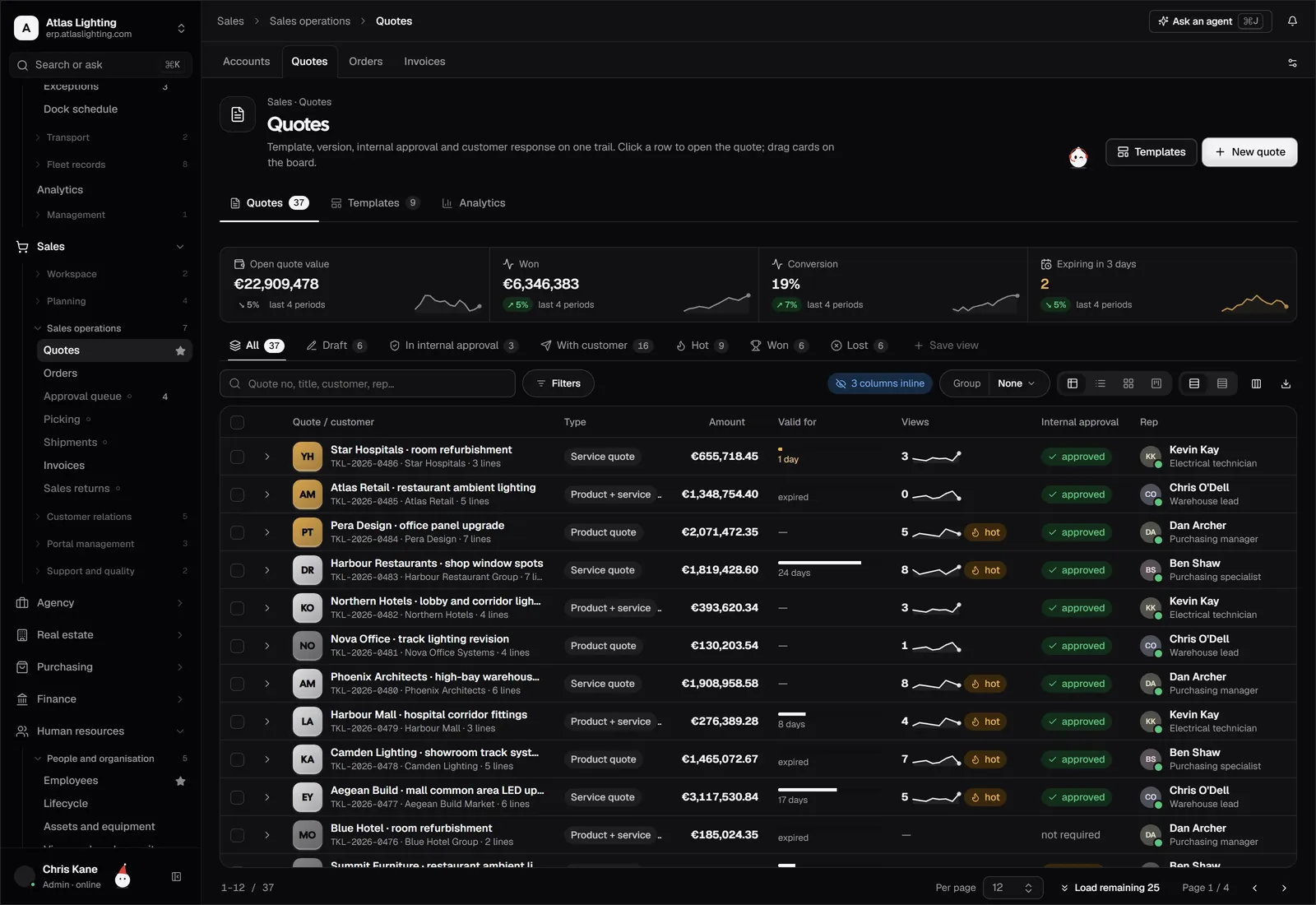
Do not forget trade and business-to-business orders. They often have negotiated prices, credit terms or quotes, which a consumer-focused tool may not support. If you sell both ways, check that sales features such as quotes and customer price lists sit alongside e-commerce.
Stock is the hardest part
Order management lives or dies on stock accuracy. If your website says 10 in stock and the warehouse holds 4, you will disappoint customers. To keep numbers honest:
- Use a single stock record for all channels, not separate counts.
- Reserve stock when an order is accepted, not when it ships.
- Consider a small buffer on fast-moving items for channels with slow updates.
- Count regularly and fix discrepancies at source.
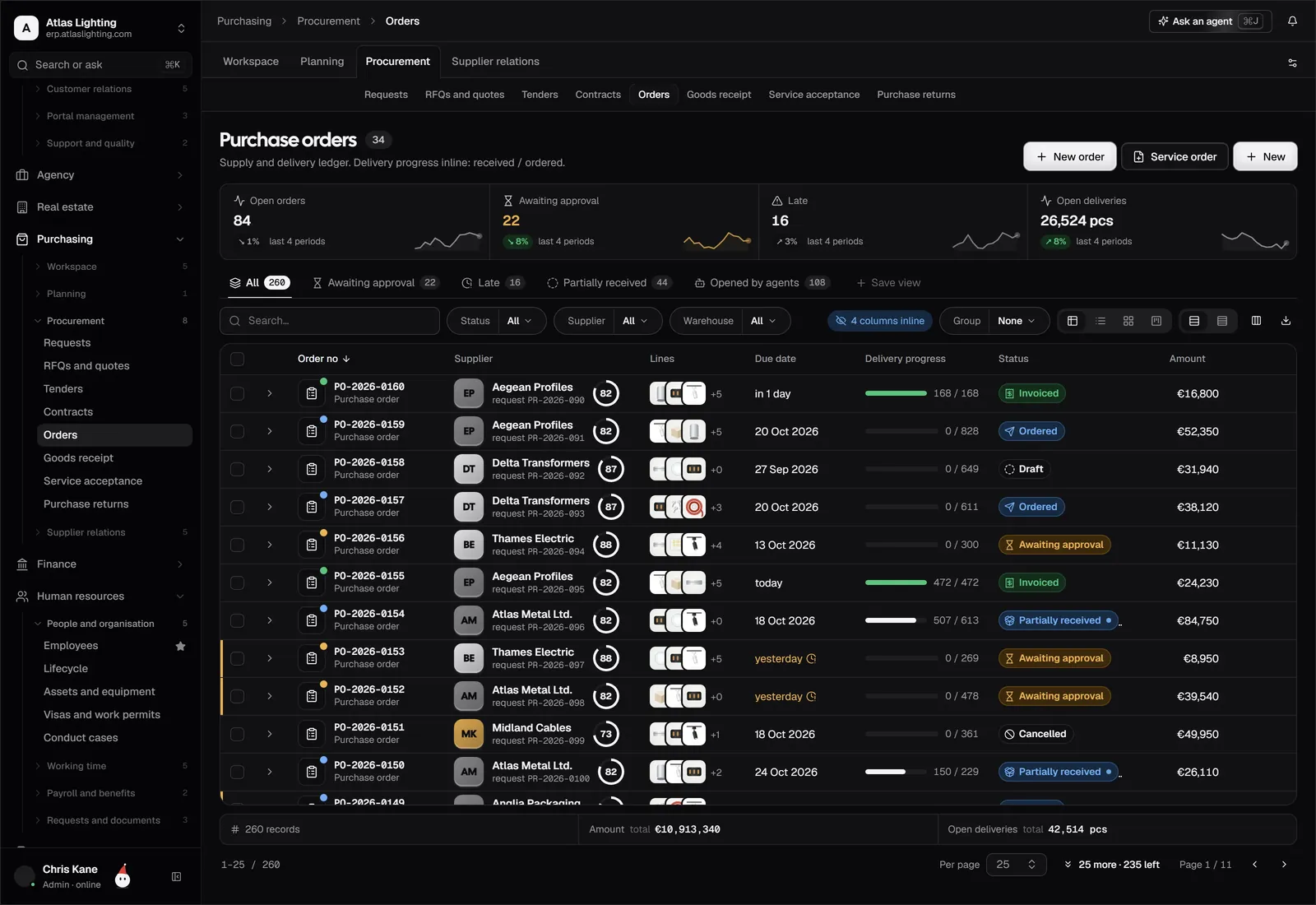
Connecting orders to inventory and commerce in the same system makes this far easier than synchronising separate tools.
Setting up multichannel order management
Step 1: List your channels and volumes
Write down every place you take orders and roughly how many per week. This shows where the pain is greatest.
Step 2: Standardise your product data
Each product needs a consistent SKU, name and unit across channels. Messy product data is the single biggest cause of order errors.
Step 3: Decide the single source of stock
Choose which system holds the master stock figure. Everything else should read from it.
Step 4: Map your fulfilment rules
Decide which location ships which orders, how you choose carriers and how you handle split shipments.
Step 5: Agree return and refund rules
Having a standard process avoids ad hoc decisions and keeps accounting clean.
Step 6: Start with one or two channels
Connect your busiest channel first, check the flow works, then add others.
Where AI helps
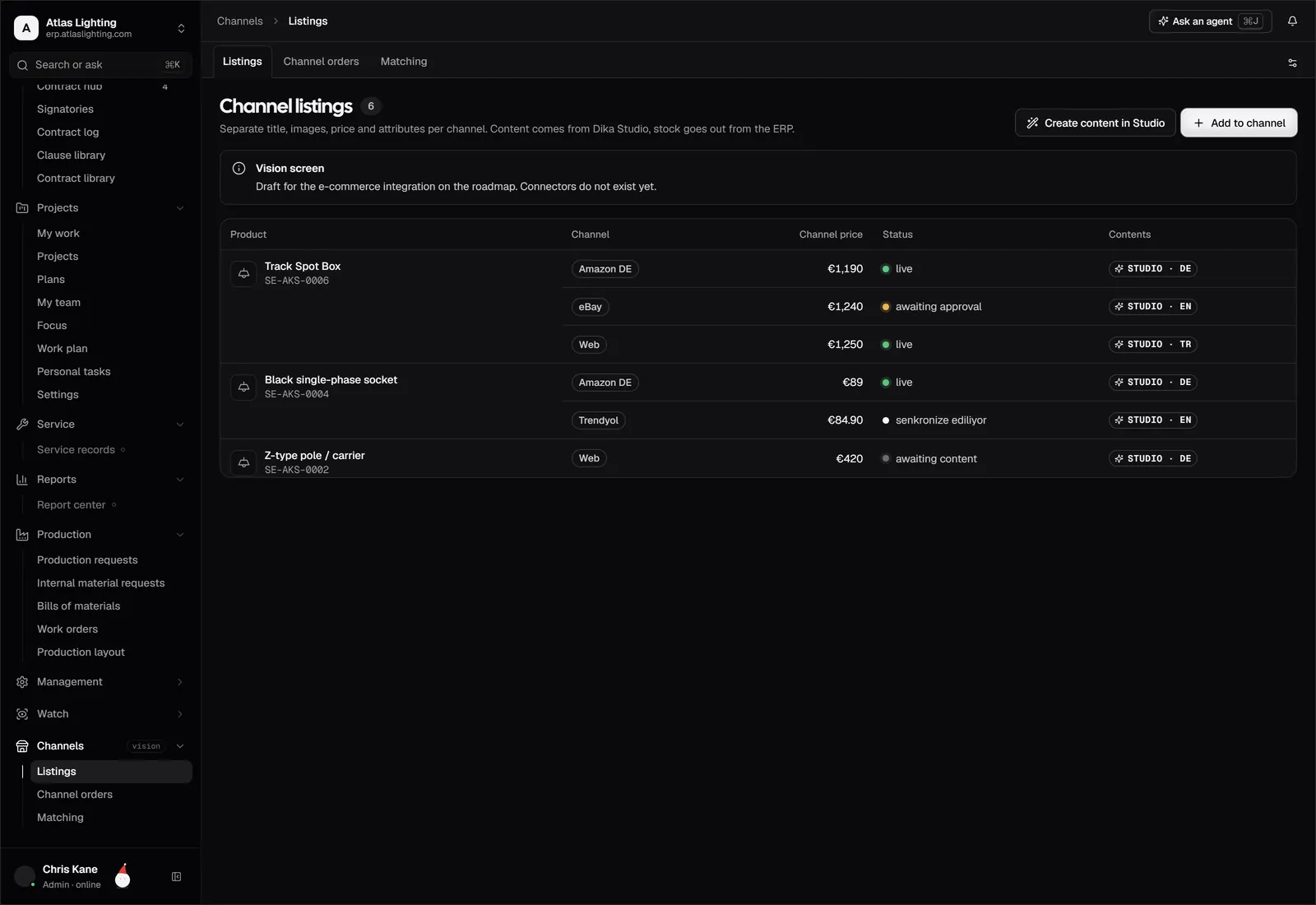
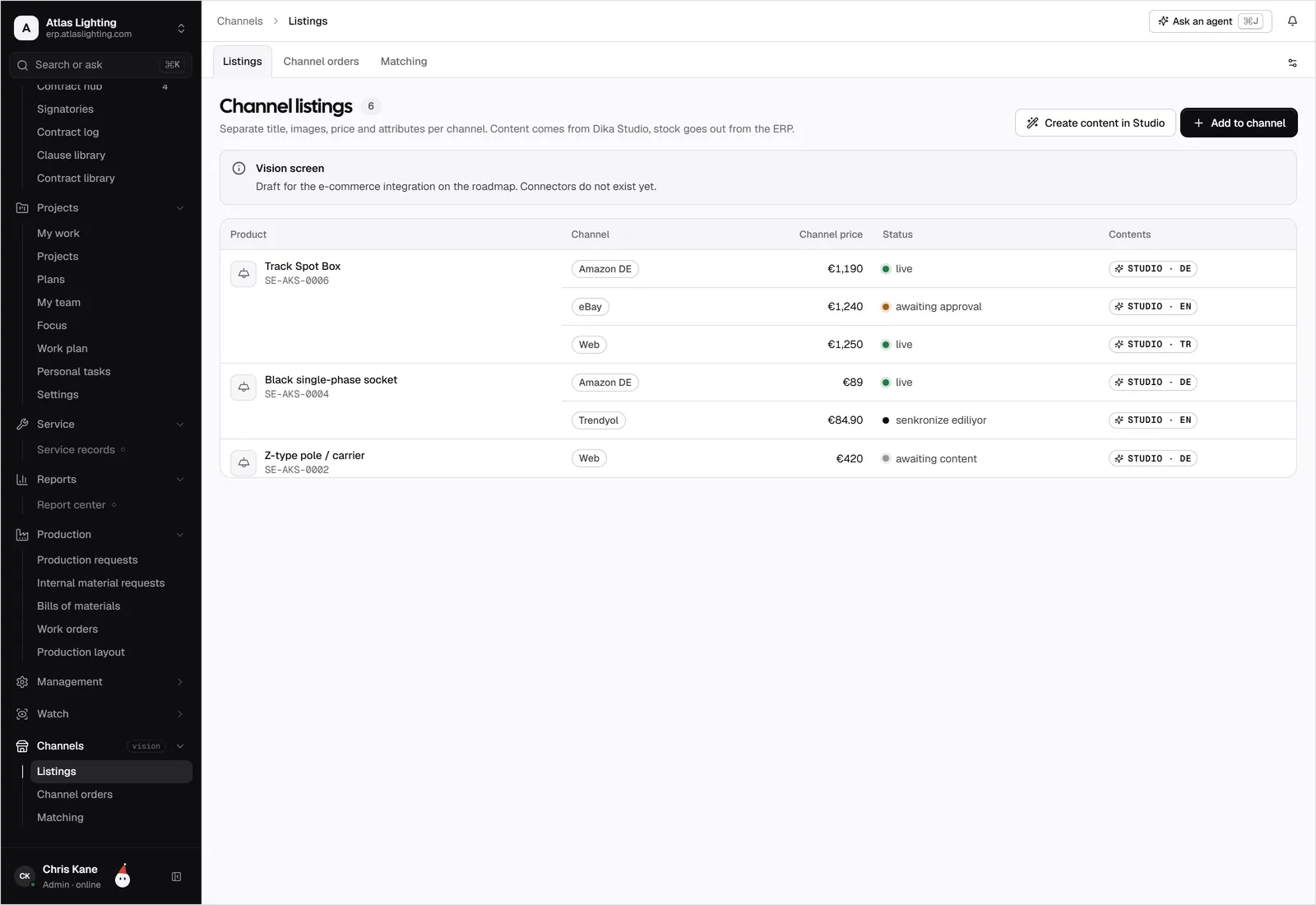
Routine order work lends itself to assistance: flagging orders that cannot be fulfilled from stock, drafting replies on delivery status, or highlighting unusual orders for review. In Dika Ops, AI coworkers operate within strict permissions and ask a person to approve anything important. Dika Studio, a sister product, helps write product pages, listings and campaigns, which is useful when you list the same product on several channels.
Metrics worth watching
Keep it simple:
- Order-to-dispatch time
- Percentage of orders shipped on time
- Stock-outs and oversells per month
- Return rate by channel
- Revenue and margin by channel
These tell you whether multichannel selling is actually profitable or just busy.
FAQ
What is the difference between an order management system and an ERP?
An order management system focuses on handling orders from capture to fulfilment. An ERP covers the wider business, including purchasing, production, finance and HR, and typically includes order management within it.
How do I stop overselling on multiple channels?
Use one shared stock record that updates immediately after each sale and reserves stock when an order is accepted. Avoid maintaining separate counts per channel.
Do I need multichannel order management if I only sell online?
If you use one website and one stock location, a simple setup may be enough. Once you add a marketplace, trade customers or several locations, central management becomes valuable.
Can I handle B2B and B2C orders in the same system?
Yes, provided the system supports both consumer checkout and business needs such as quotes, price lists and credit terms.
Next step
Selling in several places is easier when orders, stock and invoicing share one system. Dika Ops is in closed beta and brings these together. You can join the waitlist to be considered for early access.