Stock Control Software: What to Look For
Stock control software tracks what you hold, where it sits and when to reorder. Learn the features that matter and how to choose a system for your business.
Stock control software is a system that records every item you hold, where it is stored, and every movement in or out, so you always know what you can sell and when to reorder. For a small or mid-size business, the right tool replaces guesswork and spreadsheets with one live count that purchasing, sales and the warehouse all trust.
This guide explains what stock control software actually does, which features separate a useful system from a glorified list, and how to pick one without overbuying.
What stock control software does
At its simplest, stock control answers three questions: what do we have, where is it, and what should we do about it? Good software answers them in real time rather than at the end of the month.
It does this by turning every physical event into a recorded transaction:
- Goods received from a supplier add stock.
- Sales shipments and production consumption remove it.
- Transfers move it between locations.
- Adjustments correct it after a count, damage or loss.
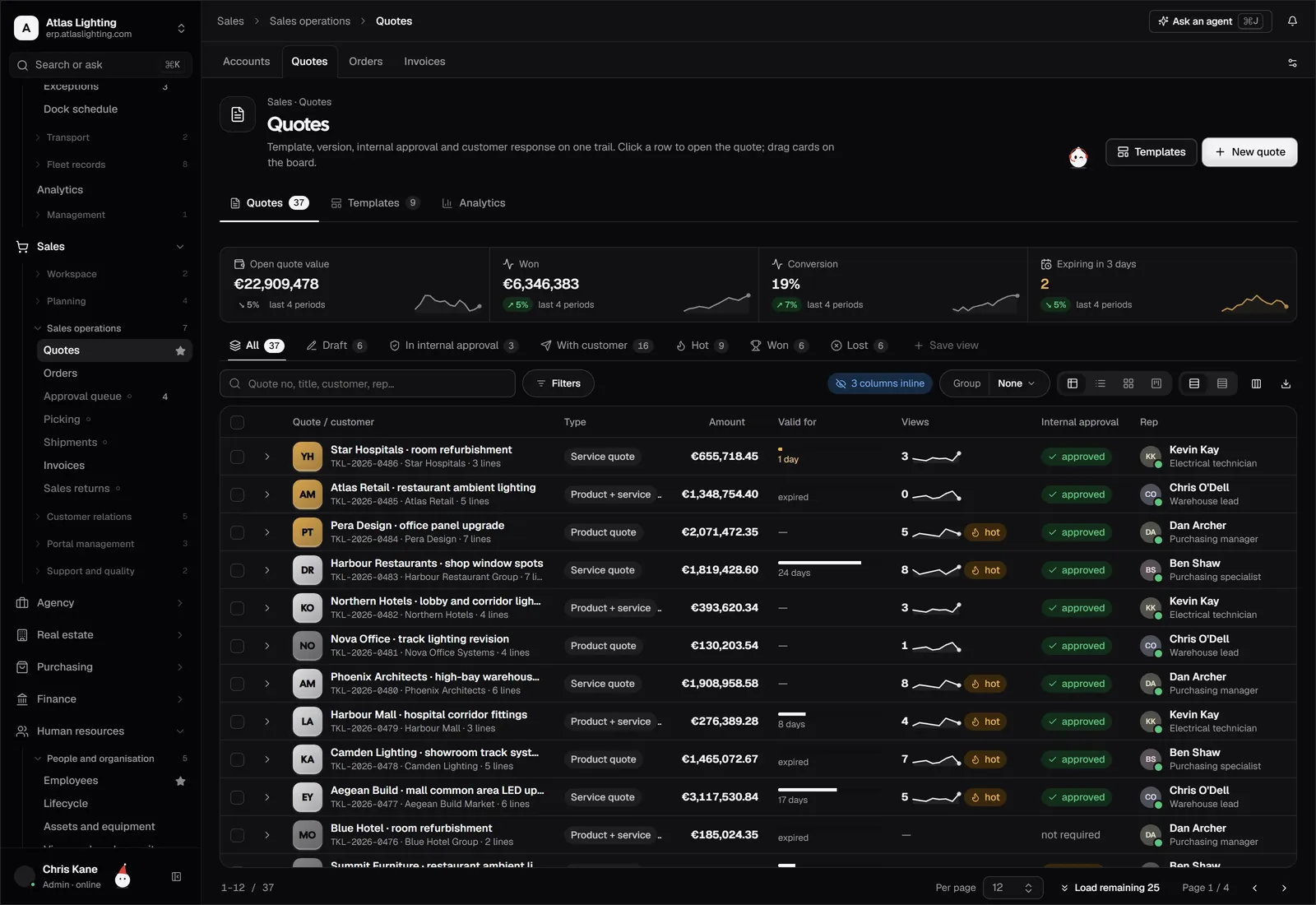
Because every change is a transaction with a date, a user and a reason, the current balance is always explainable. That audit trail is the main difference between a stock system and a spreadsheet someone overwrites.
Stock control vs inventory management
The two terms are used interchangeably, but there is a useful distinction. Stock control is the day-to-day discipline of counting, locating and moving goods accurately. Inventory management is the wider decision layer: how much to hold, when to buy, which items deserve working capital. Software for small businesses usually needs to cover both, and the best systems link them so a low-stock signal turns directly into a purchase suggestion.
Core features to look for
Not every business needs every feature. Use this table to separate essentials from nice-to-haves.
| Feature | Why it matters | Essential for |
|---|---|---|
| Real-time stock levels | One number everyone trusts | Everyone |
| Multiple locations and bins | Know exactly where an item sits | Anyone with more than one shelf area or site |
| Reorder points and alerts | Prevents stock-outs and panic buying | Anyone who buys repeatedly |
| Batch and serial tracking | Traceability and recalls | Food, electronics, regulated goods |
| Barcode scanning | Faster, more accurate receiving and picking | Busy warehouses |
| Stock counts and adjustments | Keeps records honest | Everyone |
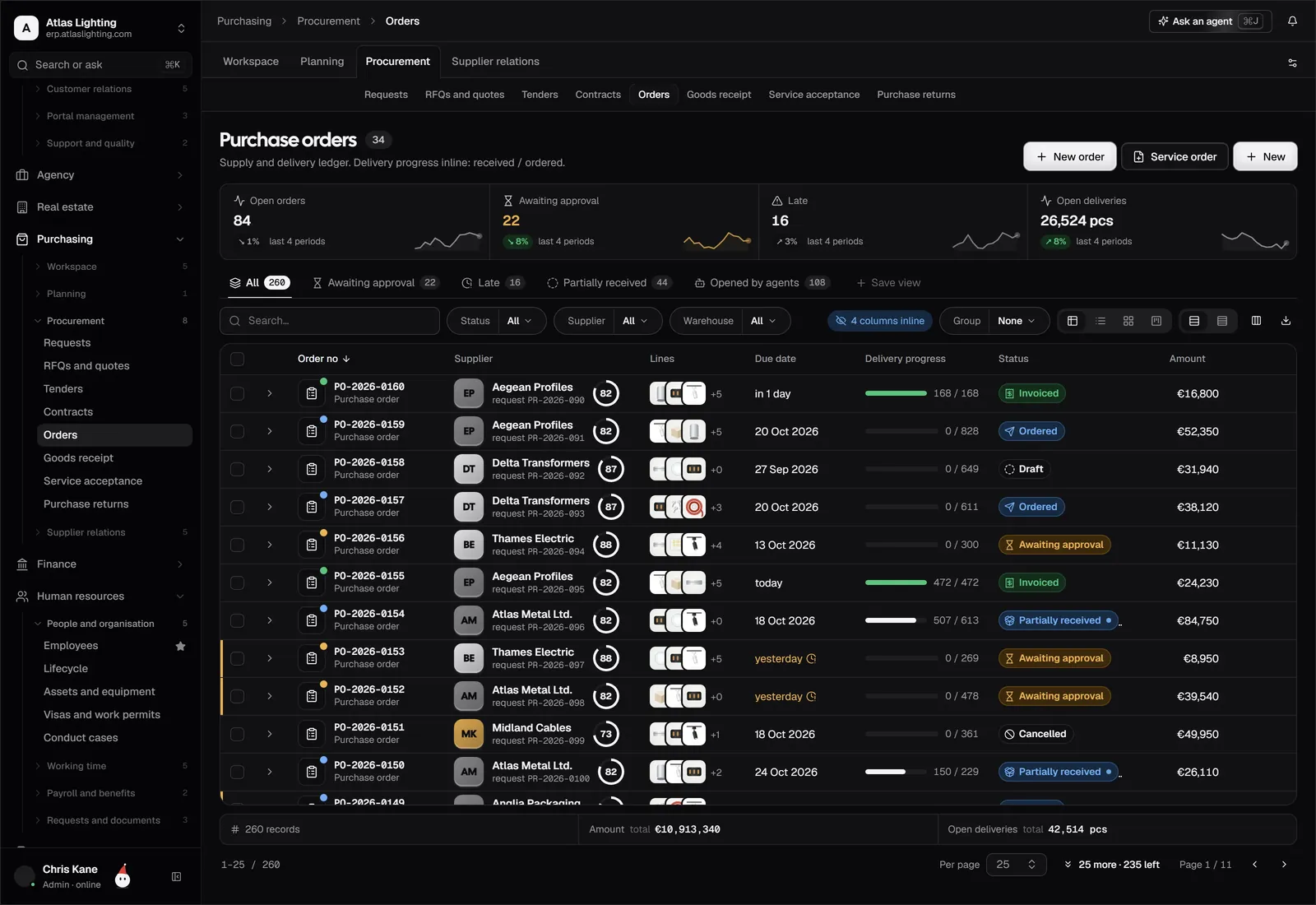
| Links to purchasing and sales | Stock updates itself from orders | Growing businesses |
| Reporting | Spot slow movers and shortages | Everyone |
If you only have one product line and a single storeroom, a lightweight tool may be enough. If you buy, make and sell across several channels, you will want stock control built into the rest of your operations rather than bolted on.
Reorder points: the feature that saves money
A reorder point is the stock level at which you should place a new order. A simple way to think about it: the stock you expect to sell during the supplier’s lead time, plus a safety buffer for variation. If a supplier takes ten days to deliver and you sell about five units a day, your reorder point is roughly 50 units plus a buffer.
Software helps in two ways. It watches the level continuously so you do not rely on someone noticing an empty shelf, and it can prepare a purchase suggestion when the level is crossed. You still decide quantities and approve the order, but the trigger is automatic.
Common problems good software prevents
Most stock trouble comes from a few repeating causes:
- Receiving errors. Goods arrive, but nobody books them in, so the system says you are out of stock while pallets sit on the dock.
- Unrecorded usage. Materials leave the shelf for production without a transaction, so counts drift.
- Lost location data. Stock exists but nobody can find it.
- Slow-moving stock. Money sits in items that rarely sell, and nobody notices.
- Overselling. An online order is accepted for stock that is already committed elsewhere.
Look for software that makes the correct action the easy one: scan to receive, scan to pick, and consume materials automatically when a production job completes.
How to choose stock control software
Work through these steps before you look at a single demo.
1. Map how stock really moves
Write down where goods come in, where they are stored, and how they leave. Include returns and transfers. The software should fit your flow, not force you to reinvent it.
2. Decide how deep you need to go
Do you need bin locations, or is one storeroom enough? Do you need batch or serial numbers? Be honest about the minimum, because extra depth adds training and data entry.
3. Check the connections
Stock is never alone. Ask whether purchase orders update expected stock, whether sales orders reserve stock, and whether production jobs consume materials. Stand-alone tools often leave you re-keying data between systems.
4. Test with your messiest items
Try a product with variants, a kit made of several parts, or an item bought in one unit and sold in another. The edge cases reveal the limits quickly.
5. Plan the data move
You will need to load products, opening quantities and locations. Run a physical count first so that you start from a true number rather than carrying old errors into the new system.
Getting accurate numbers from day one
Software cannot fix a bad starting count. Before go-live, do a full count, label locations, and agree who is allowed to adjust stock. After go-live, use cycle counting: count a small group of items every week, prioritising fast movers and high-value lines. Frequent small counts catch errors while the cause is still fresh and avoid the shutdown of a year-end stocktake.
Where AI can help
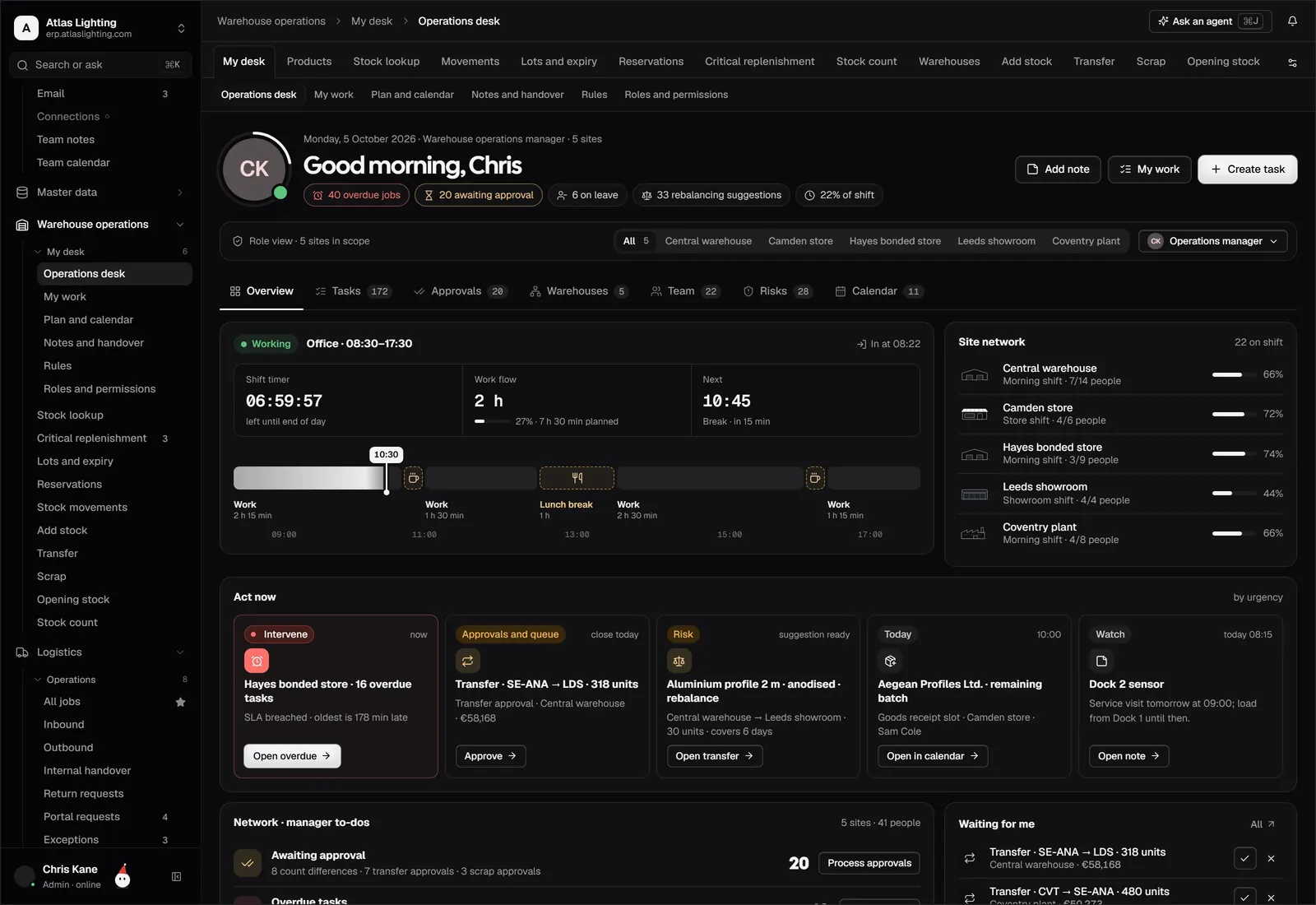
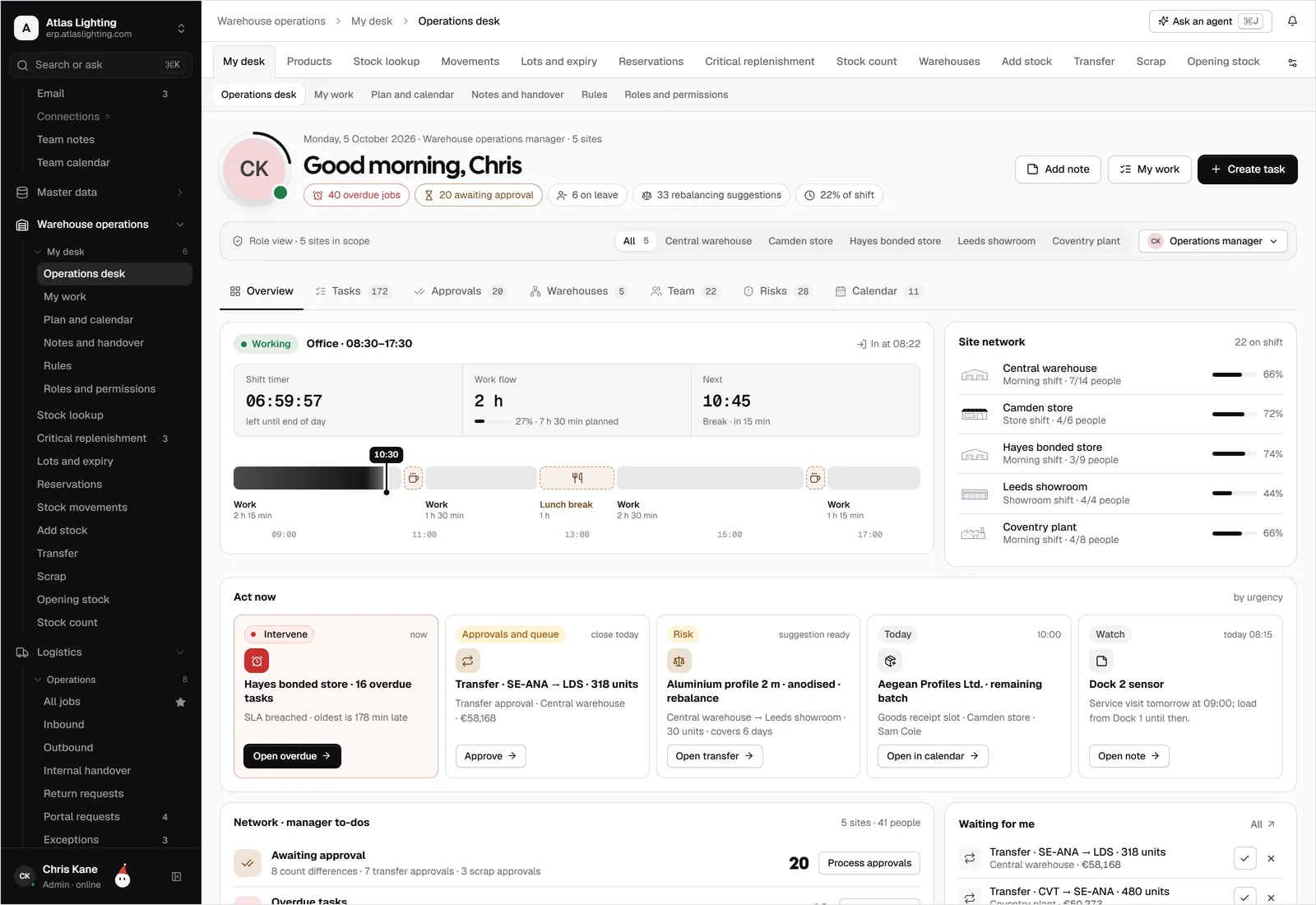
Modern systems are starting to add an assistant layer on top of the records. In Dika Ops, for example, AI coworkers can watch stock levels, draft purchase suggestions and flag unusual movements, but they work inside strict permissions and ask a person to approve anything important. The goal is to remove routine checking, not to hand over control.
FAQ
What is the difference between stock control software and a spreadsheet?
A spreadsheet holds a number someone typed. Stock control software records every movement as a transaction, so you can see who changed what and why, and the balance updates from receipts, sales and production automatically.
Do small businesses really need stock control software?
If you hold more than a handful of items, sell through more than one channel, or have had stock-outs or overstock, yes. The cost of one missed reorder or one oversold order often outweighs the effort of setting up a proper system.
How often should I count stock?
Cycle counting weekly or monthly for fast movers and high-value items, plus a full count when you switch systems, works better than a single annual stocktake for most businesses.
Can stock control software connect to my online shop?
Many can, and it is worth checking early. The aim is a single stock figure that updates every sales channel so you do not sell what you do not have.
Next step
Stock control works best when it is part of one connected system rather than a separate tool. Dika Ops brings inventory, purchasing and sales together, and it is in closed beta. You can join the waitlist to be considered for early access.